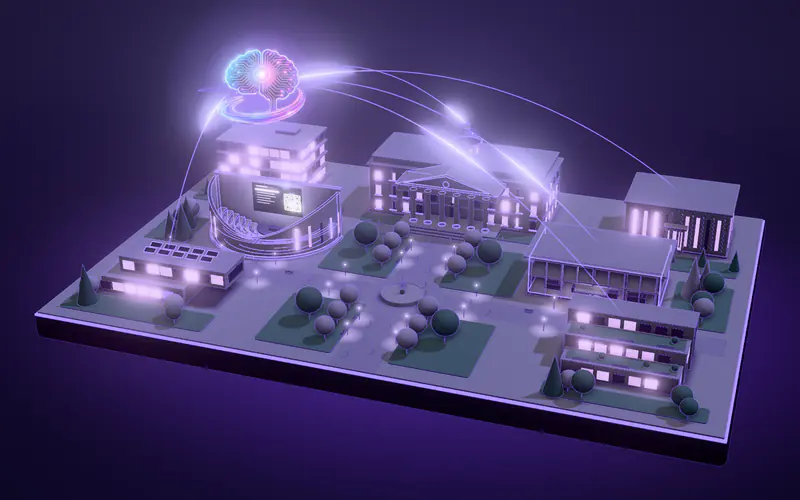
The university’s digital campus, from syllabus to gradebook
Courses written from the syllabus, the AI Professor in every lesson, assignments and tests, lectures in the hall with attendance recorded by QR code, and a weighted gradebook across three exam sessions. One application for the registry, the teaching staff and the students.
The entire semester of a subject, in a single application
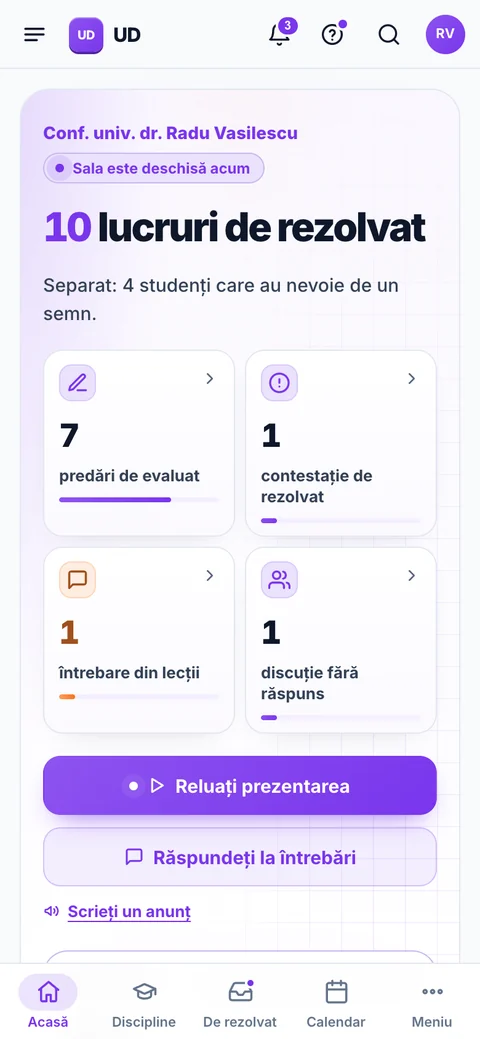
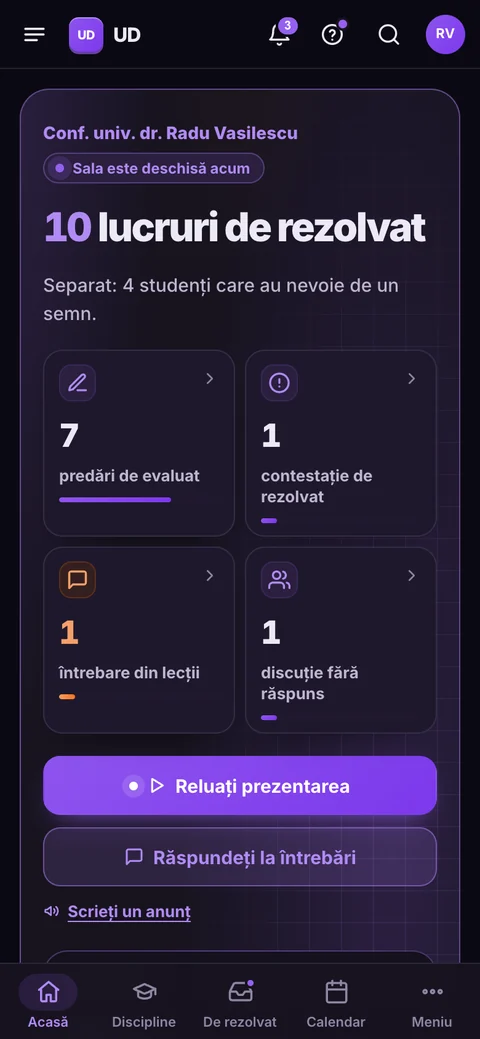
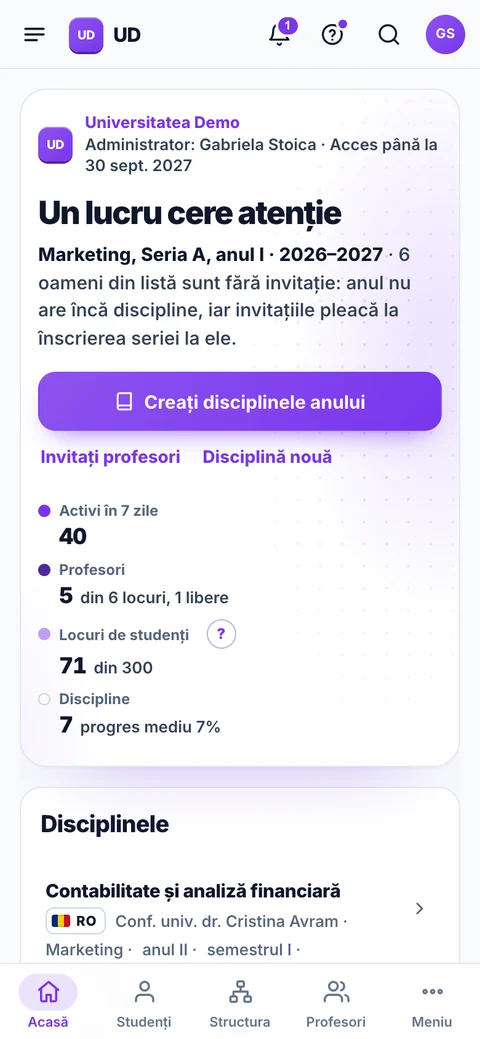
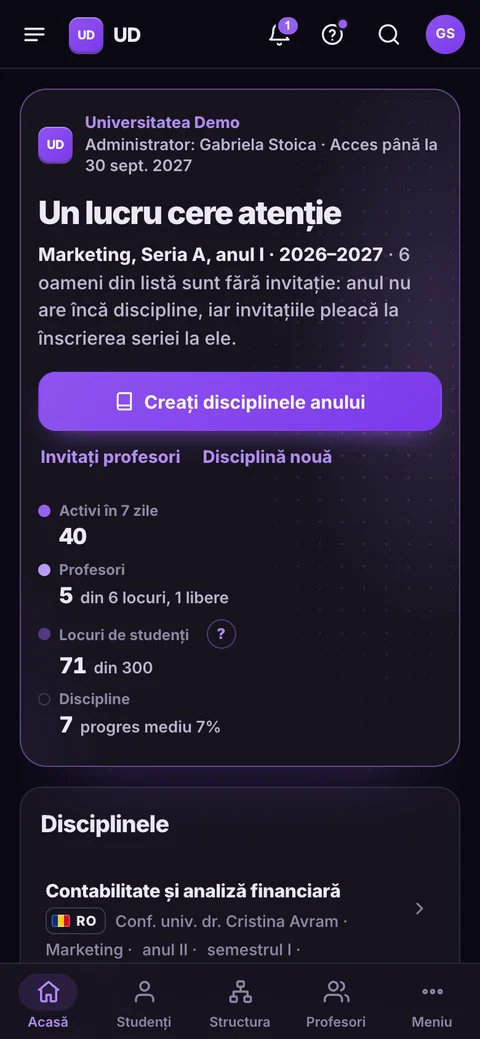
Six modules that work together, for the faculty’s leadership, the registry, the teaching staff and the students. The screens are real, taken from the demo university, with fictitious names; the numbered markers show where each detail appears.
The course of every subject, written from its syllabus
The subject lead provides the syllabus, the Cursuri AI team turns it into modules, lessons and quizzes, and the professor reads the course before adding it.
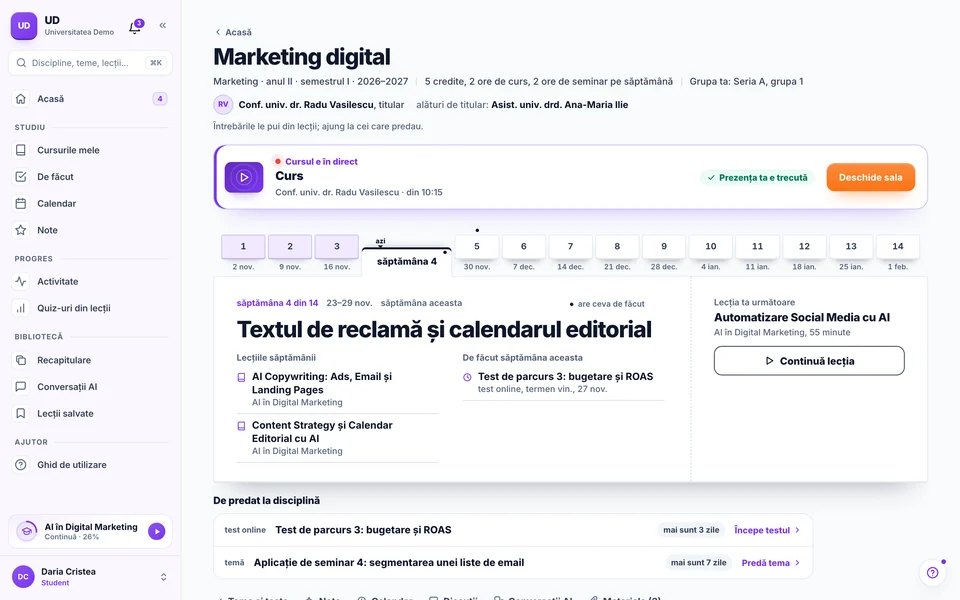
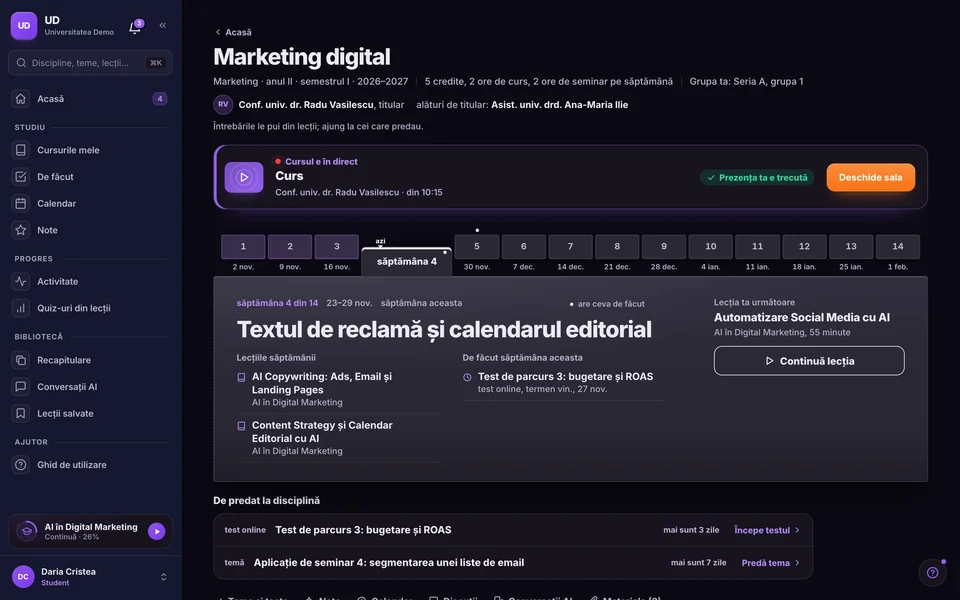
The screen shown: the Digital Marketing subject page as the student sees it, with its framing (year II, semester I, 5 credits), the subject lead and the assistant, the live lecture and the 14-week plan, open at week 4.
Written by the team
syllabus → coursemodules, lessons and quizzes, in Romanian or English
Weeks in the syllabus plan
≤ 30each week linked to its lessons
Courses per subject
≤ 20chosen by the subject lead from the university’s own
Visibility
privatenot in the public catalogue or in search
A mistake in the text
in placereported on the passage; the fix stays in the revision history
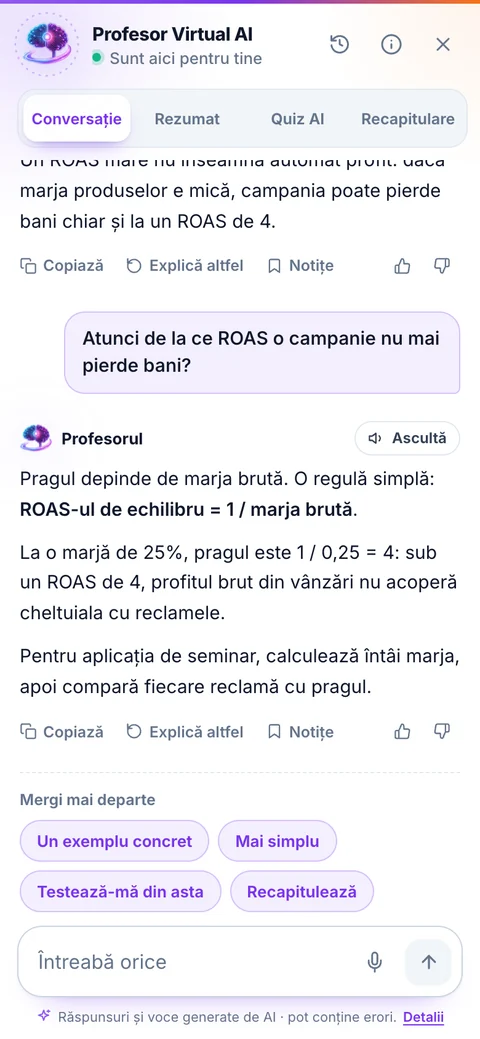
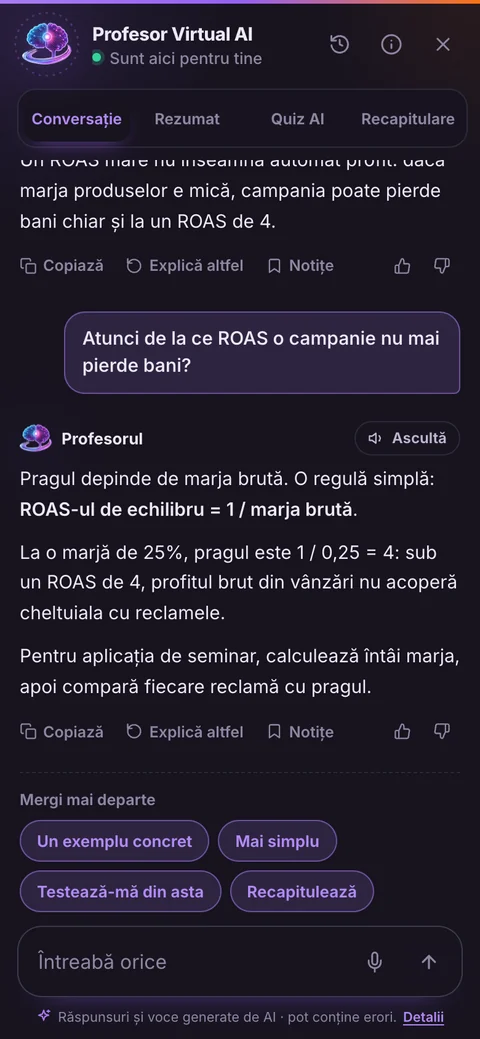
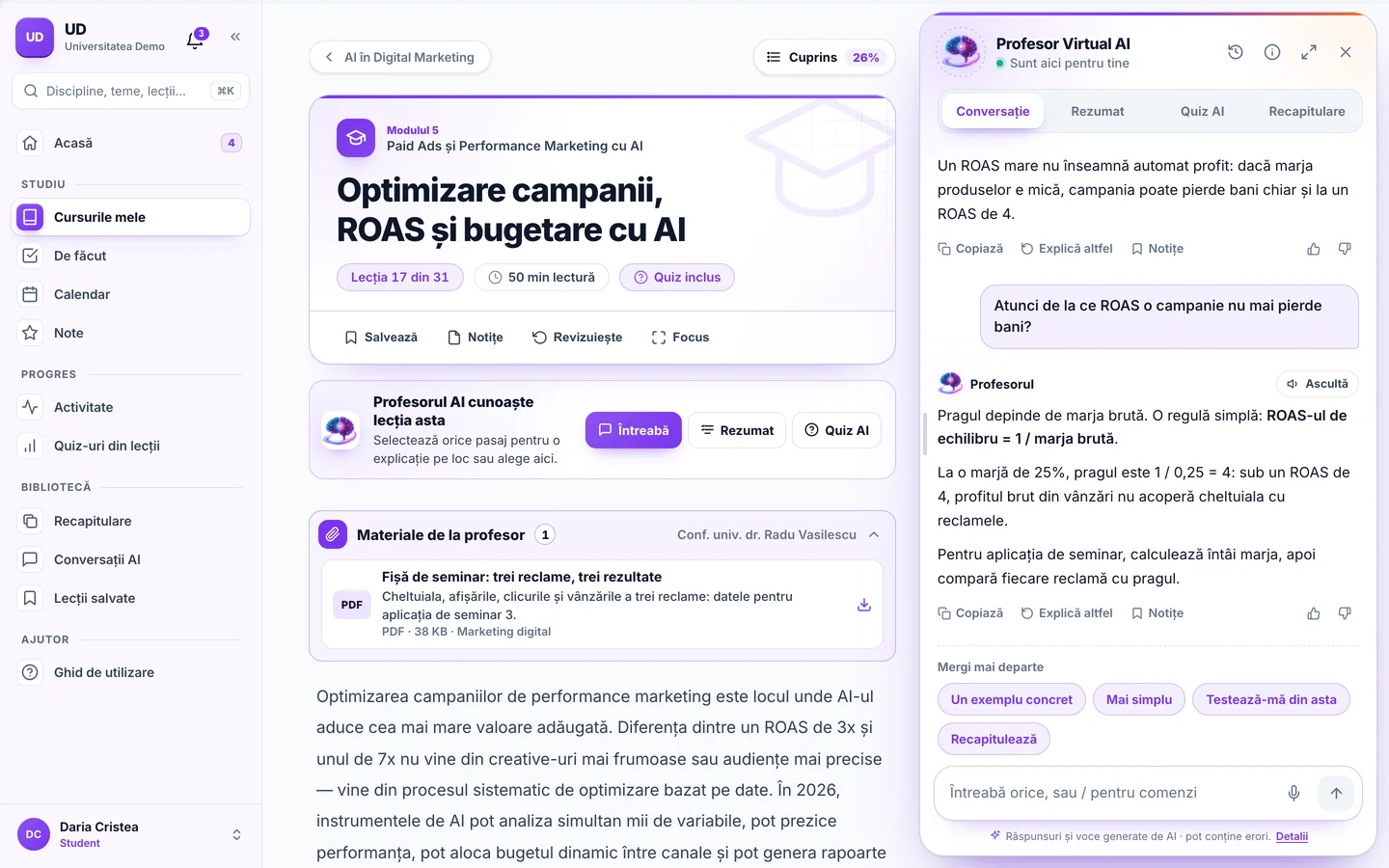
The AI Professor starts from the lesson the student is reading. Grading remains with the professors, and questions for the subject lead reach the teaching staff.
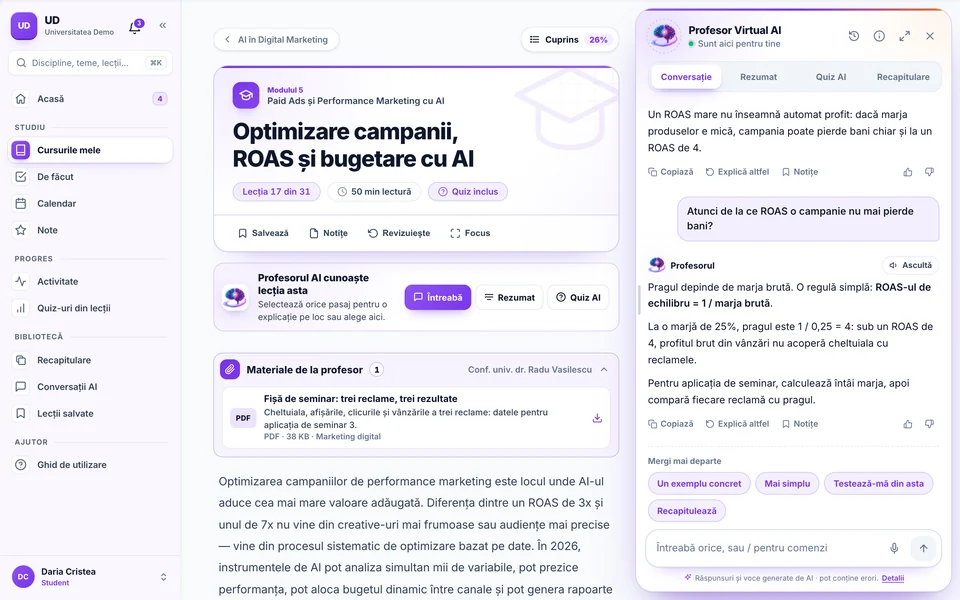
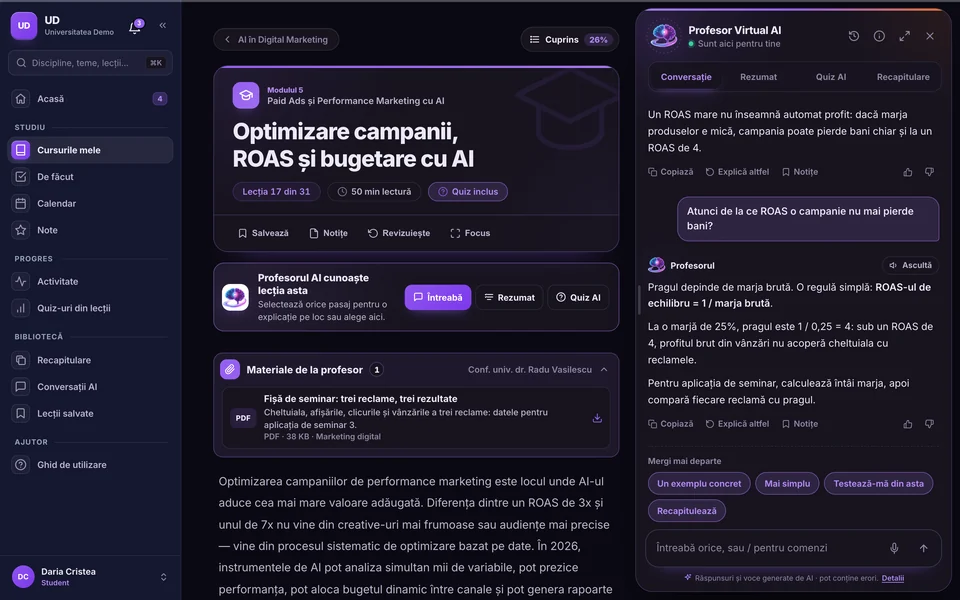
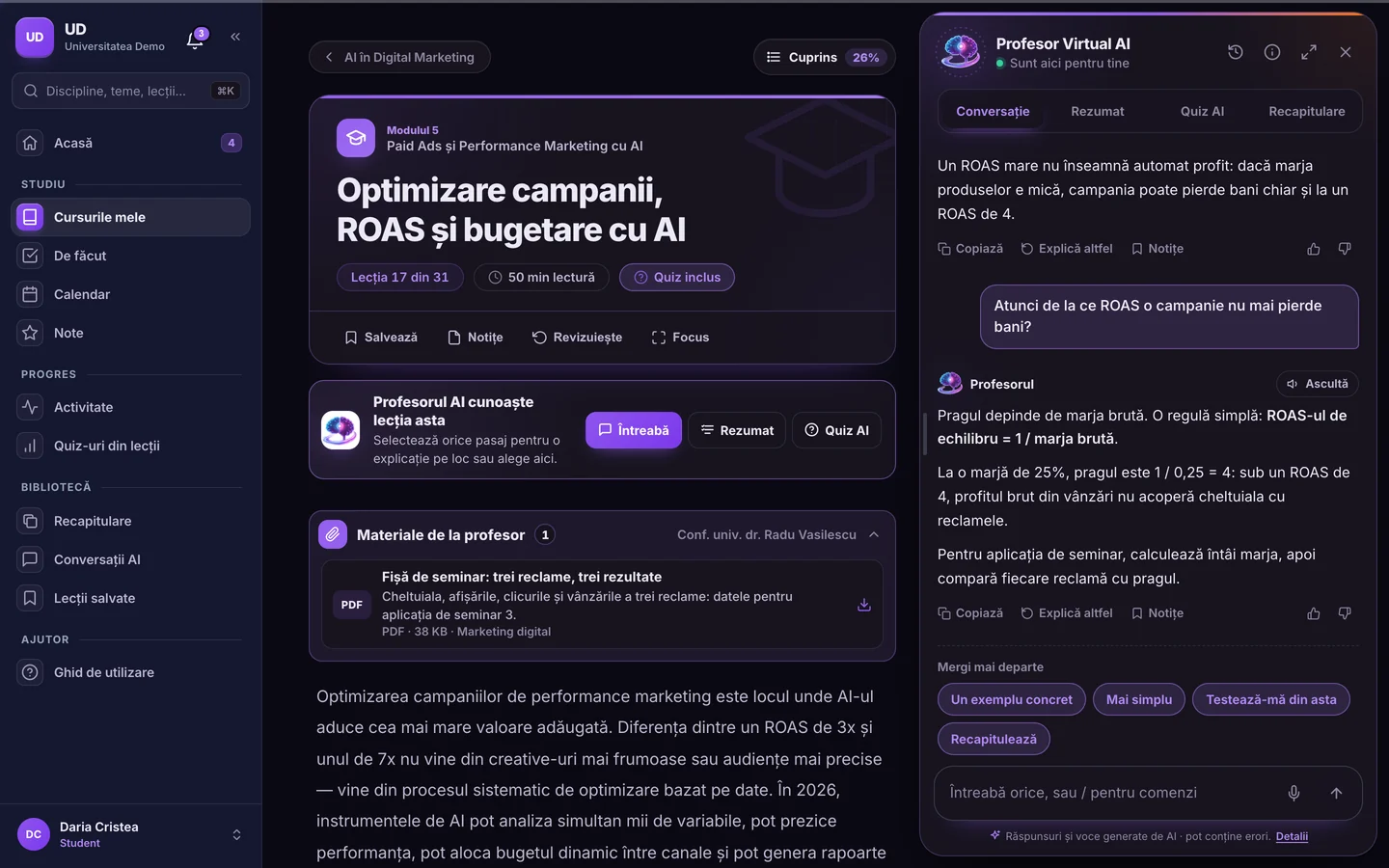
The screen shown: a lesson open next to the AI Professor panel, with the Conversation, Summary, AI quiz and Review tabs, an explanation built on the lesson and the suggestions for going further.
On a selected passage
3 prompts“Explain this”, “Give me an example”, “Why does it matter?”
On request
3 toolsthe lesson summary, a generated quiz, review cards
A question for the professor
signedthe reply carries the academic title and name
Conversations
privateteaching staff see progress, not the conversations
Grades given by AI
nonegrades are given and published by the professors
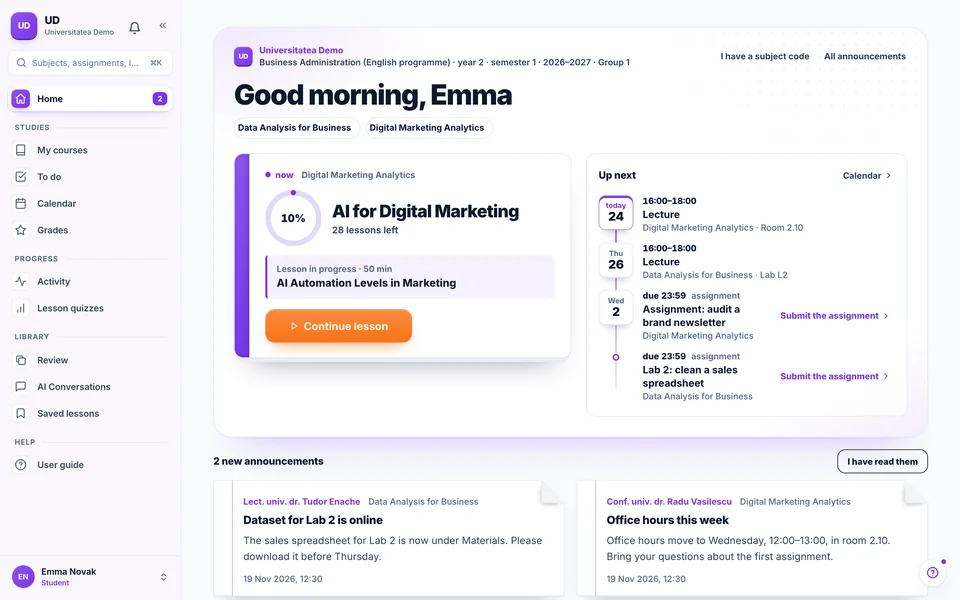
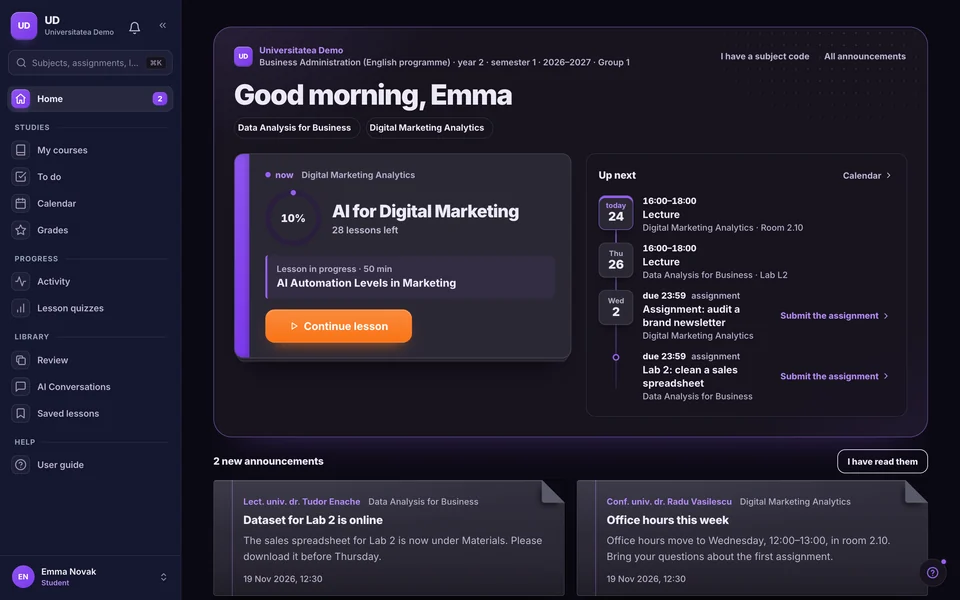
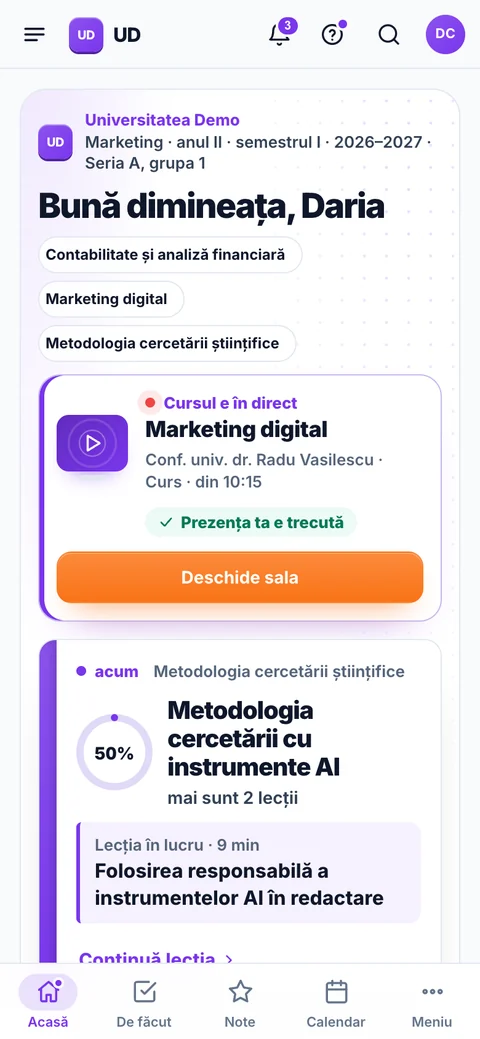
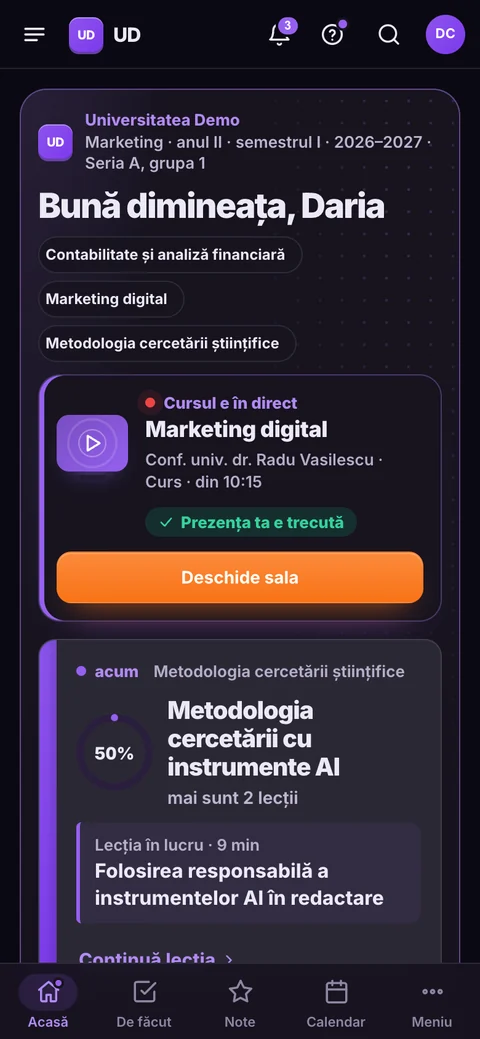
The student sees their framing, the live lecture, the lesson in progress and what comes next, with the rooms. The home page puts forward one action, chosen by urgency.
The screen shown: a student’s home page, with the programme framing, the course in progress, the lesson under way and the next lectures and deadlines in the calendar.
The student’s day
4 pagesHome, To do, Grades and Calendar
The calendar
iCalendarin Google, Apple or Outlook, via a personal link
Quiet hours
22–07notifications only with consent; only “The course is live now” passes
Deadline reminder
24 hby email, once per event
Attendance in the lecture hall
10 sa new code every 10 seconds; one phone, one student
Assessment, from the rubric to the gradebook for signature
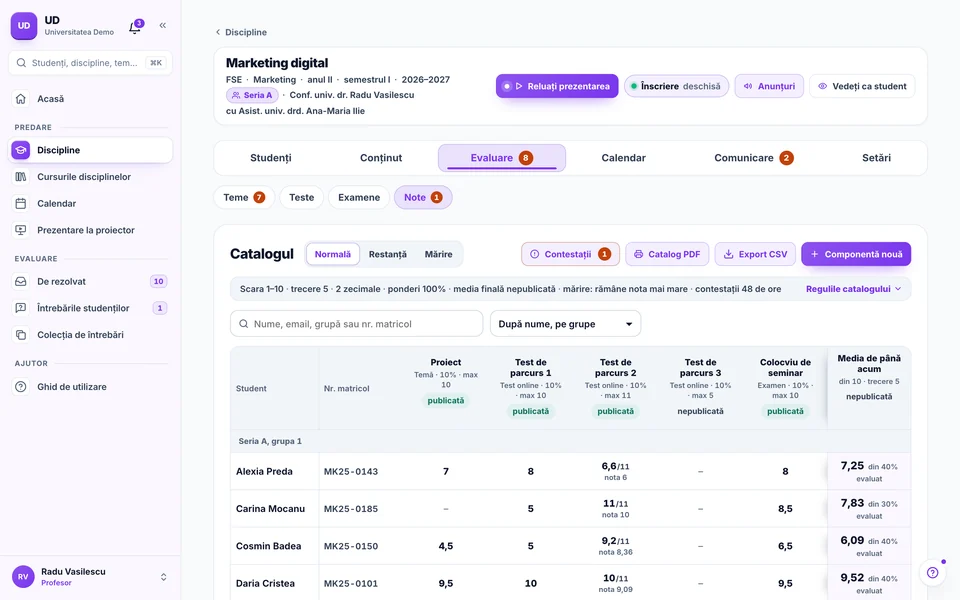
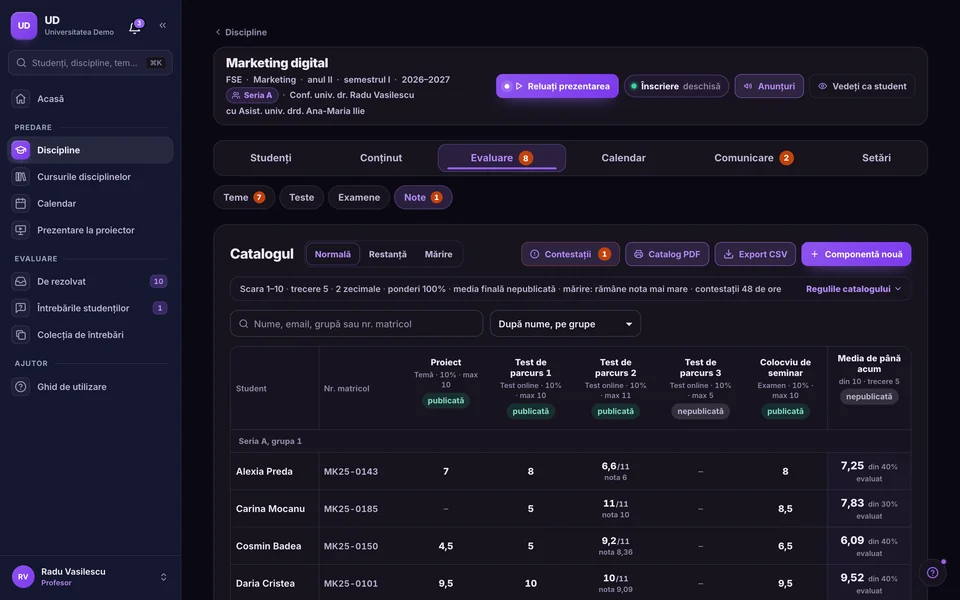
Assignments are graded on rubrics, tests against the professor’s key, and the gradebook combines the components by weight, computed exactly.
The screen shown: the Digital Marketing gradebook, with the regular, resit and improvement sessions, the rules (1–10 scale, pass mark 5, appeals within 48 hours), weighted components, student ID numbers and the running average.
The professor’s questions, from the online test to the exam
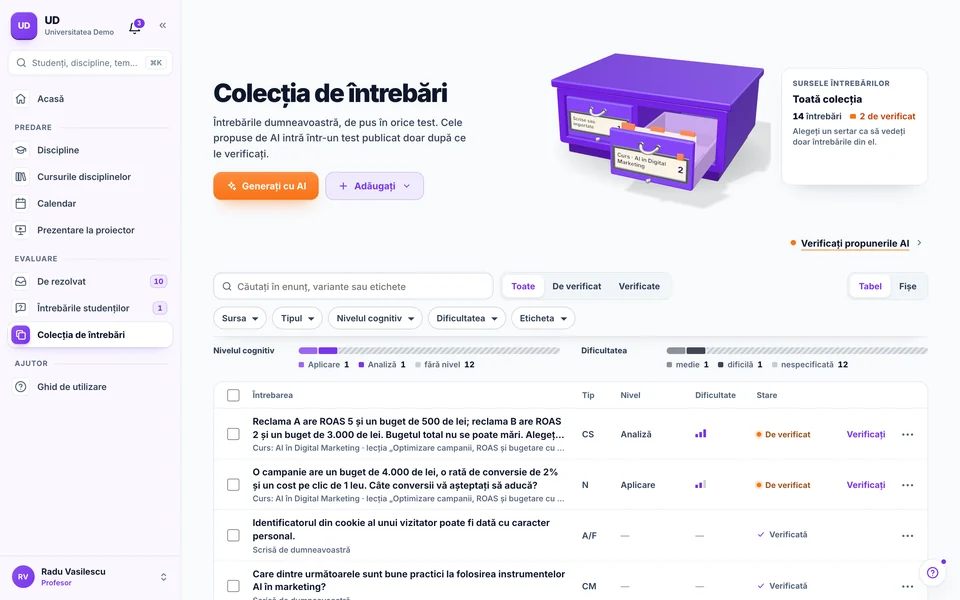
Questions are written in the app, imported, or suggested by AI from the course and confirmed by the professor, each with its source, cognitive level and difficulty.
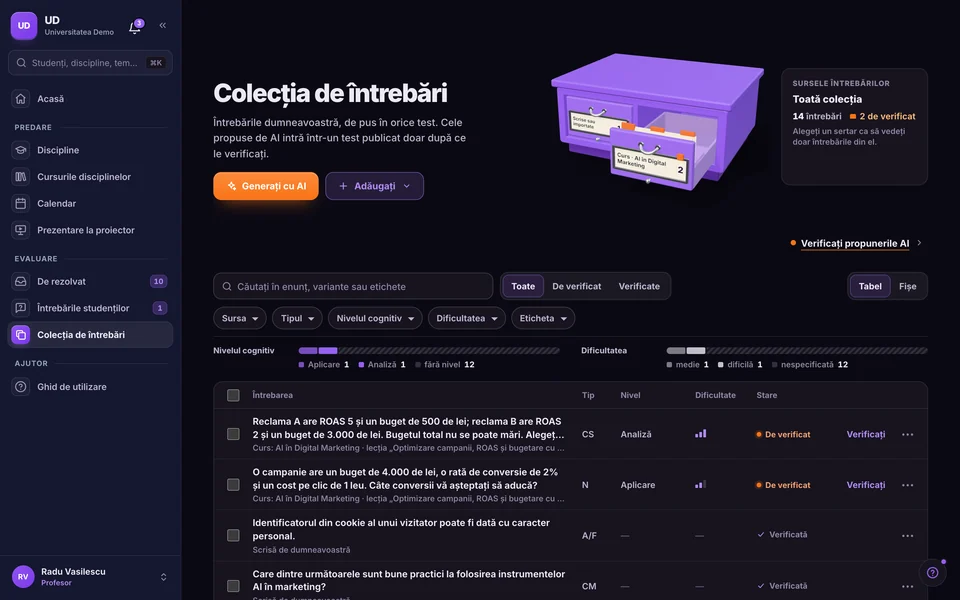
The screen shown: the professor’s Question bank, with the drawers by source, the AI proposals awaiting review, the filters by cognitive level and difficulty, and the table of questions.
Questions per professor
≤ 2,000kept from one academic year to the next
Item analysis
27%discrimination: top group against bottom group
Exam paper versions
A–Dwith a marking scheme and a revision code on every sheet
AI proposals
checkedthe test is published only after confirmation
Import
XLSXalso CSV, XLS, ODS or Word text, checked row by row
The university’s structure, with a record of every change
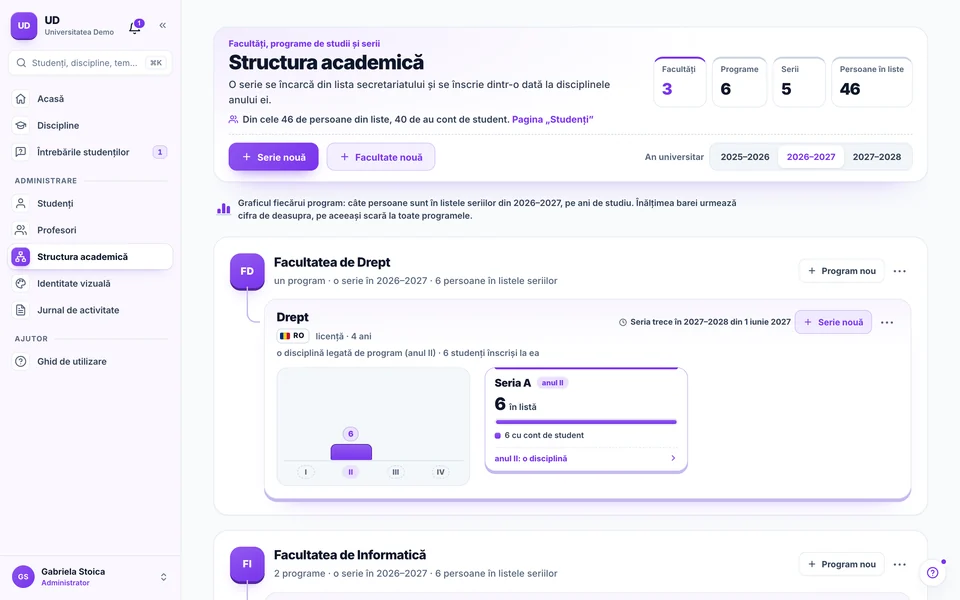
Faculty, programme, year, series and group mirror the way the university is actually organised. A series is loaded from the registry’s list and enrolled in its year’s subjects in one step.
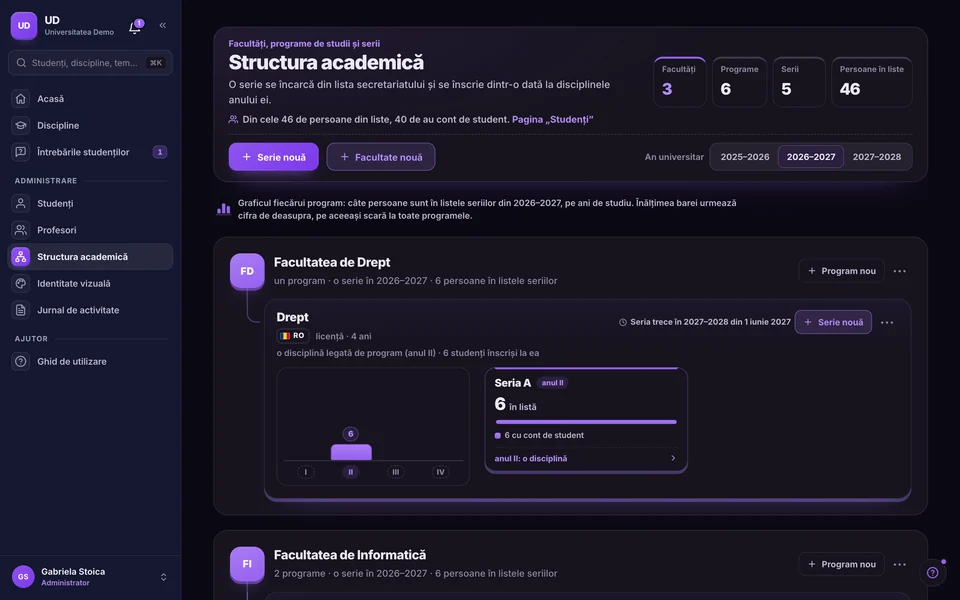
The screen shown: the academic structure, with 3 faculties, 6 programmes, 5 series and 46 people on the lists; the Faculty of Law, its four-year bachelor’s programme and Series A, with 6 students on the list.
The registry’s list
≤ 2,000rows, each checked before anything is sent
A series
≤ 1,000students; it moves up a year with the student IDs
The audit log
9categories: who changed what, and when
Colour contrast
4.5 : 1the logo and colour, checked before saving
Data export
any timean archive in parts: members, gradebook, attendance
01Before · RegistryThe university’s structure and the series listFaculty, study programme, year, series and group; the registry’s list (CSV, XLSX, XLS, ODS or a table copied from Excel) is checked row by row before anything is sent.Up to 2,000 rows · Student ID taken from the list
02W1 · Cursuri AI teamThe course, written from the syllabusThe team writes the modules, lessons and quizzes from the syllabus provided by the subject lead, who reviews them before they reach the students.Up to 20 courses per subject · private access
03W2 · StudentsStudent enrolmentThrough the email invitation, the subject’s code or the QR code shown on the projector; a whole series is enrolled in the subjects of its year in one step. Before joining, each student is told what data the professor sees.8-character code · invitations valid for 14 days
04W3 · Subject leadThe live lectureEach section of the lesson becomes a slide on the projector; students answer the quick question from their phones and the results appear anonymously; attendance is recorded in the hall, with no names on screen.A new code every 10 s · one phone, one student
05W6 · StudentsStudying the lessons with the AI ProfessorThe AI Professor explains the selected passage and is marked as artificial intelligence; questions for the professor reach the subject’s teaching staff, and the reply is signed.Private conversations · no grades given by AI
06W10 · Lead and assistantsContinuous assessment: assignments and testsAssignments with marking rubrics, online tests timed by the server, and individual extensions granted to a single student without affecting the others.Rubric: 12 criteria × 2–6 levels · up to 5 attempts
07Exams · Subject leadThree sessions, with appealsThe regular, resit and grade improvement sessions, each published separately; appeals within the deadline set by the subject lead; each session’s gradebook as a PDF with Student IDs, ready for signature.Appeals: 48 h by default (24 h to 7 days)
08End · StudentsFinal grades, by weightThe final grade is published only when the weights add up to 100%; a student passes only if every weighted exam reaches the pass mark.10- or 100-point scale · exact averages
03The AI Professor
AI in the lesson, on the university’s terms
Its role is set out explicitly: it explains the lesson, it does not grade, and authority over the subject stays with the professor.
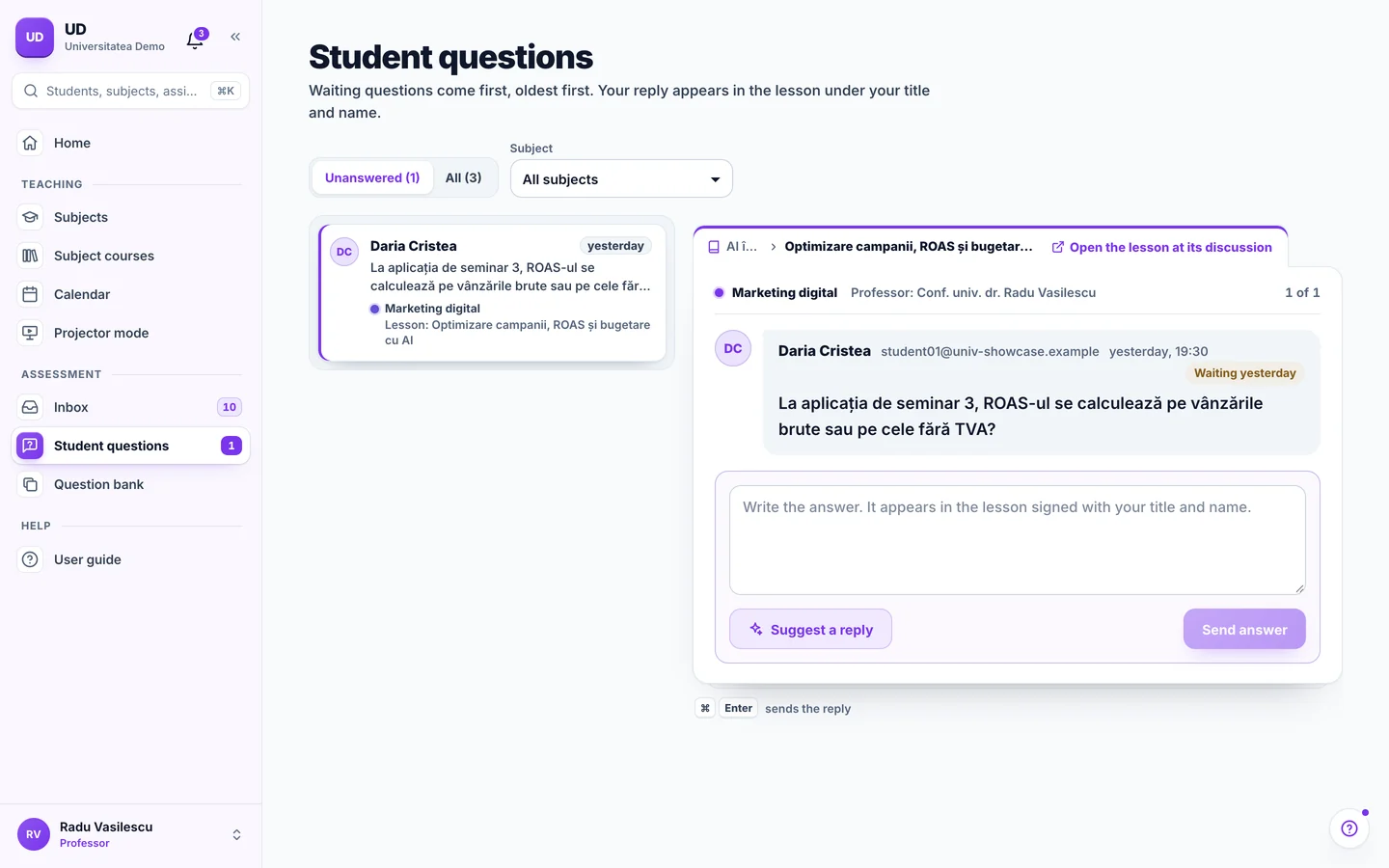
DCFor seminar exercise 3, is ROAS calculated on gross sales or on sales excluding VAT?
1The student asks in the lessonThey select a passage or write a question.
2The AI Professor explainsIt starts from the lesson being studied, and the explanation is marked as AI.
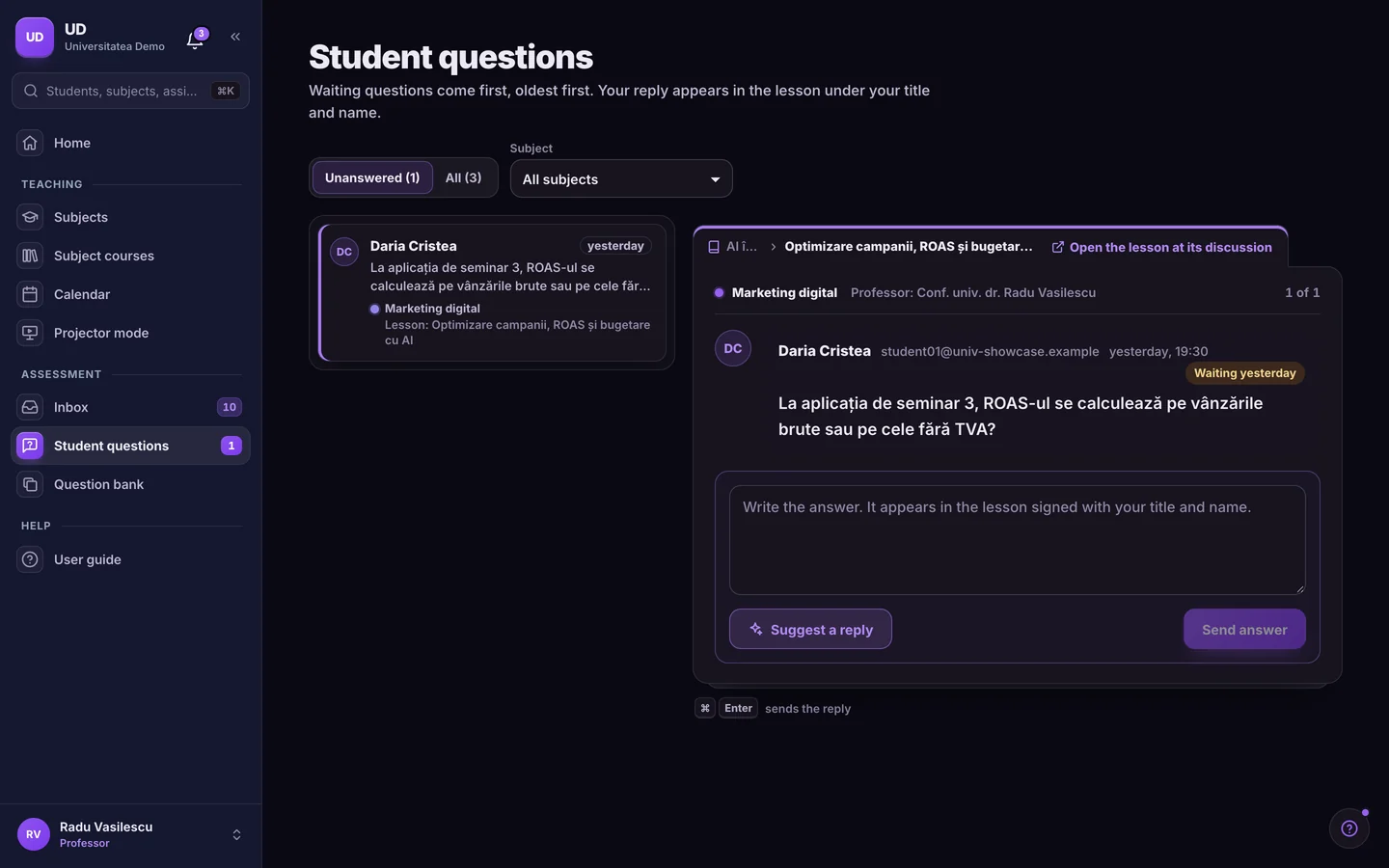
3The question reaches the professorIt is sent from “Questions & Answers” to the subject’s teaching staff.
4The professor replies under their own nameThe reply appears in the lesson with the professor’s title and name.
Fact sheetThe AI ProfessorIn every lesson of the university’s own courses, always marked as AIAIArt. 50
Sources
The lesson the student is reading; when the university uses the Library, also the subject’s books, cited by book, chapter and page
Questions for the professor
Sent from the lesson to the subject’s teaching staff, not to the platform team; the reply is signed with the professor’s title and name
Reply proposal
At the professor’s request, drawn from the lesson and the bibliography; nothing is sent until the professor has read and adapted it
Grading
It does not grade. Grades are set and published by the professors
Who reads the conversations
Only the student. Teaching staff see neither the conversations nor the notes
Model training
Questions to the AI Professor are not used to train the model
Usage
Within the monthly limit set for each university
On the student’s request
On a selected passage
Explain this to me
Give me an example
Why does it matter?
For the whole lesson
Summary
AI Quiz
Review
Transparency: every AI-generated answer is labelled as such, in line with the transparency obligation in Article 50 of the EU AI Act.
04Assessment and attendance
The gradebook and the lecture hall, under academic rules
Components and weights are set for each subject, the gradebook has three sessions, and attendance is recorded in the lecture hall with a code renewed every 10 seconds.
The student obtains 4.00 in the exam, below the pass mark. Although the weighted average would be 6.50, the subject is not passed and the student sits the resit session.
The grade obtained in the resit session, 6.50, replaces the one from the regular session. The final grade becomes 7.50 and the subject is passed.
In the grade improvement session the student obtains 6.00. Under the subject’s rule the higher grade, 6.50, is kept, so the final grade remains 7.50.
Arc length = weightheight = gradeglass plane = pass mark (5)improvement: the higher grade is kept
Attendance · Microeconomics
444499993333666610sFrom the student’s own signed-in account. One phone, one student.
14 present out of 25
············Another account on the same phone: attempt rejected········
What the teaching staff seeIoana MarinFrom the hall · 10:02Andrei StanFrom the hall · 10:02Mihai DobreRejected: same phone · 10:03
Attendance is recorded in the hallThe four-digit code and the QR code are renewed every 10 seconds. The projector shows no names, only the number of students present; names and rejected attempts appear only to the teaching staff.
Set per subject
The gradebook rules
The rules the gradebook applies to every grade; the thresholds are set by the subject lead.
Art. 11010010 or 100
Gradebook scale
Averages are calculated exactly, without rounding errors; rounding is to a whole number or to two decimals.
Art. 2avgexam5 out of 10
Pass mark
The default, which the subject lead may change. Every weighted exam must reach the pass mark on its own.
Art. 324 h7 days48 h
Appeals
Default window, adjustable from 24 hours to 7 days; one appeal per grade and session, decided by the subject lead with reasons.
Art. 4MK25-0143 · 7,50MK25-0150 · 8,10PDF · CSV
The gradebook for signature
For each session: Student ID numbers, the components with their weights and signature lines for the subject lead and the registry; CSV export by session.
Art. 5●☑T/F1.5Timed on the server
Online tests
Single-answer, multiple-answer, true/false or numeric questions with a tolerance; answers are saved as the student progresses.
Art. 612 × 2–6
Rubrics
Up to 12 criteria, each with 2 to 6 levels; the score follows exactly from the levels awarded.
Art. 7allonePer student
Individual extensions
A later deadline or up to five additional attempts for one student, without any change for the other students.
05The difference
More than a course platform, more rigorous than a chatbot
What is usually split between a course platform, several extensions and a general AI assistant comes together here in a single academic environment.
CriterionA usual course platformA general AI assistantUniversityby Cursuri AI
01Courses written from the subject’s syllabusWritten by the professorNoYes, written by the Cursuri AI team and read by the subject lead
02AI explanations inside the lesson, explicitly marked as AIRarelyOutside the courseIn every lesson of the subject’s courses
03The student’s question reaches the subject’s teaching staffThrough messagesNoYes, directly from the lesson, with a signed reply
04Gradebook with weights and three sessionsThrough extensionsNoYes, with appeals and a PDF gradebook for signature
05Attendance with a code renewed every 10 secondsThrough extensionsNoYes, from the projector; one phone, one student
06Grades given by artificial intelligence— (not applicable)— (not applicable)Never: the professors grade
06Security and data
The university’s data, hosted in the European Union
The platform and its data are hosted in Frankfurt, and the database has a daily backup in Ireland. Files stay in Frankfurt, in private storage; each role sees only what belongs to it, and at the end of the contract the data is exported, then deleted.
European Union · hosting3IrelandEU · the daily database copy12FrankfurtEU · the platform
Frankfurt · EU1The platform, the accounts, the gradebook and the audit log2Materials and submissions, in private, encrypted storageIreland · EU3The daily backup of the database
At the end of the contract, in a set order
Reminders30, 14, 7 and 1 day before the access end date
30 daysRead-only access; export to CSV, PDF and ZIP
Access stopsAt the end of the read-only period
DeletionThe university’s data is deleted and administrators receive a summary of what was deleted, in figures
Files: two checks before they reach students
PDF12
StructurePDFs without active content, Office documents without macros
Antivirusa dangerous file is blocked and deleted
Private storageno public addresses; every download checks the requester’s right
Roles and the audit log
AdministratorProfessorAssistantStudent
Each role has access only to what belongs to it. Important actions are recorded in the university’s audit log, in nine categories:
1
The Cursuri AI team
The demoThe app, shown on the demo university from the administrator’s, the professor’s and the student’s point of view.
2
The university and the team
Offer and contractAn offer based on professor seats and a student cap per professor; the contract and the data processing agreement (GDPR Art. 28).
3
The team, then the administrator
The university in the appThe team creates the university and invites the administrator, who sets the short name, the logo and the accent colour.
4
The university administrator
Structure and invitationsFaculties, study programmes and series, the registry’s lists checked row by row, and the invitations for teaching staff.
5
Teaching staff and students
The first semesterSubject leads create their subjects, choose the courses and enrol students by invitation, code or series list.
01On how many devices can staff be signed in at once?
A staff account (professor, assistant or administrator) can keep up to 10 sessions open at the same time: the laptop, the phone and the lecture hall projector. Beyond that limit, a new sign-in closes the oldest session.
02What does the AI Professor do, and what does it not do?
It explains the lesson, always marked as AI, and the student can send a question from the lesson to the subject’s professor, who replies under their own name. It does not grade: grades are given and published by the professors.
03Do professors see the students’ conversations with the AI Professor?
No. Teaching staff see the progress in the subject’s courses, assignments, tests, grades and attendance, but not the conversations with the AI Professor or the student’s notes. Only the questions the student chooses to send from the lesson reach the professor.
04What is the platform not?
It is not a videoconferencing tool and has no chat between users; it does not connect to other platforms through LTI. The live lecture takes place in the lecture hall, with the app on the projector and on the students’ phones.
05How can the platform be evaluated before a decision is made?
In the demonstration we present the app on the demo university (fictitious names) from the administrator’s, the professor’s and the student’s perspective. Extensions for specific fields can be presented there as well.
University by Cursuri AI
Request a demonstration for your faculty
Share a few details about your university and we will prepare a presentation of the platform, tailored to your faculty, for its leadership, the registry and the teaching staff.
A demonstration on the demo university, for the faculty’s leadership, the registry and the teaching staff
An offer based on professor seats, with a student cap for each seat
The data processing agreement, signed before the first student enrols