
For the dean’s office, the registry and the rectorate
The university is managed from one place
The dean’s office or the registry sets up the structure, loads the series lists and invites the professors. The gradebook, syllabus and exam papers stay with the subject lead.
- 2,000rows per list, each checked before saving
- 1,000students in a single series
- 9categories in the audit log
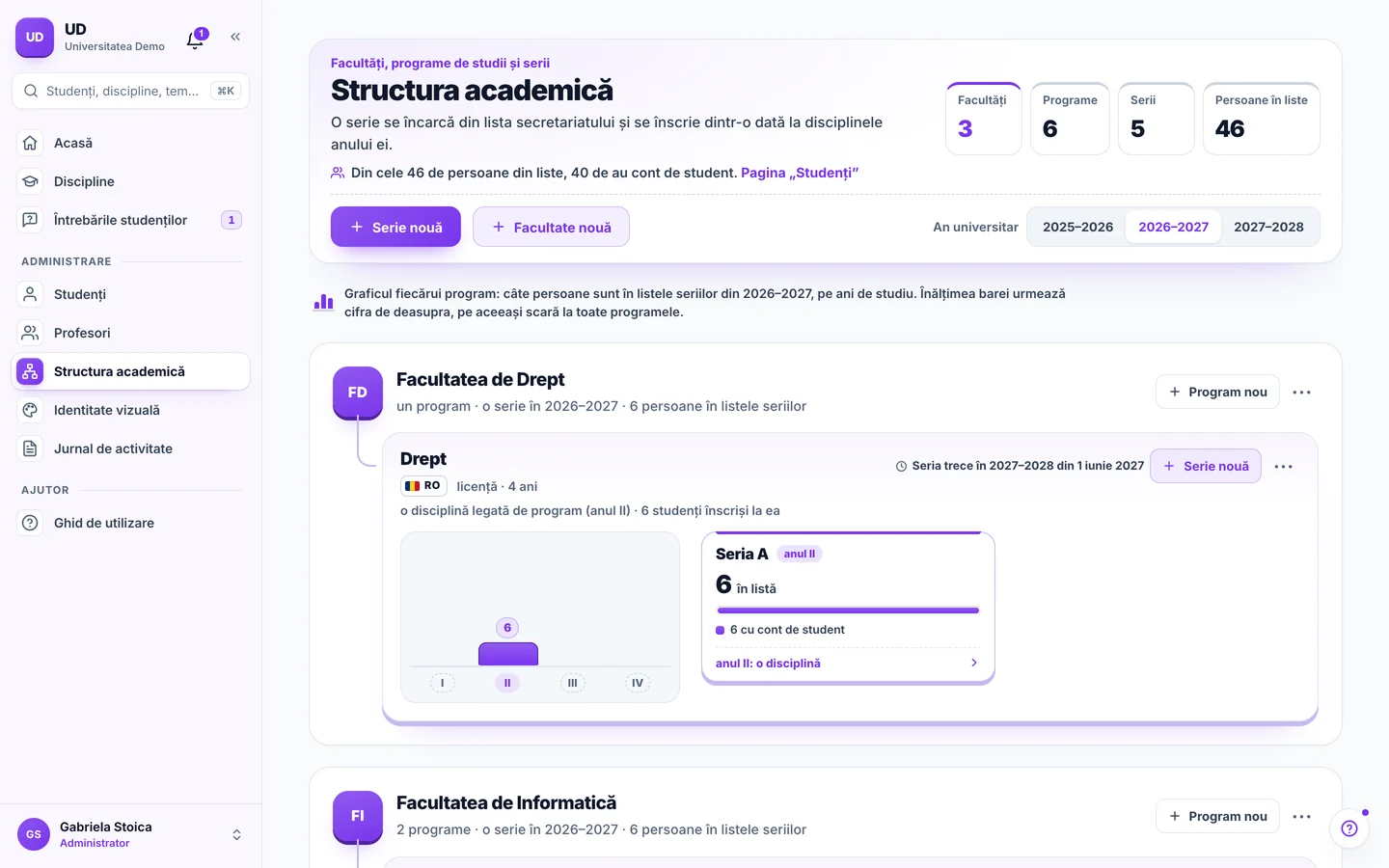
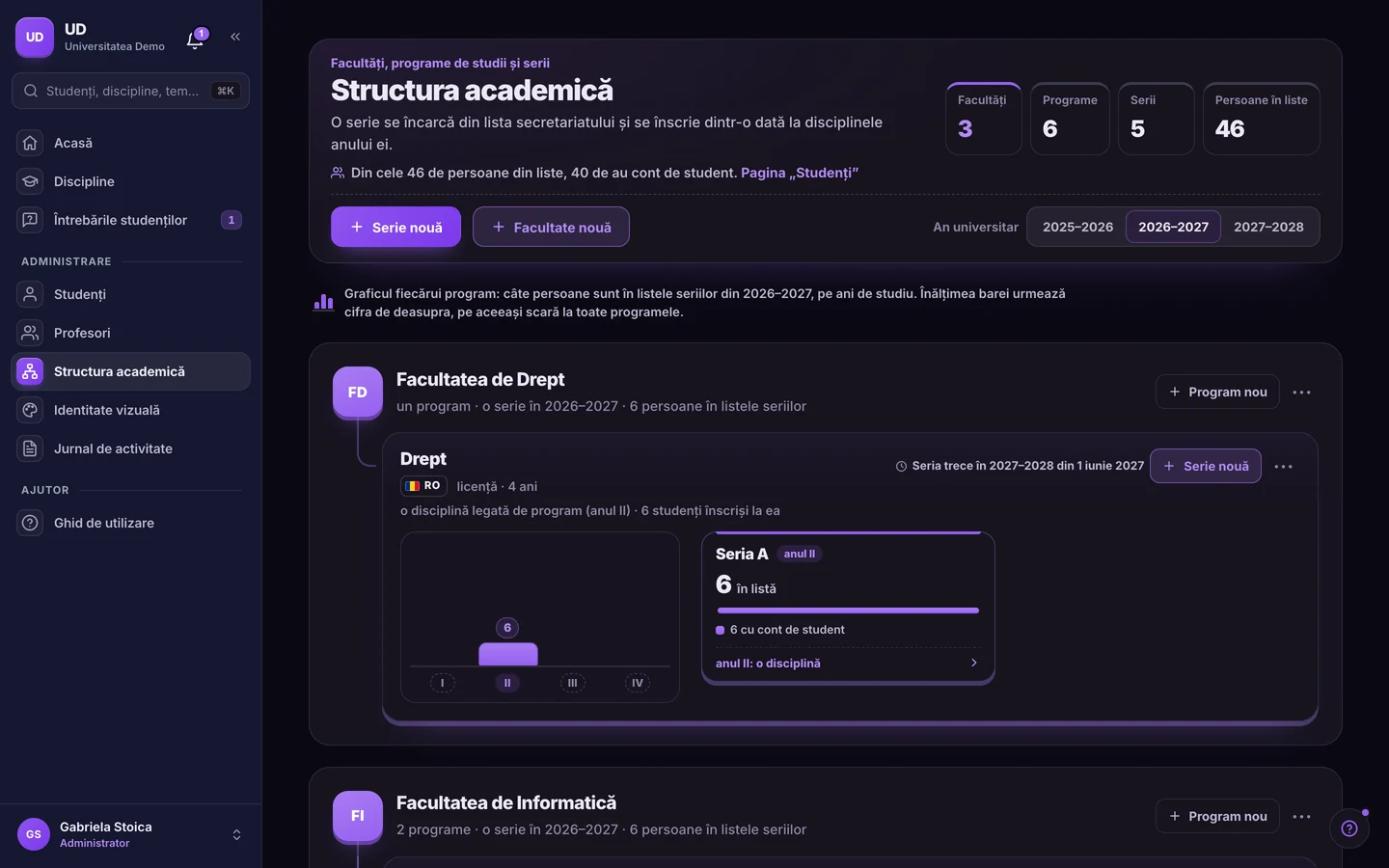
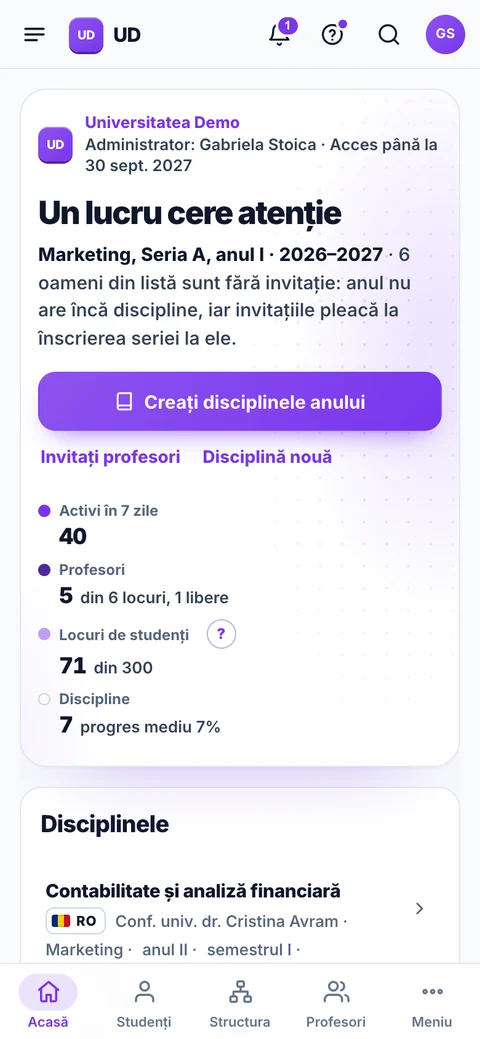
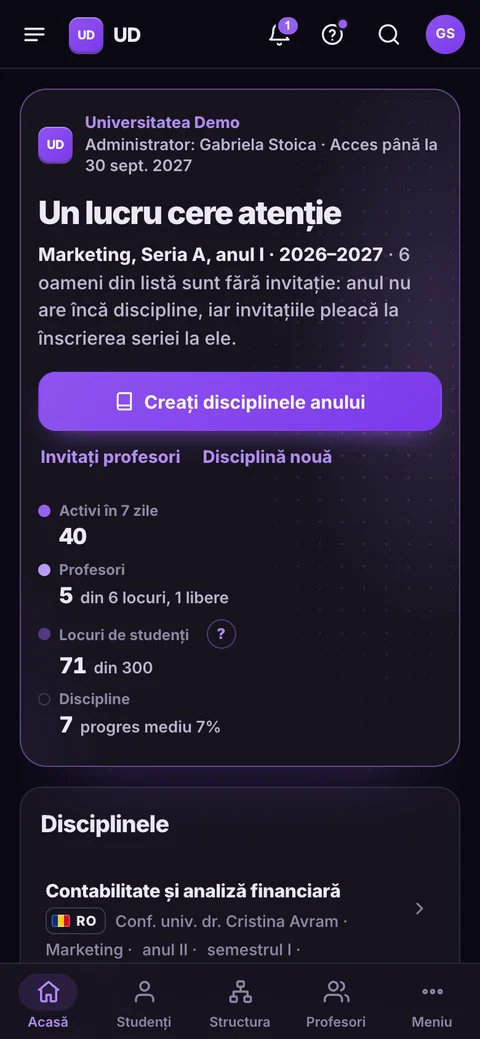
Example data: the demo university, from faculty to series
01At the start · The series list
The registry’s list is checked row by row
Each series list comes from the registry and shows, before it is saved, what each row will do. The series is then enrolled in one step in the subjects of its year.
series-list.xlsx6 rows · Series A, year II
- a.popescu@stud.examplegroup 1 joins the list
- radu.ilie@stud.examplegroup 1 joins the list
- ioana.marin@stud.examplegroup 2 already on the list: group corrected
- elena.voicu@stud,examplegroup 2 invalid row: invalid email address
- m.dobre@alta-univ.examplegroup 2 joins the listaccount at another university
- radu.ilie@stud.examplegroup 1 appears twice in the file
3 new students 1 corrected 1 invalid row 1 duplicate
- Formats
- CSV · XLSX · XLS · ODSor a table pasted from Excel or an email
- Limits
- 2,000 rows · 2 MBup to 20 columns; formulas are never executed
- The next year
- From 1 Junethe series moves on as a new series, with the same Student IDs
02At the start · Professors
The administrator invites the professors; the subject lead runs the subject
Professors are invited with their academic title; the administrator sees seats taken, invited and available and can hand the administrator role to a colleague.
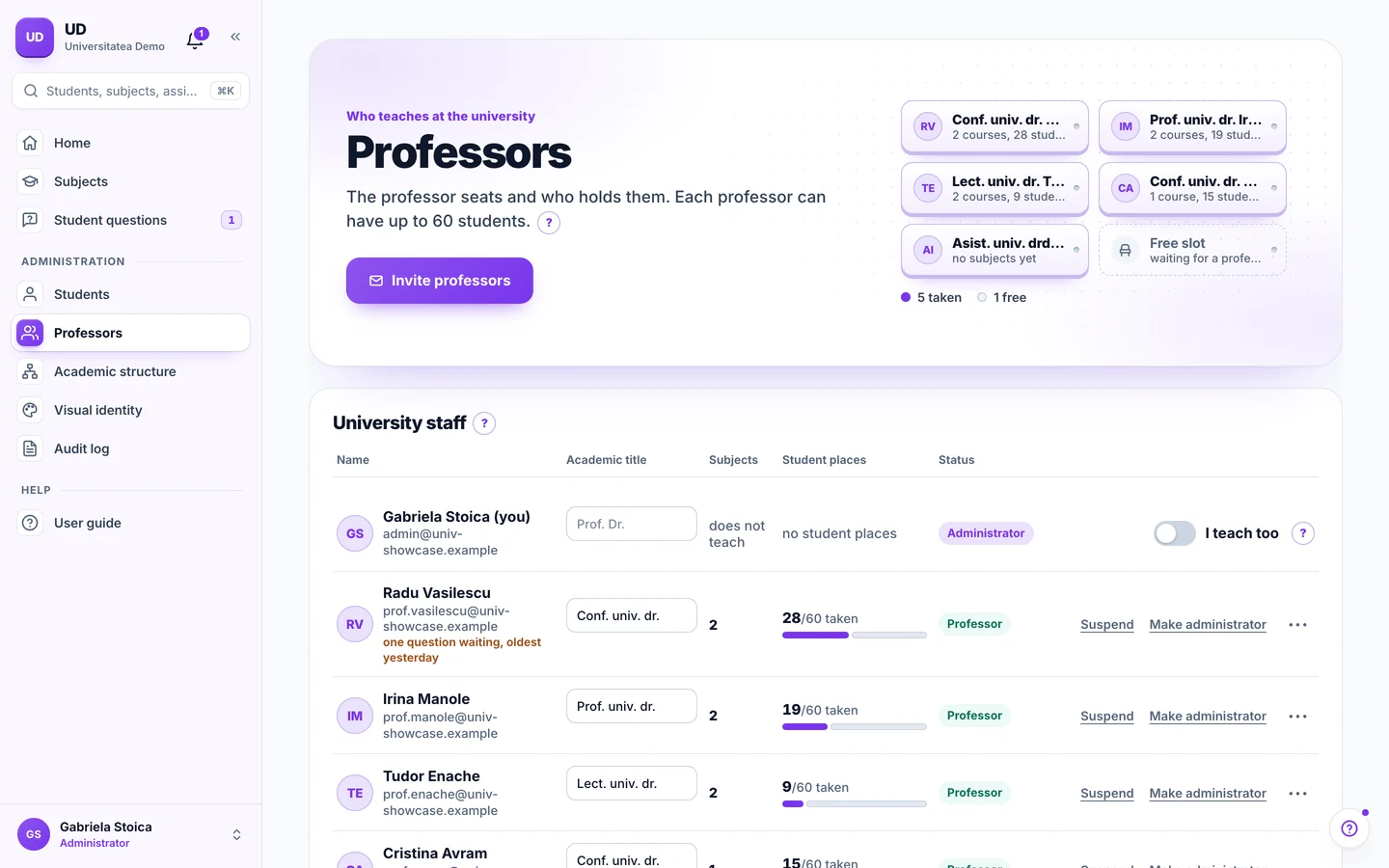
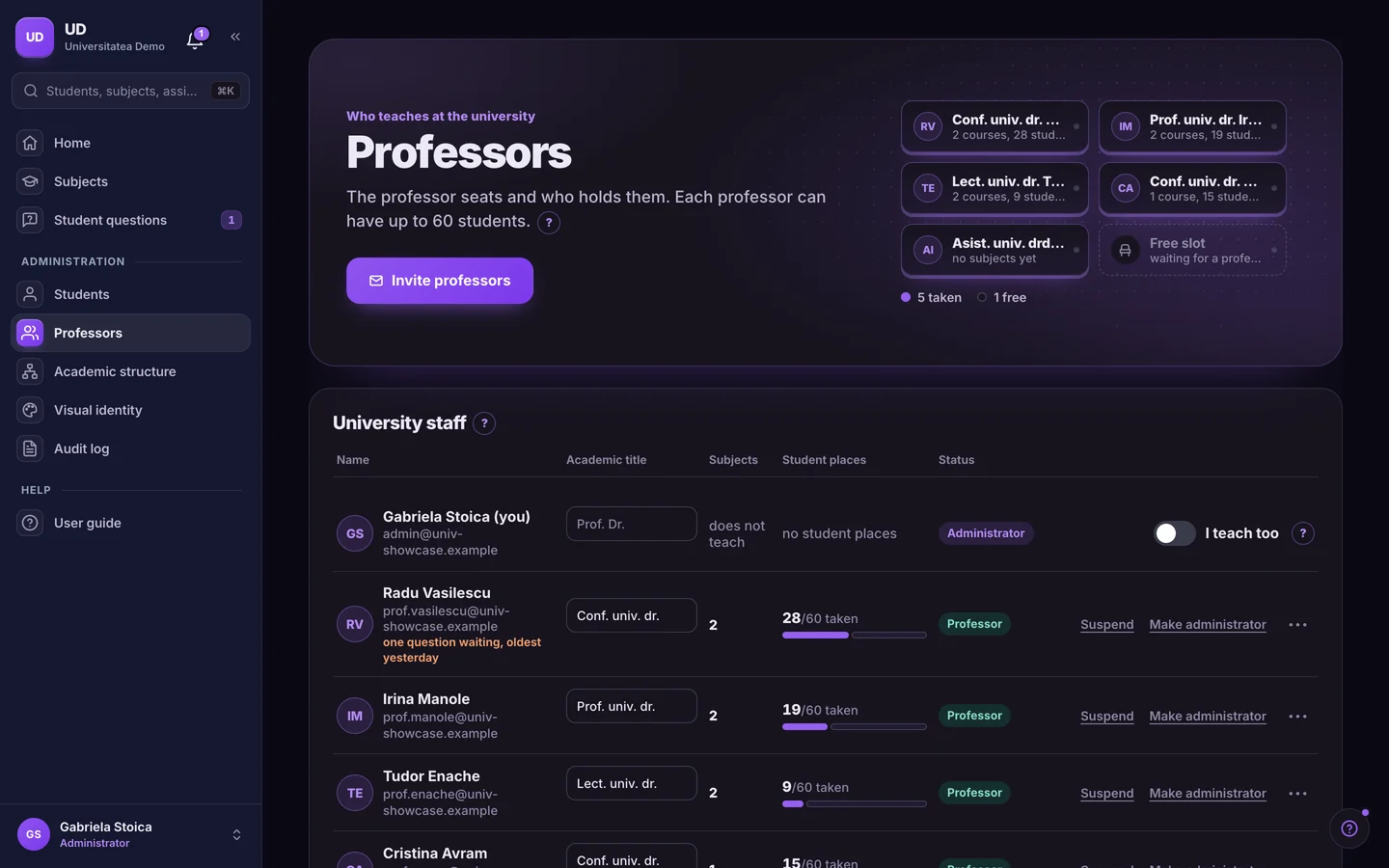
- The academic title is set on invitationProf. univ. dr. to Asist. univ. dr. are suggested; up to 60 characters.
- An invitation holds the seatUntil it is accepted or cancelled, or expires after 14 days.
- An administrator can teach tooThen they take a professor seat; at least one administrator always remains.
03During the semester · The dashboard
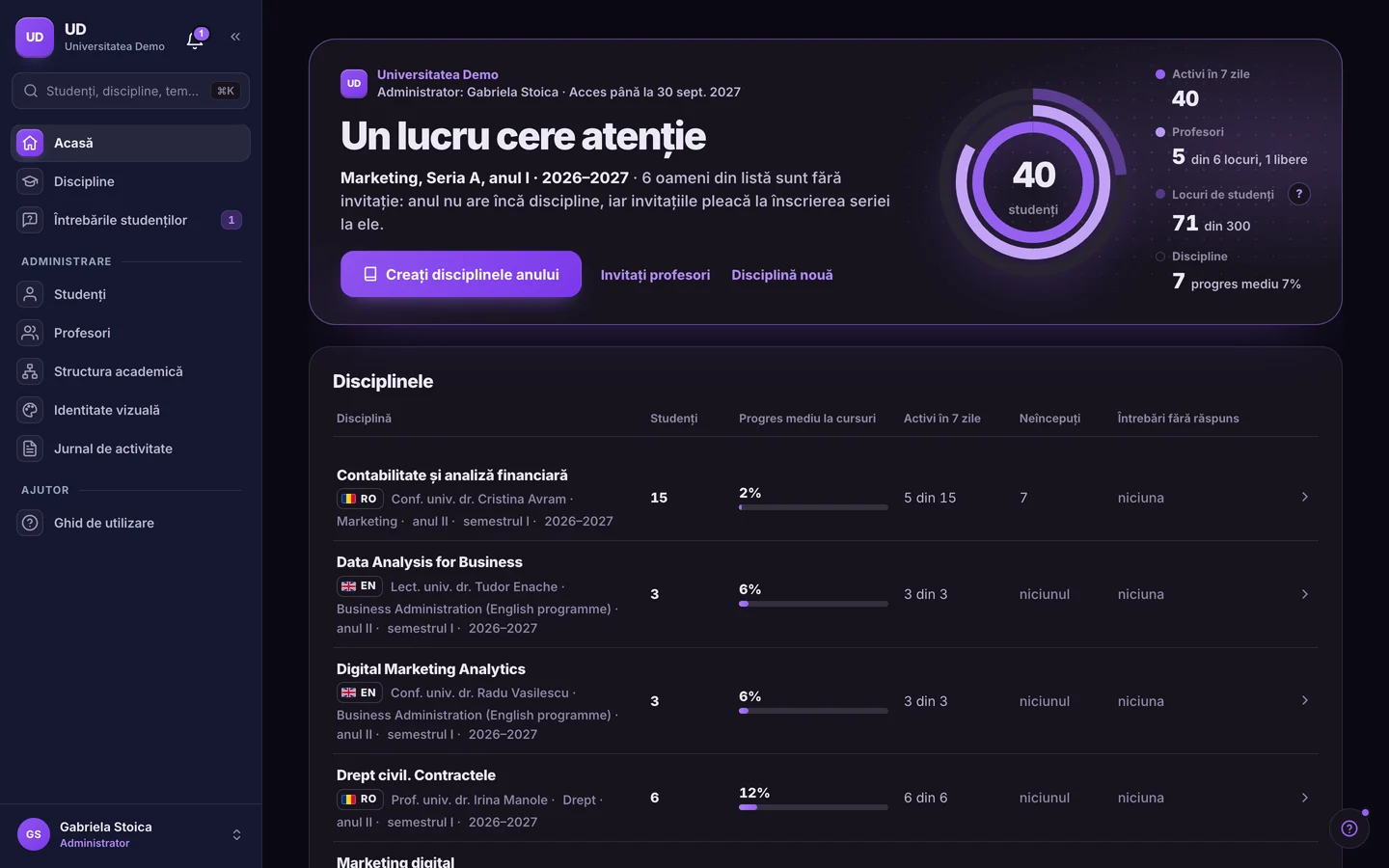
The dashboard shows what needs attention
First the active students and seats, then what needs doing: subjects without a professor or courses, series not moved up, waiting questions, seats nearly full.
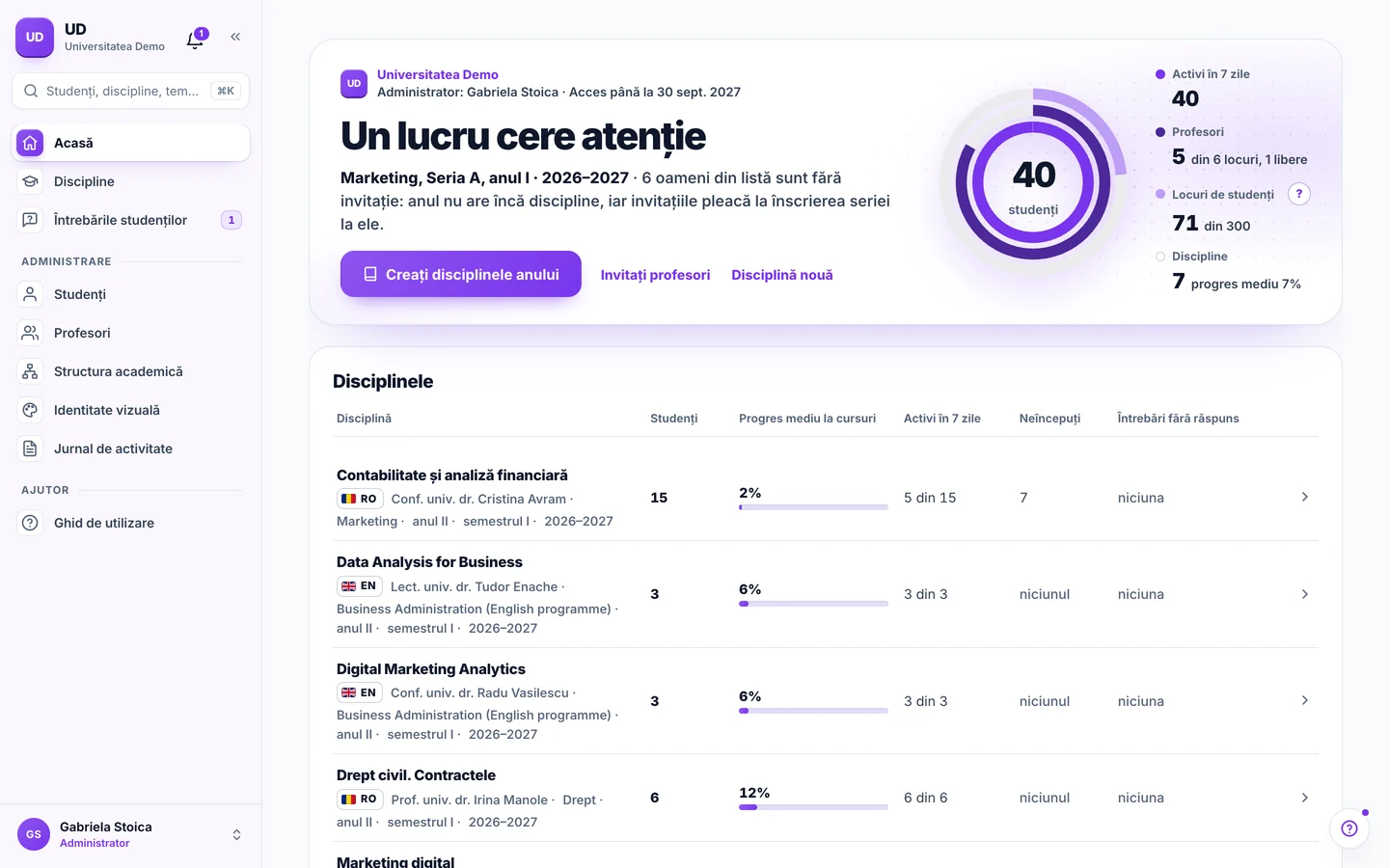
- Each item comes with its reasonSix people on the list were not invited: the year has no subjects yet.
- The button for the next stepCreate the year’s subjects, invite professors, add a subject.
- Students active in 7 daysCounted from the university’s real activity.
- Seats and progressProfessor and student seats, and the average progress in the subjects.
04Any time · Identity
The university’s logo and colour appear in the app
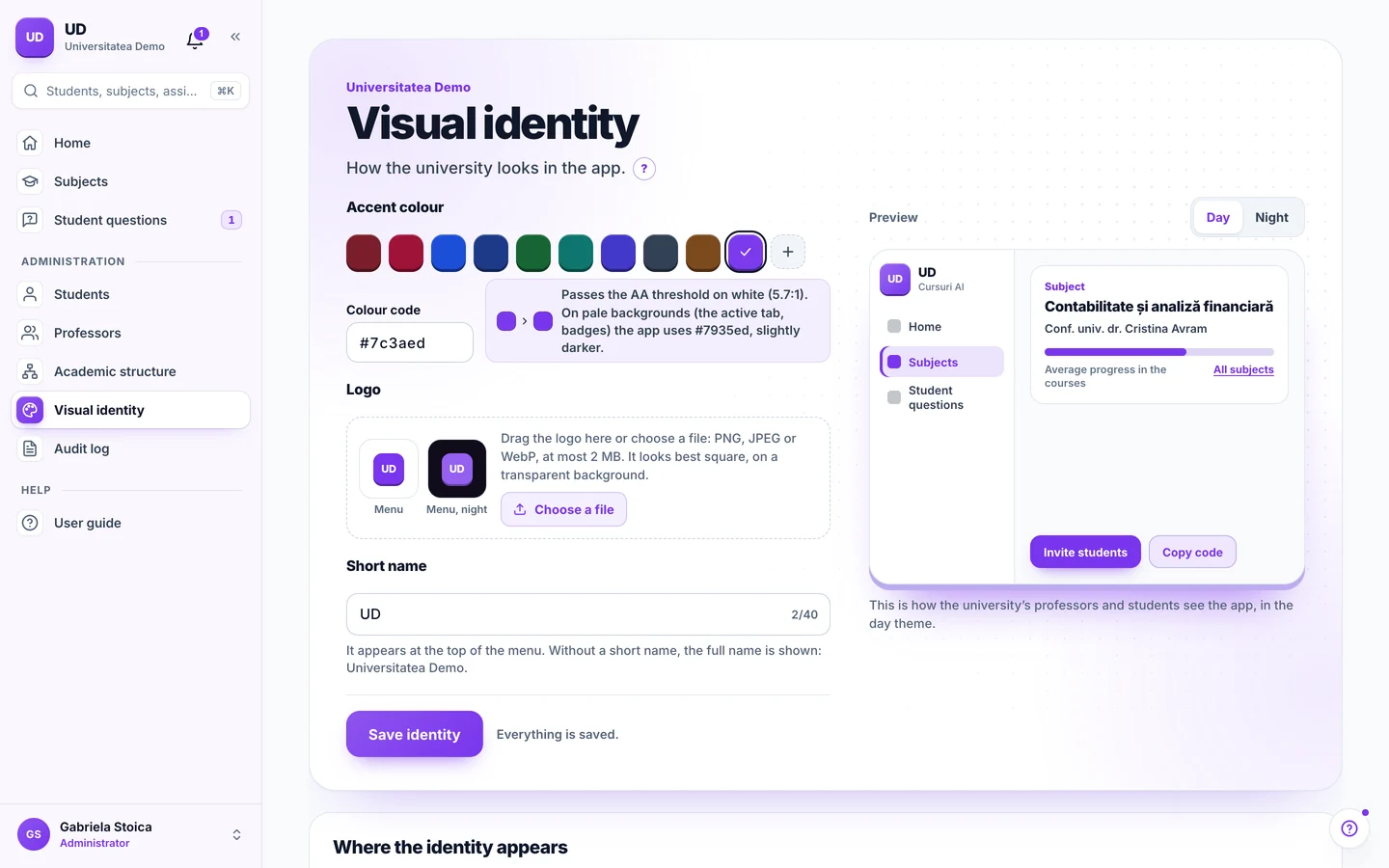
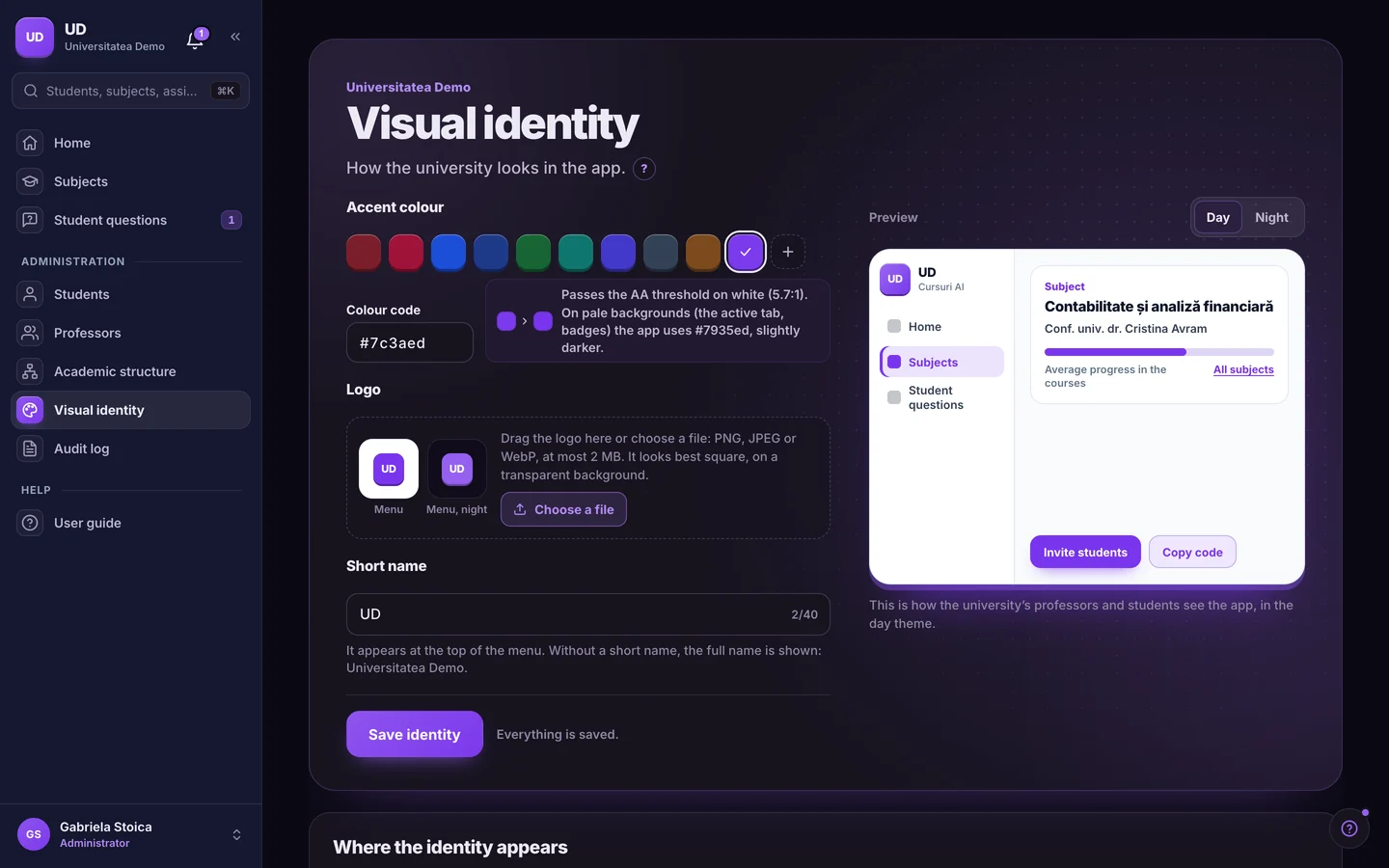
The logo, the accent colour and the short name appear in the app, on the joining pages and in emails. Try a shade: the contrast is computed as in the app.
Accent colour · ten suggested shades or any colour code
Platform purple#7c3aed · 5.7 : 1 on white · passes the AA threshold (4.5 : 1)
- Logo
- PNG, JPEG or WebPup to 2 MB, 64 to 4,000 px; redrawn as a 512 px PNG
- Colour
- At least 4.5 : 1 on white (WCAG 1.4.3)below it, the app uses a darker shade of the same colour; at night it lightens automatically
- Short name
- Up to 40 charactersat the top of the menu; without it, the full name
05At the end · The export
Important actions stay in the log, and the data can be downloaded at any time
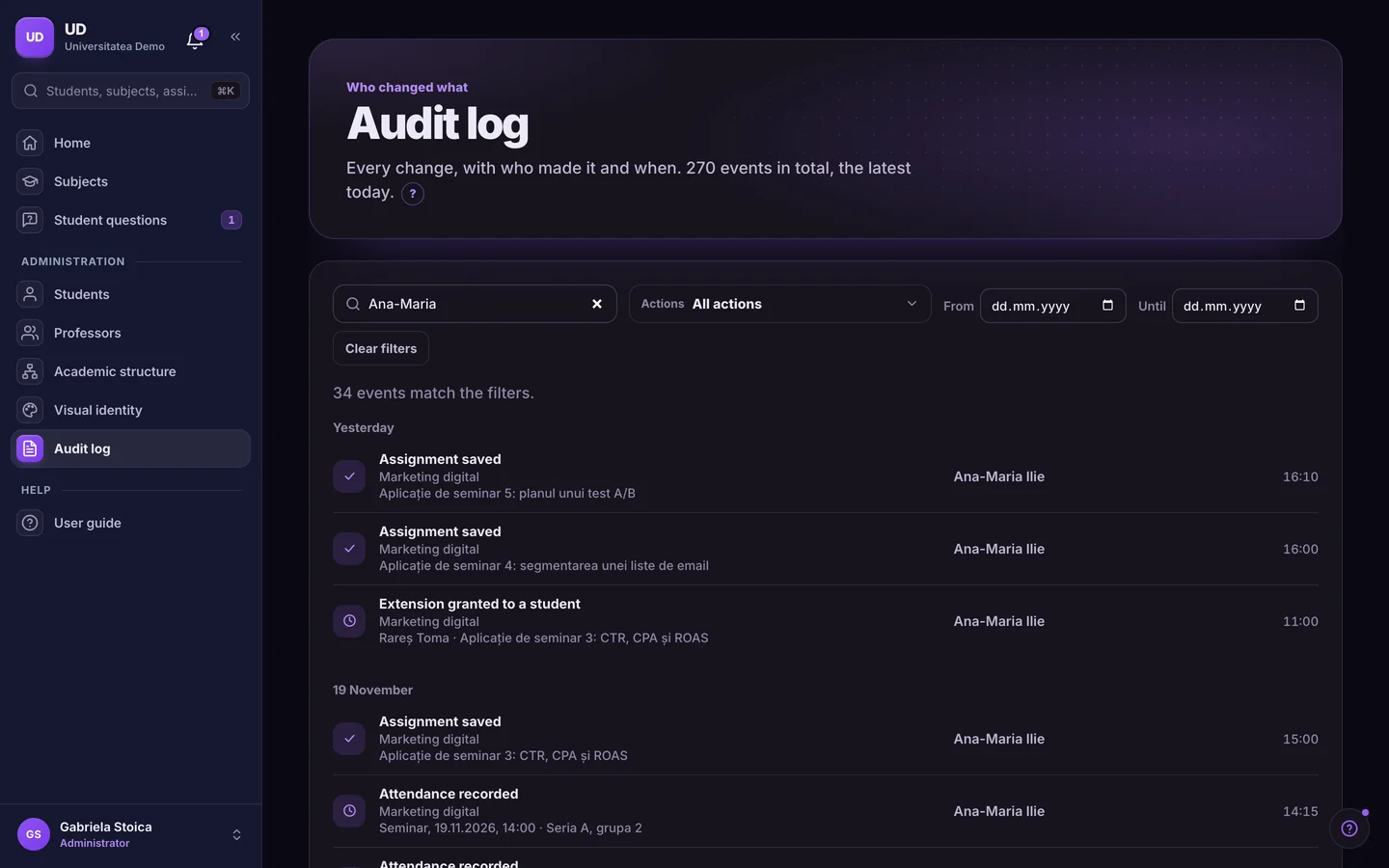
The log keeps the author and time of each important action, and for a changed grade, its old and new value.
Audit log · who changed what
-
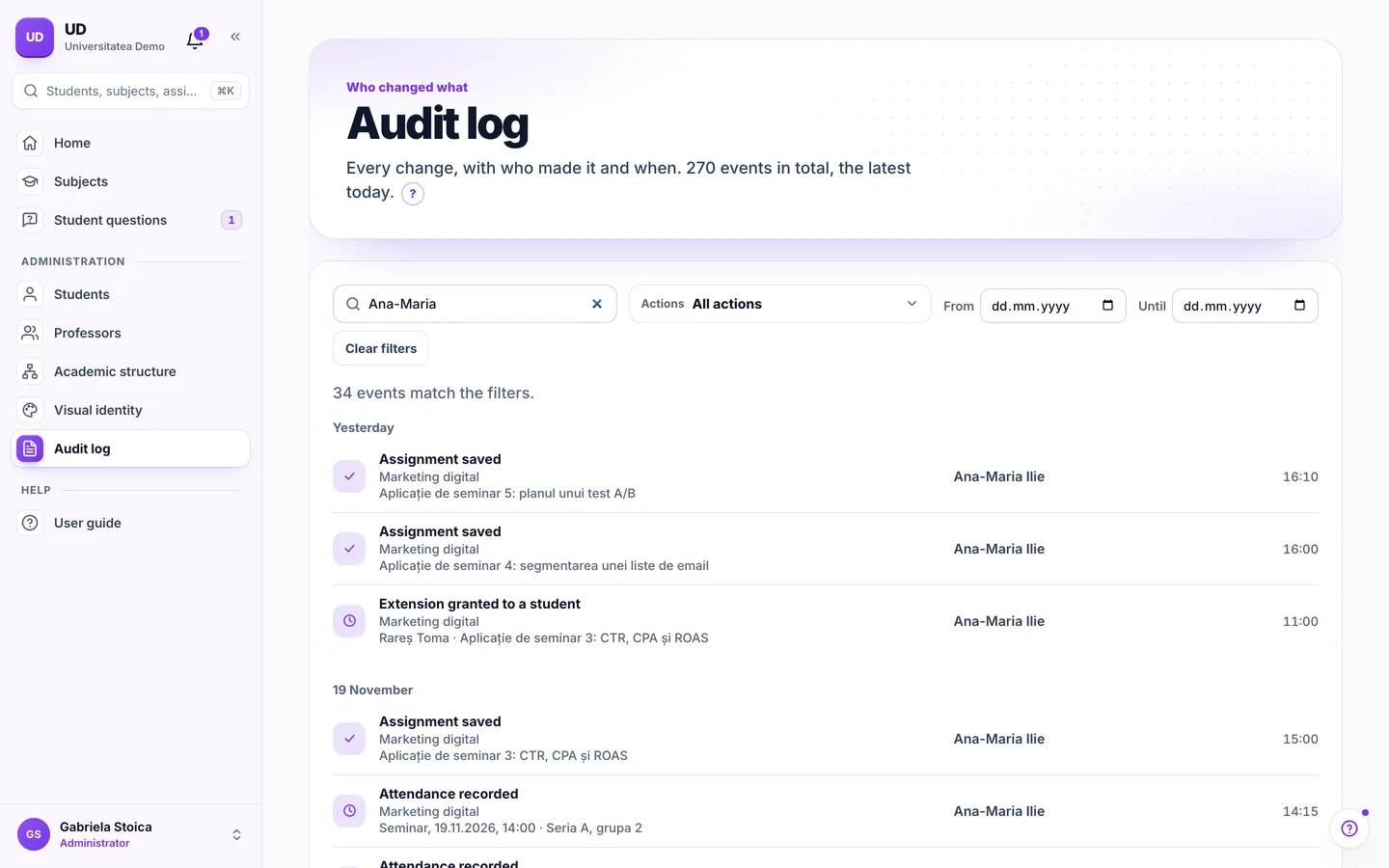
 Ana-Maria Ilie · 16:10
-
Ana-Maria Ilie · 11:00
-
Ana-Maria Ilie · 14:15
- People and access
- Students and enrolment
- Grades and appeals
- Assignments and tests
- Attendance and live room
- Materials, announcements and discussions
- Subjects and courses
- Structure and cohorts
- The university
- 30 · 14 · 7 · 1 daysReminders to administrators before the end date
- End dateStudents lose access to the courses
- 30 days, read-onlyStaff can view and download the data, not change it
- Access stopsFor staff too, after the 30 days
- DeletionDone by the platform team, once any running export has finished
- The export
- At any time, in partsmembers, structure, series lists, gradebook by session, attendance, the log, materials and submissions
- The archive
- In parts, as ZIPCSV tables and the original files; each part up to 500 MB and 2,000 files, checked by the antivirus
- Links
- Valid for 7 daysonly the requester or the platform team can download the archive
The other roles
The same semester, from the other roles
-
Professors
From the first assignment to the signed gradebook
Work to grade, the lecture on the projector, exam papers and the gradebook.
-
Students
The semester’s subjects, in a single app
Lessons with the AI Professor, attendance in the hall, deadlines and grades.
-
Security and data
EU hosting, roles and the audit log
What is kept, where, and who sees each piece of information.
Who administers the university on the platform?
The university administrator, usually the dean’s office or the registry. The administrator sets up the structure (faculty, study programme, year, series and group), loads the series lists, checked row by row, invites professors and sees professor seats taken, invited and available. The administrator may also teach, and then occupies a professor seat.
In what format does the registry send a series list?
CSV, XLSX, XLS or ODS, or a table pasted from Excel or an email, up to 2,000 rows. Before saving, each row shows what will happen: it joins the list, its name or group is corrected, it stays the same, it is invalid (with the reason), it appears twice or it goes over the series limit. Formulas in the file are never executed, and the Student ID is recognised by its column header. The list enrols nobody: the series is then enrolled in the year’s subjects, with a preview per subject of who joins directly, who is invited and how many seats are missing.
Can the app carry the university’s visual identity?
Yes. The university’s logo, accent colour and short name appear in the app, on the joining pages and in emails, whose sender is “University by Cursuri AI”. The colour is chosen from ten suggested shades or by any colour code, and its contrast is checked: below 4.5:1 on white, the app uses a darker shade of the same colour.
What does the audit log record?
Important actions, with their author and time, in nine categories, from people and access to structure and cohorts. For a changed grade, the log keeps the old and the new value. Only the university administrator sees the log.
How does the university download its data?
The administrator can download, at any time, an archive in parts: members, structure, series lists, subjects, enrolments, the gradebook by session, attendance, progress, tests, extensions, appeals, the log, materials and submissions. Tables are CSV, each part is checked by the antivirus, and links are valid for 7 days.
University by Cursuri AI
See the app from the administrator’s perspective
In the demonstration we open the administrator’s account at the demo university: the dashboard, the structure, the registry’s list and the audit log.
- A demonstration on the demo university, for the faculty’s leadership, the registry and the teaching staff
- An offer based on professor seats, with a student cap for each seat
- The data processing agreement, signed before the first student enrols