Skip to content

Implementation · from the demo to the first semester

How the platform starts at a university, step by step

From the demo to the first semester: the Cursuri AI team creates the university in the app and writes the courses; the university brings its structure, professors and students.

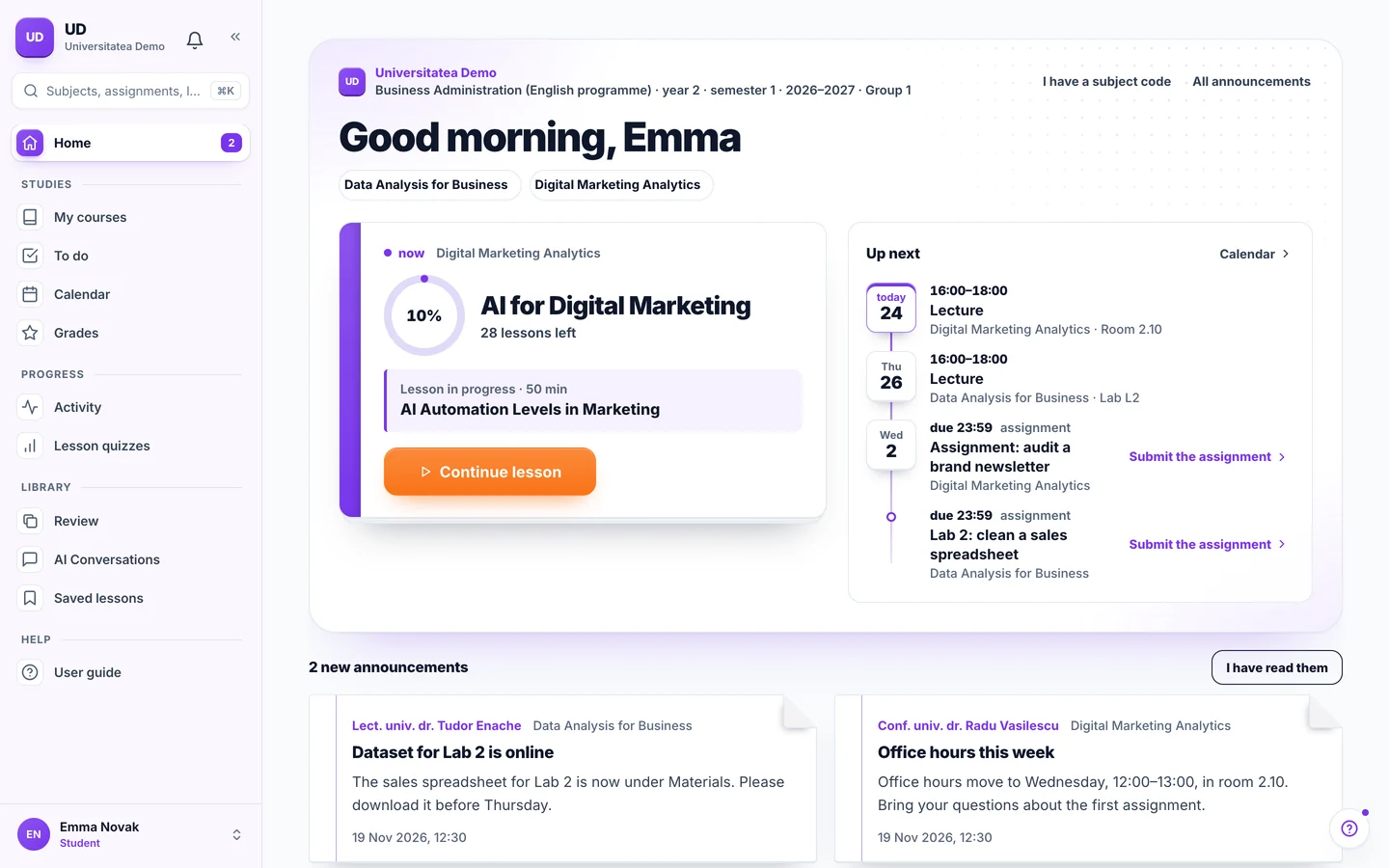
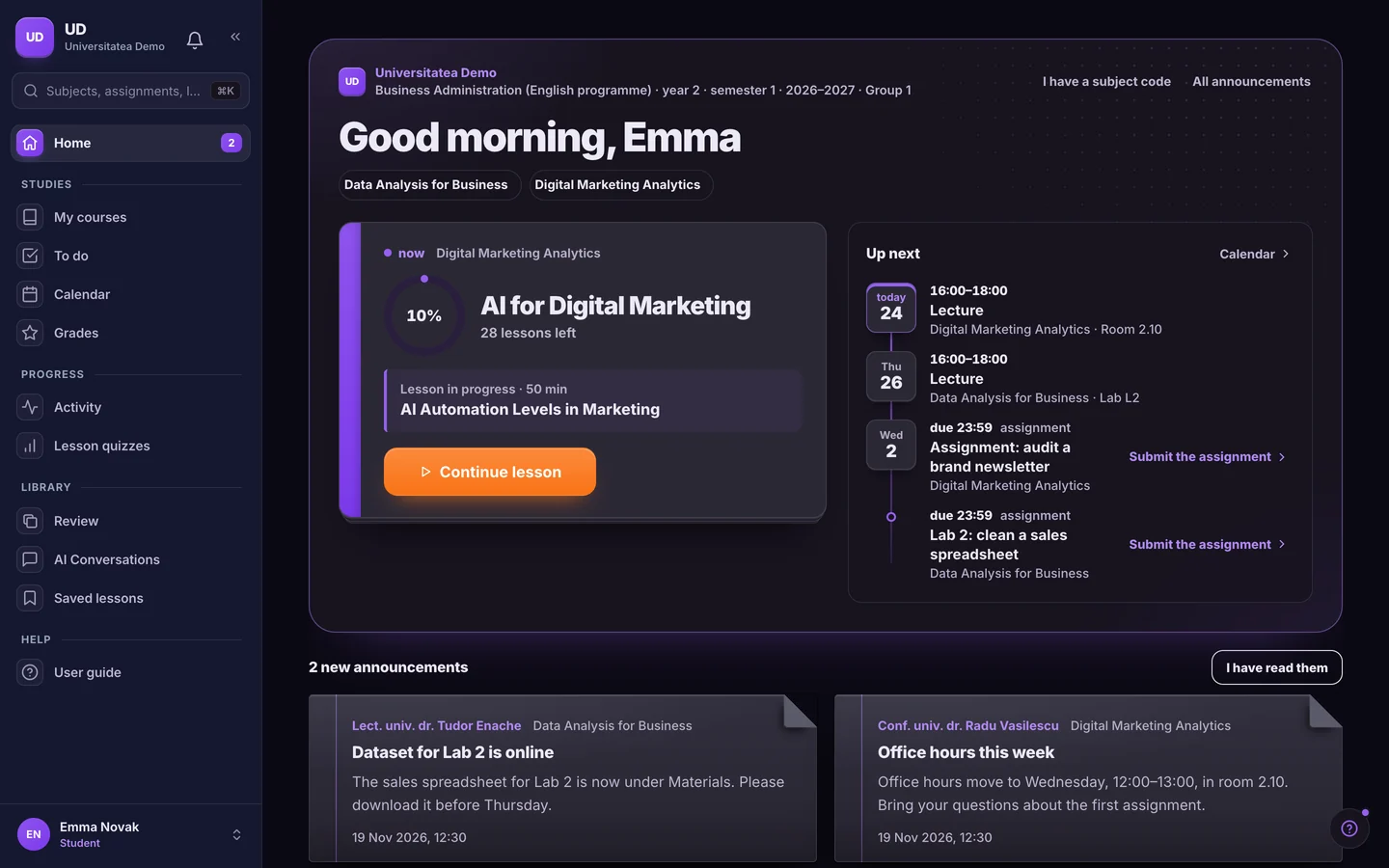
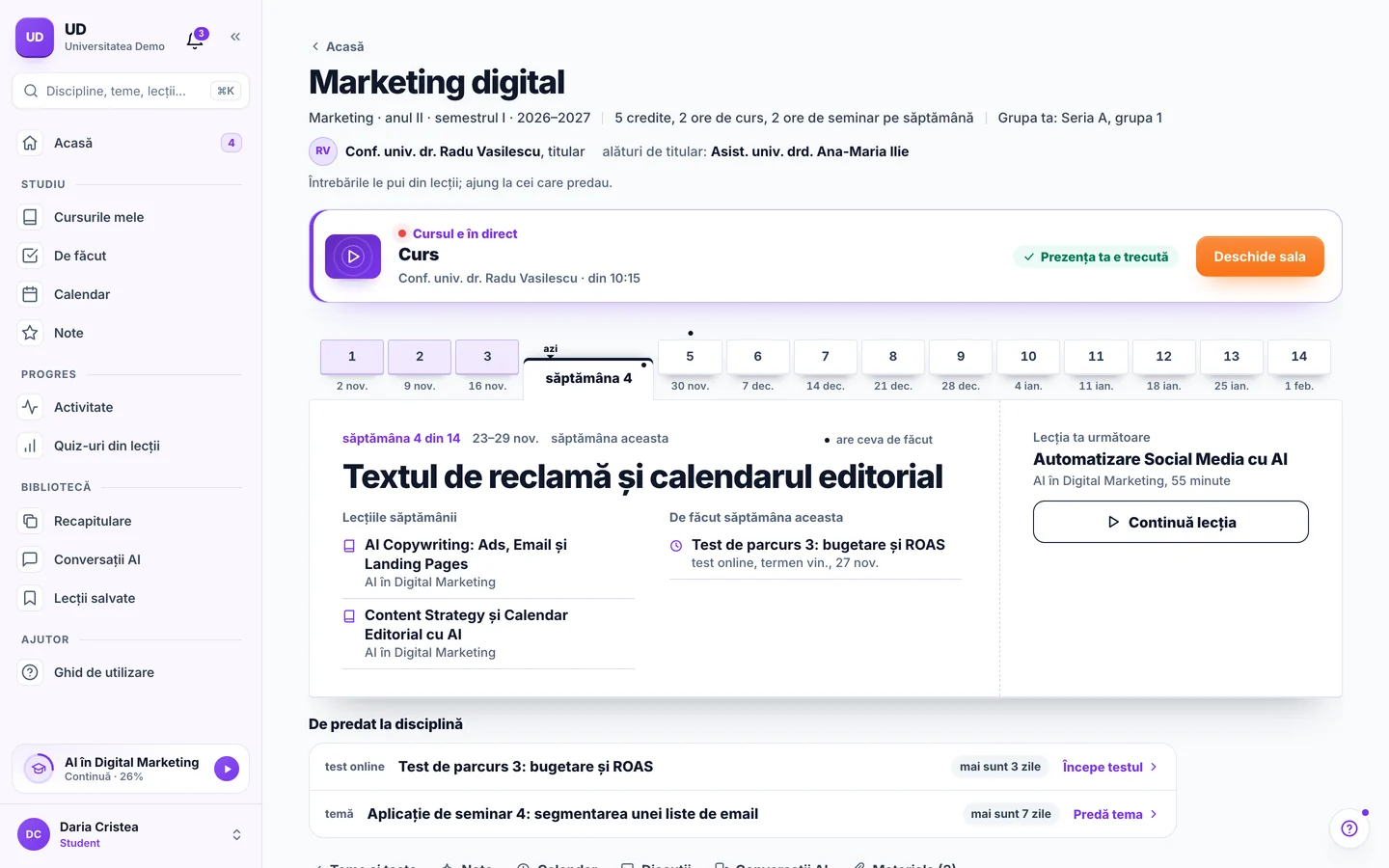
A student’s start page: the academic framing on one line, the subjects and the live lectureA student’s start page: the academic framing on one line, the subjects and the live lecture

The university, layer by layer. The front screen is real, from the demo university.

01The stages

The implementation goes through eight stages

For each stage: who is responsible, what is set up and, where there is one, the real screen from the demo university, with fictitious names.

Administration in detail

Stage 1 · The Cursuri AI team

The demo

We present the app on the demo university from the administrator’s, the professor’s and the student’s point of view, for the faculty’s leadership, the registry and the teaching staff.

  • The demo university, with fictitious names
  • The app in Romanian and English
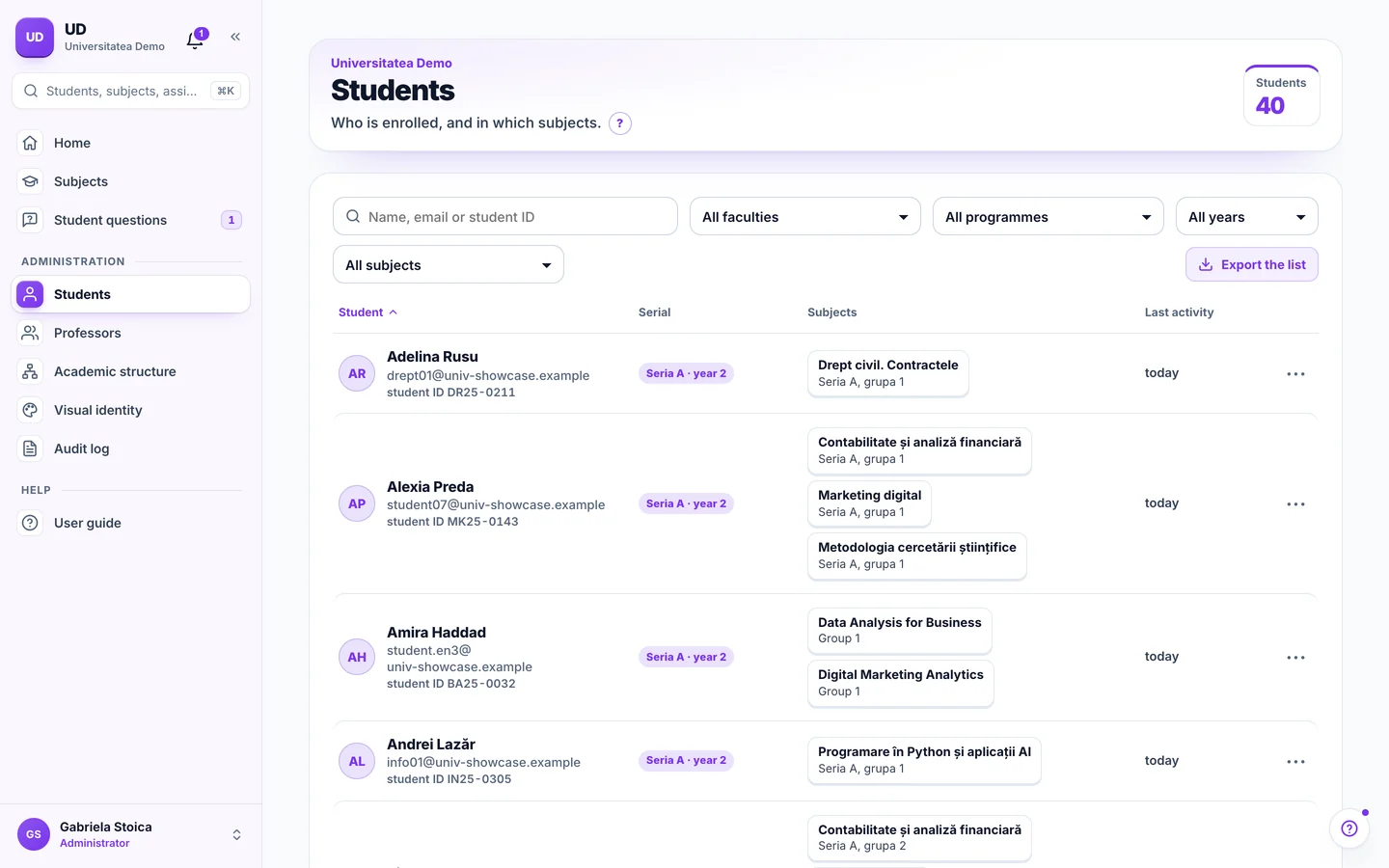
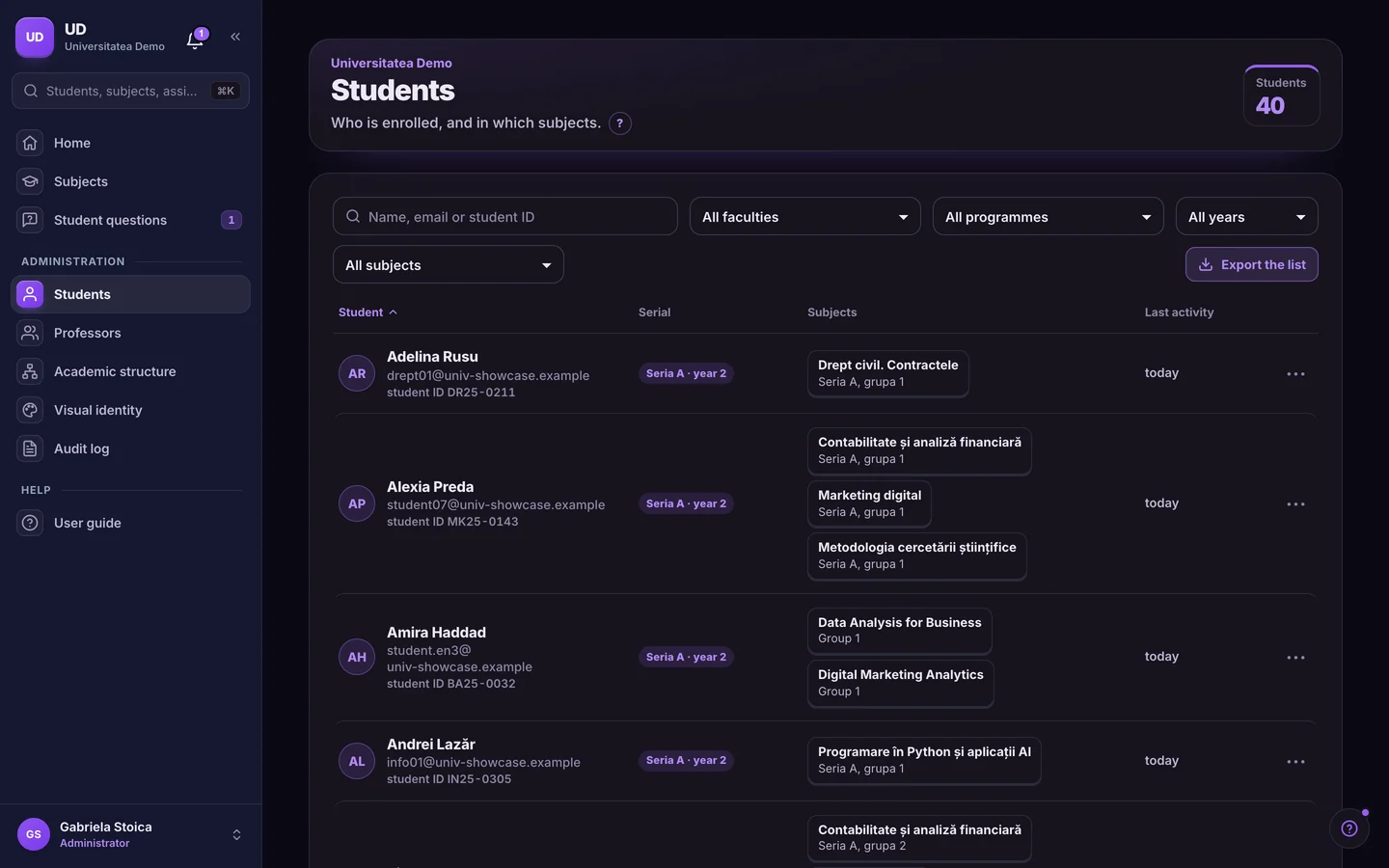
The administrator: the university’s students, with their series, Student ID and subjectsThe administrator: the university’s students, with their series, Student ID and subjects
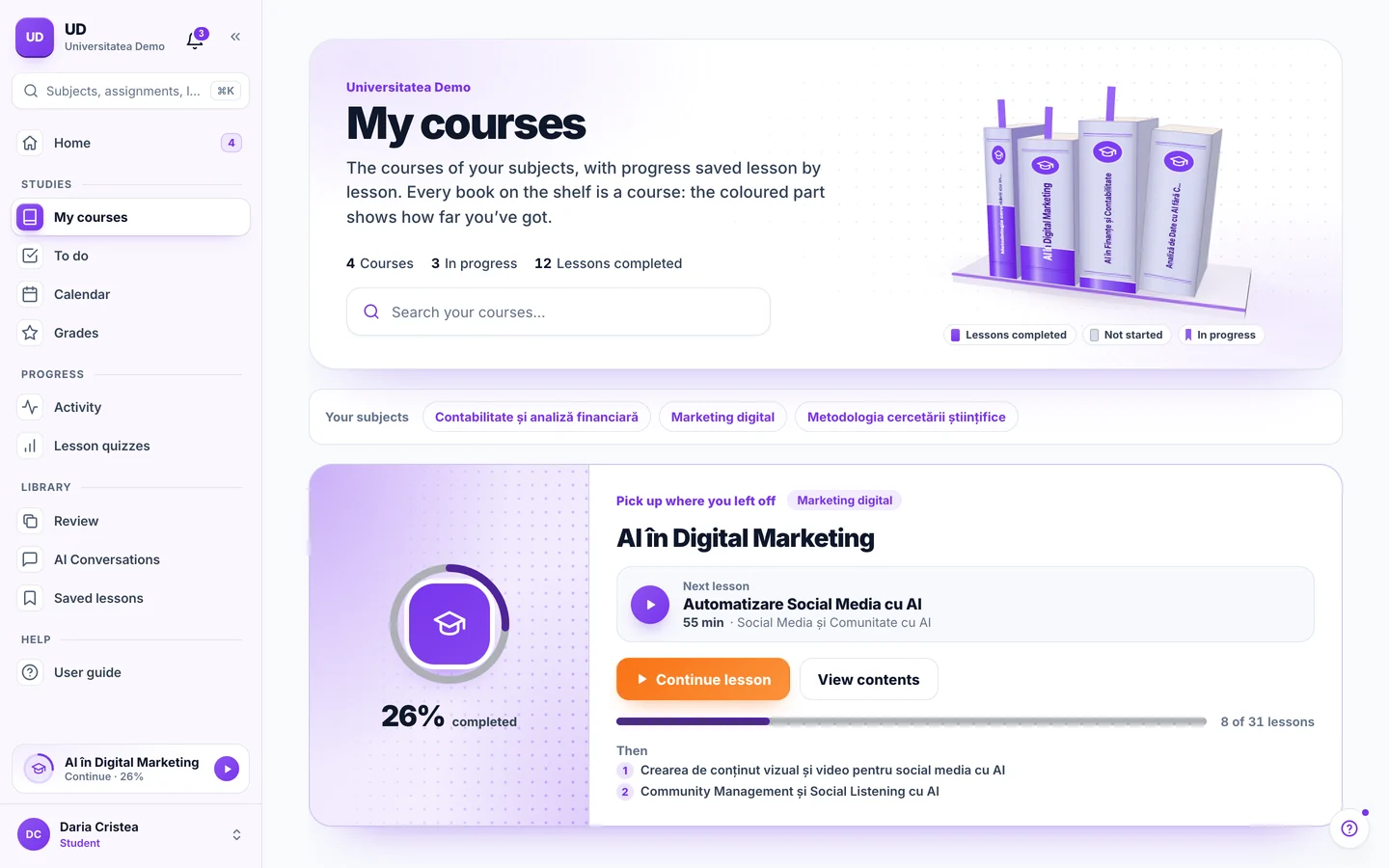
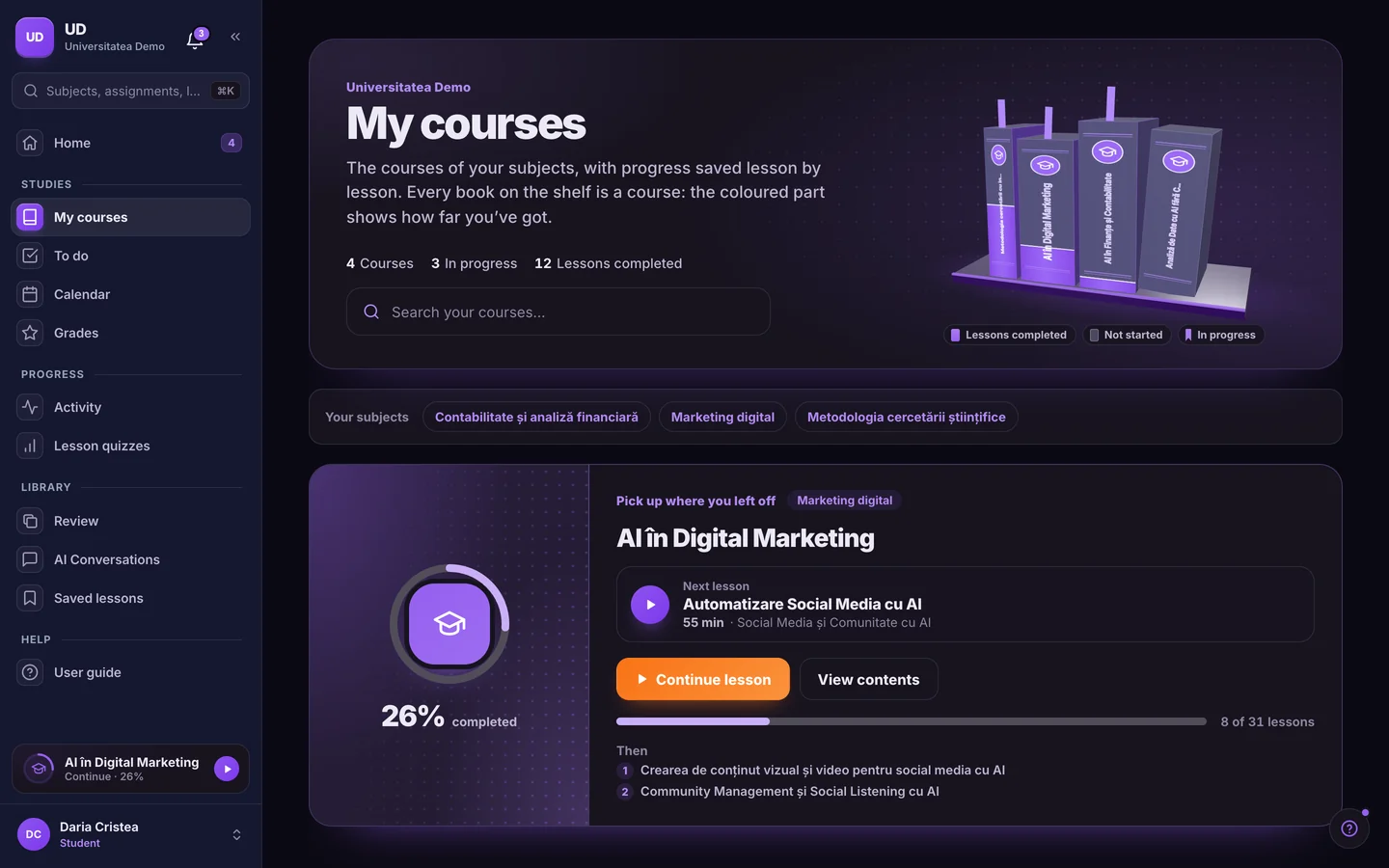
The student: their courses, with progress saved lesson by lessonThe student: their courses, with progress saved lesson by lesson
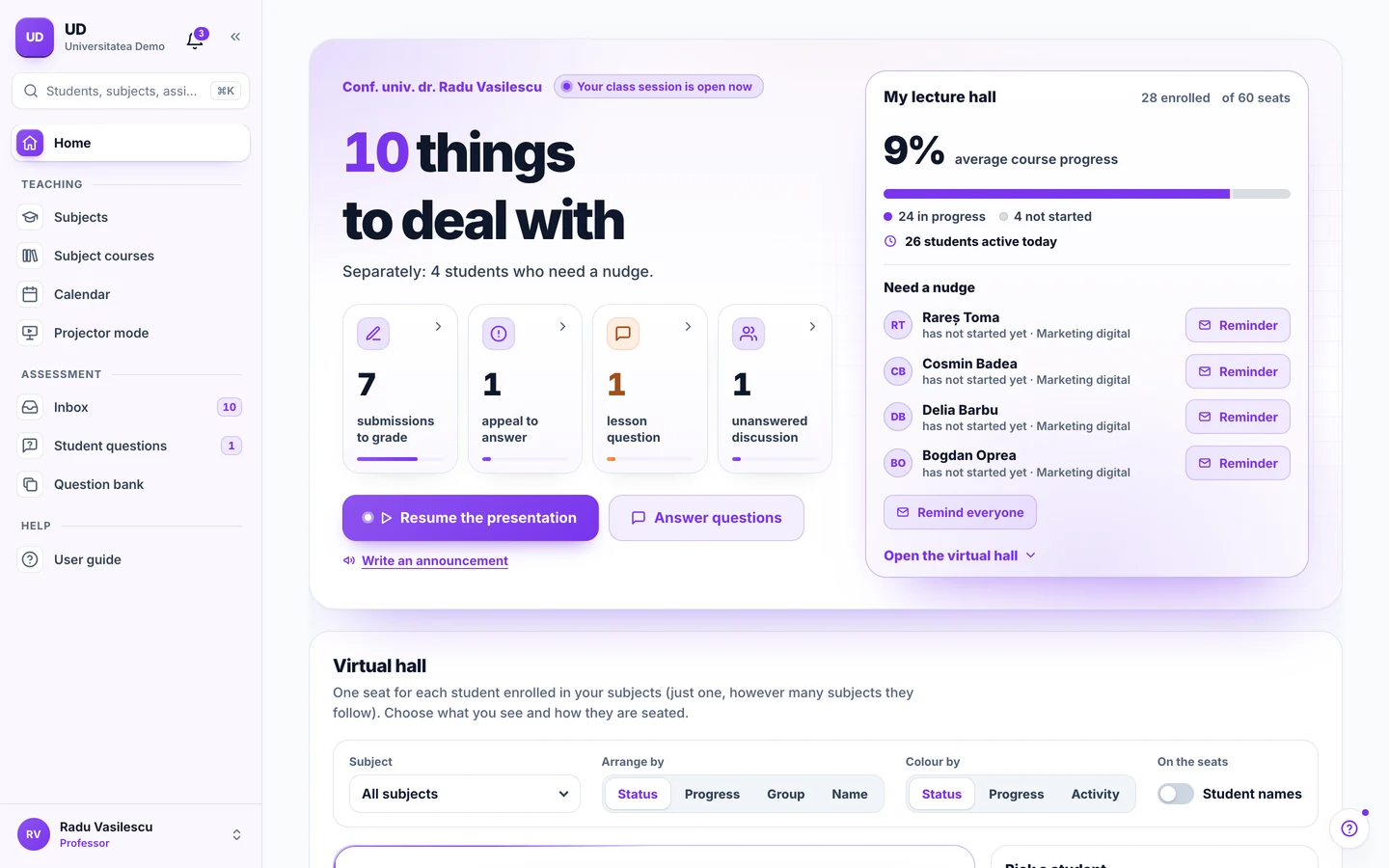
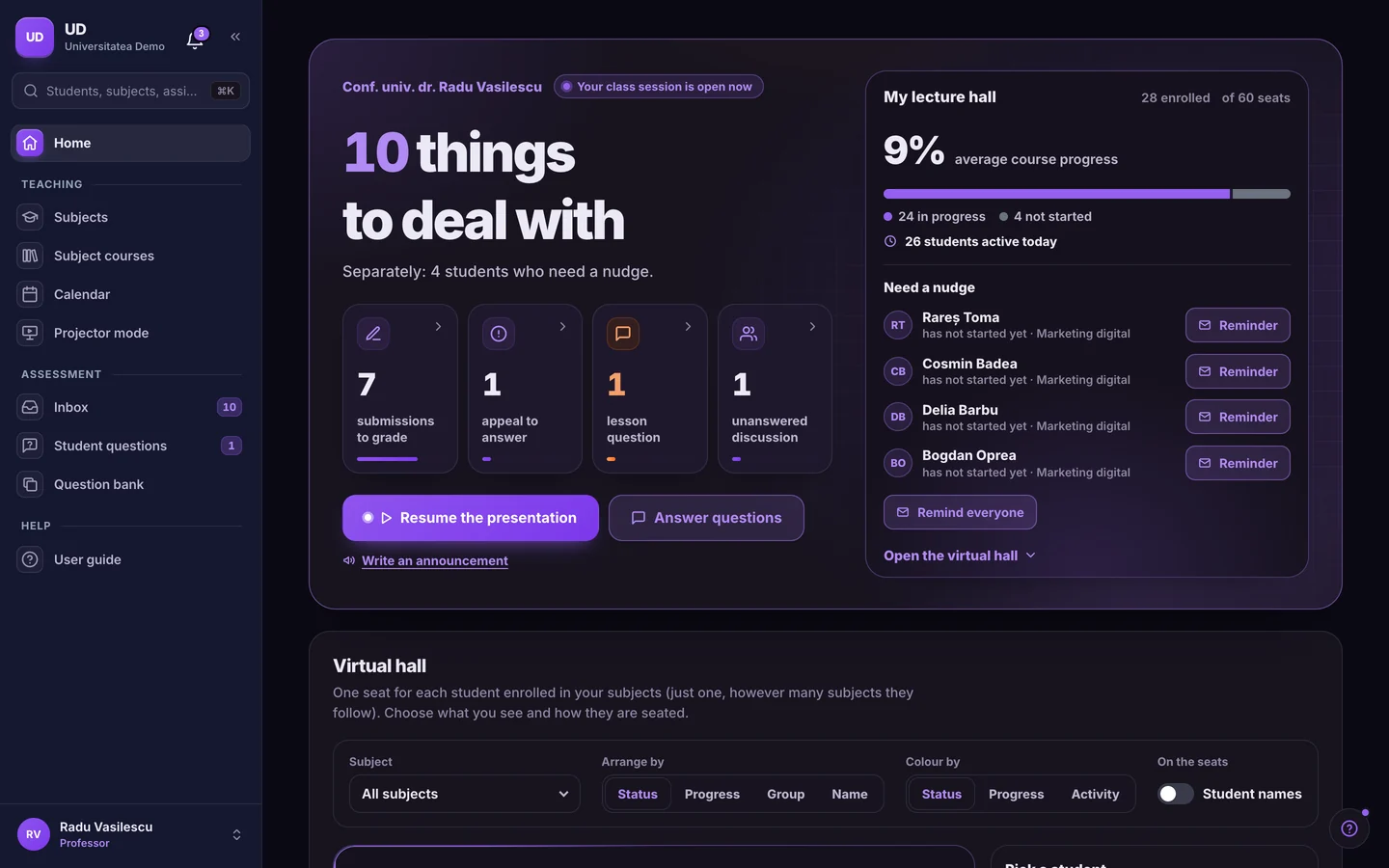
The professor: submissions to grade, appeals to settle and questions from the lessonsThe professor: submissions to grade, appeals to settle and questions from the lessons

Stage 2 · The university and the team

The offer and the agreement

After the demo, the team sends the offer, based on professor seats with a cap on students for each professor. The contract and the data processing agreement (GDPR Art. 28) are signed before the first student enrols.

  • The cap counts across all of a professor’s subjects
  • Billing outside the platform

Stage 3 · The team, then the administrator

The university in the app

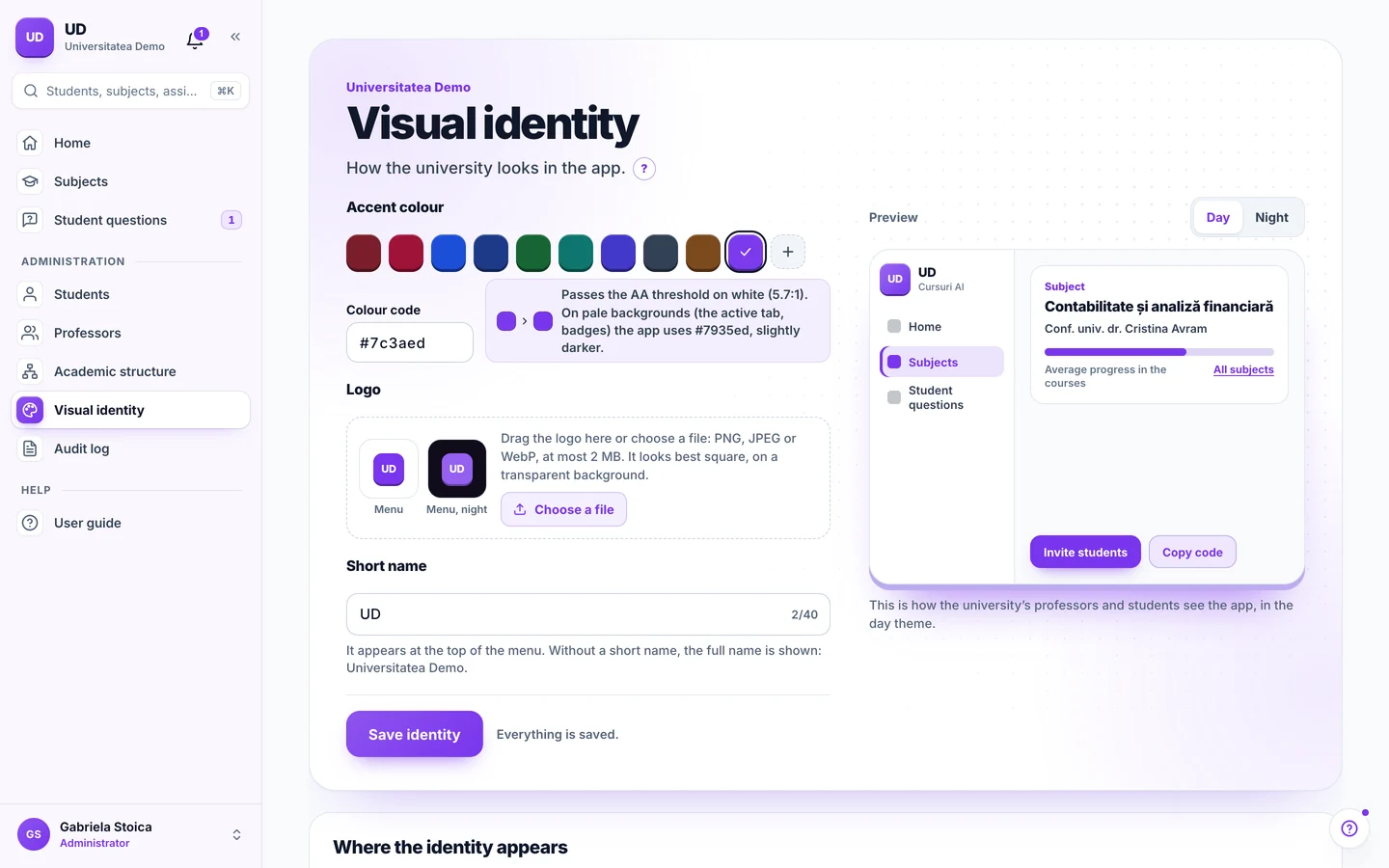
The team creates the university and sends the administrator an invitation. The administrator sets the logo, the accent colour and the short name, which appear in the app, on the joining pages and in emails.

  • Logo: PNG, JPEG or WebP, up to 2 MB
  • The colour’s contrast, checked before saving
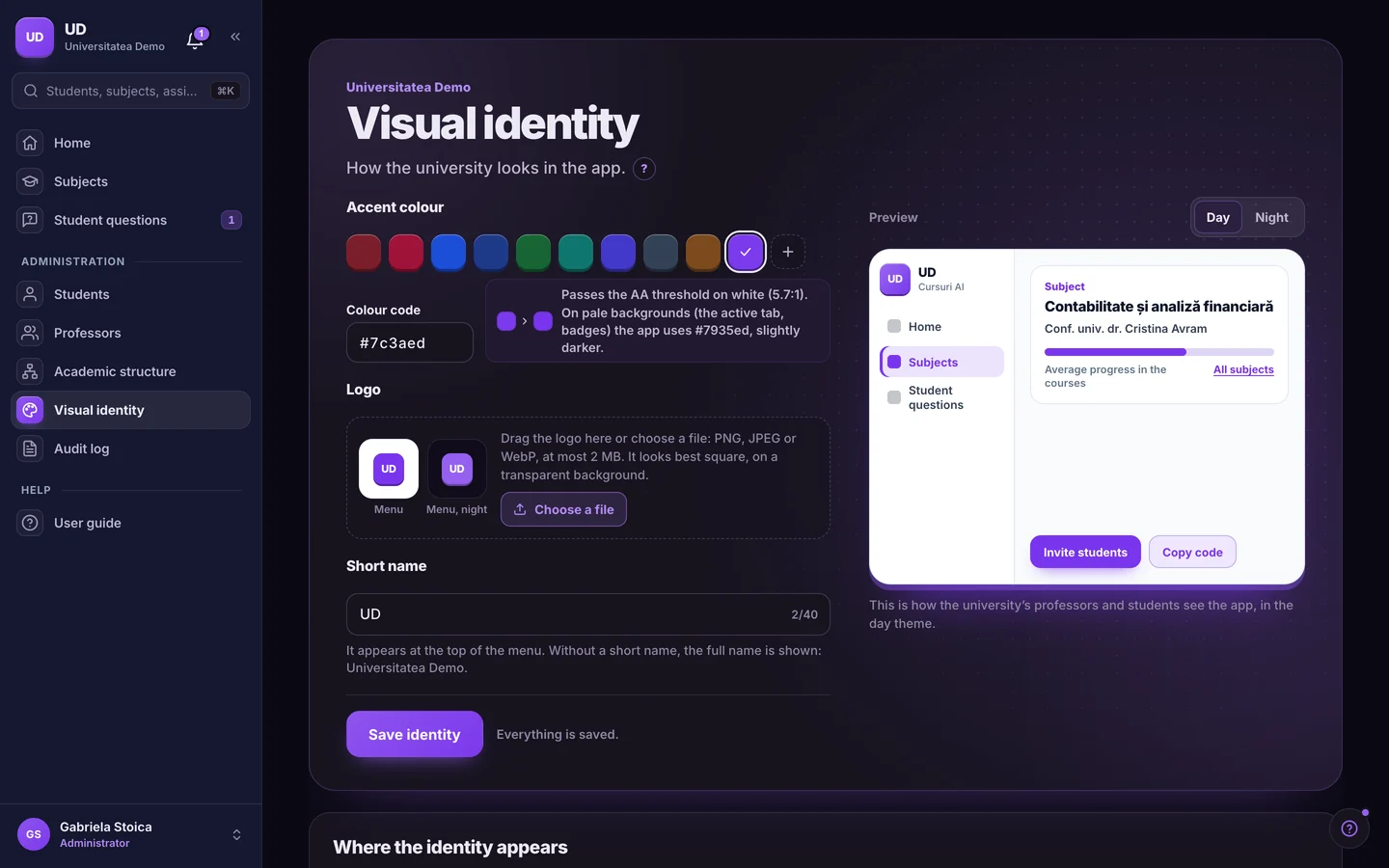
The demo university’s visual identity: the accent colour, the contrast check and the logoThe demo university’s visual identity: the accent colour, the contrast check and the logo

Stage 4 · The university administrator

Structure and series

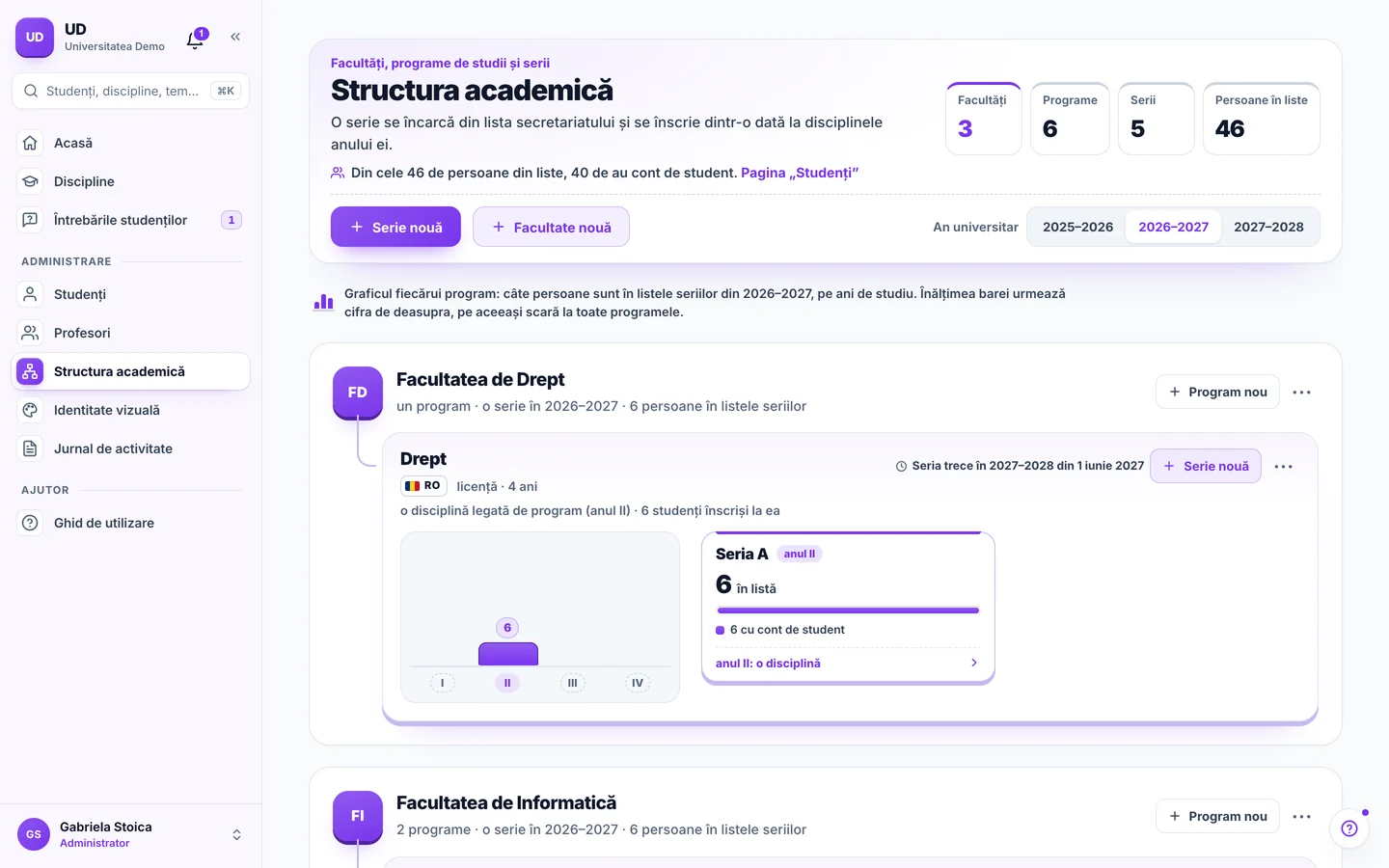
The administrator mirrors the real structure: faculties, study programmes, years and series, and each series gets the registry’s list, with Student IDs.

  • Up to 1,000 students in a series
  • Moving a series to the next year: from 1 June
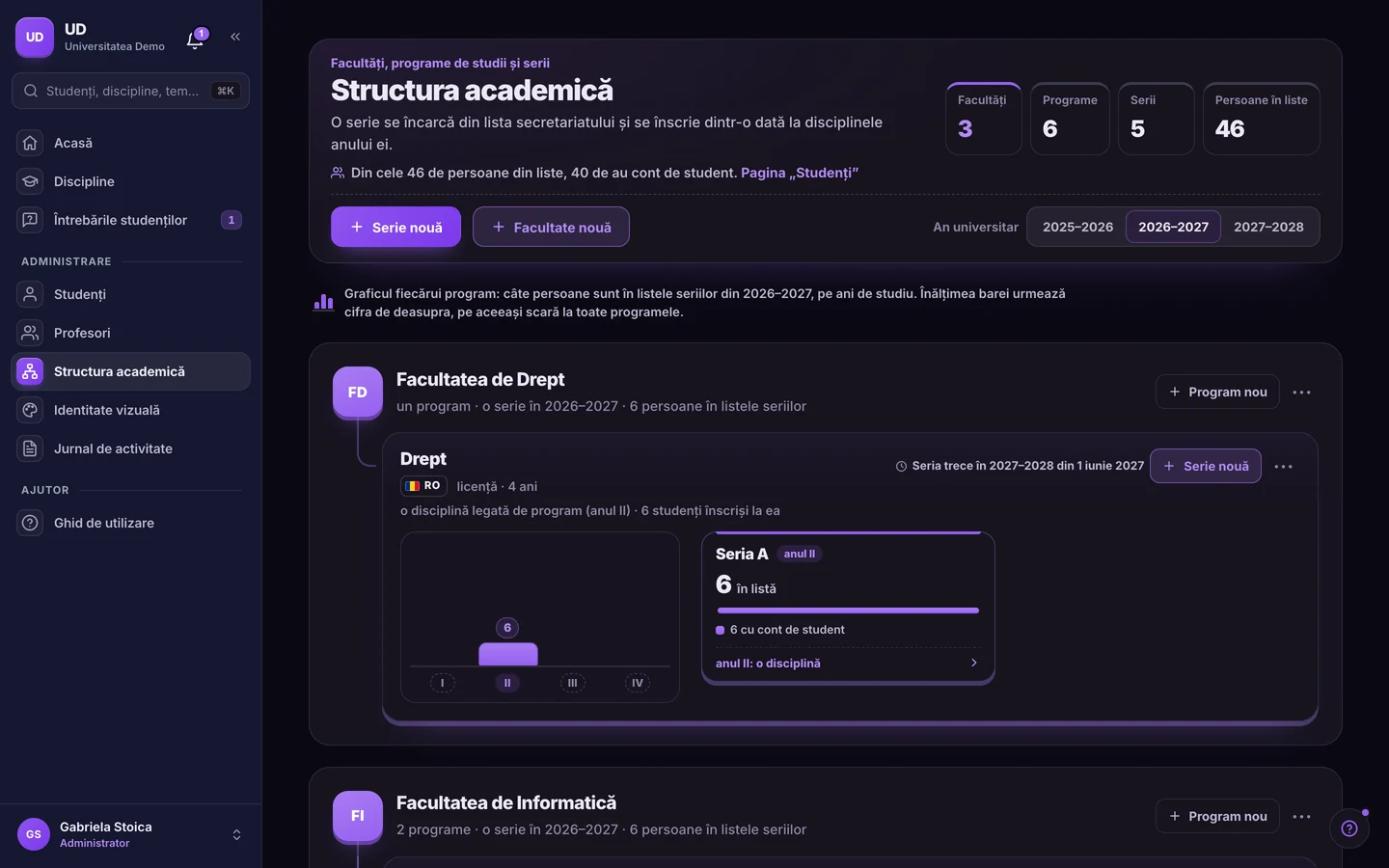
The demo university’s academic structure: a faculty, a four-year bachelor’s programme and its series with the people on the listThe demo university’s academic structure: a faculty, a four-year bachelor’s programme and its series with the people on the list

Stage 5 · The university administrator

Teaching staff

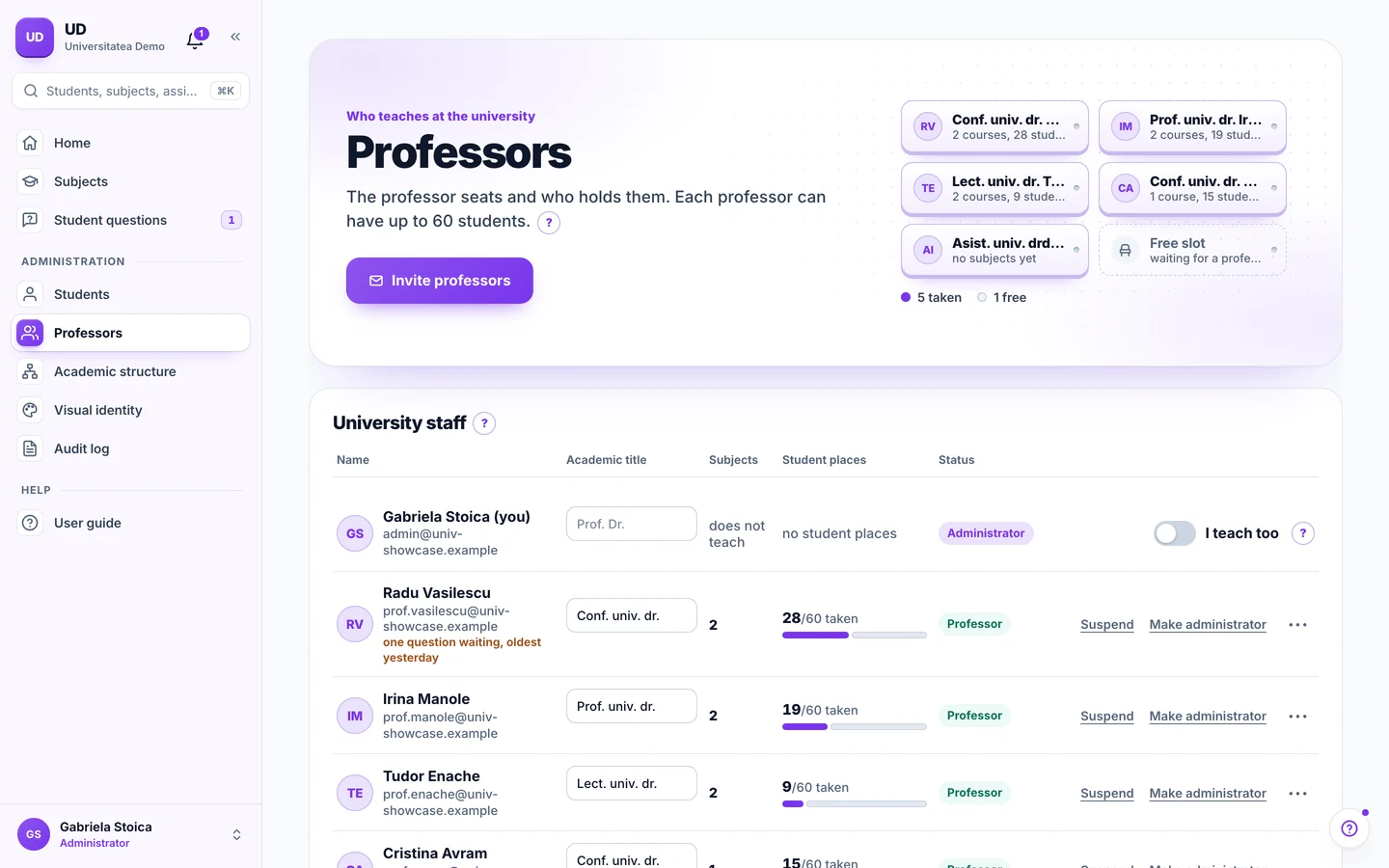
The administrator invites the professors, with the academic title filled in on invitation, and sees seats in use, pending invitations and open seats. The administrator may also teach, and then occupies a professor seat.

  • The administrator role can be transferred to a colleague
  • At least one administrator always remains
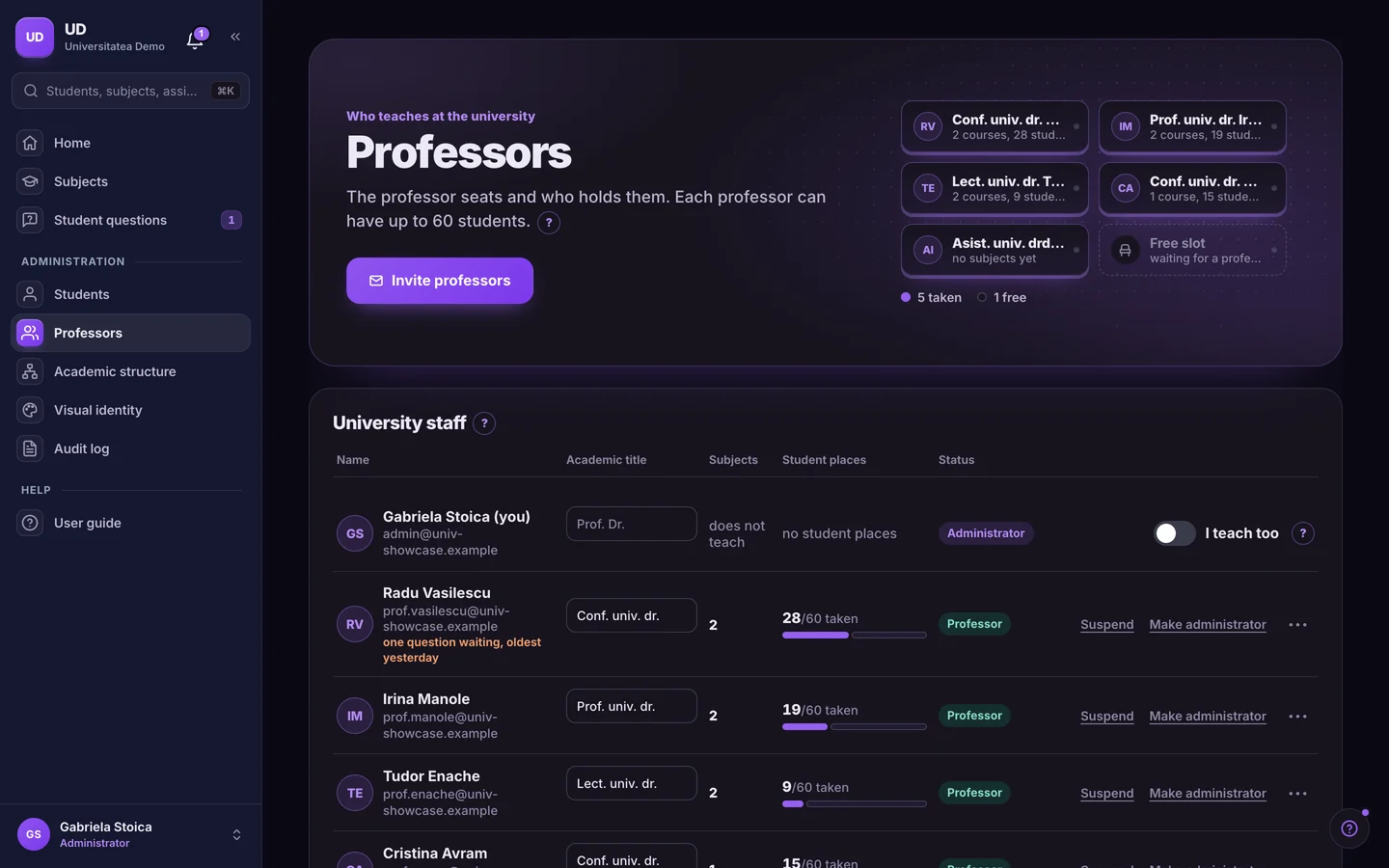
Professor seats: who holds them, with their academic titles, and one open seatProfessor seats: who holds them, with their academic titles, and one open seat

Stage 6 · The team and the subject lead

Custom courses

The team writes the courses from each subject’s syllabus: modules, lessons and quizzes, in Romanian or English. The subject lead reads them before they reach students, and the lessons link to the syllabus’s weekly plan.

  • Up to 20 courses per subject
  • Private, for the university only
Custom courses in detail
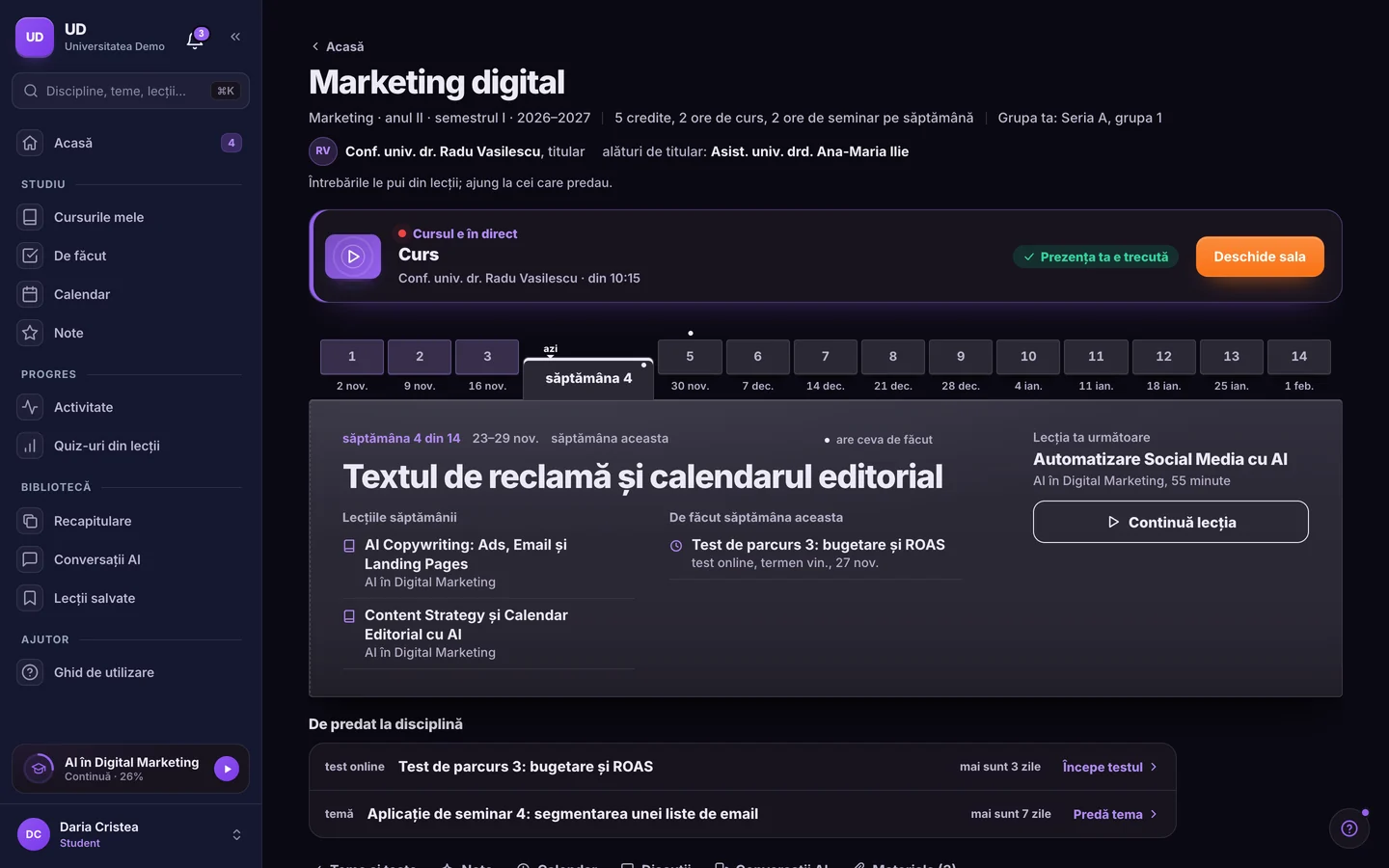
A subject on the student’s side: the credits and weekly hours, the subject lead and the 14-week plan with the week’s topicA subject on the student’s side: the credits and weekly hours, the subject lead and the 14-week plan with the week’s topic

Stage 7 · Subject leads and the administrator

Subjects and students

Subject leads create their subjects and choose the courses; the administrator then enrols each series in its year’s subjects in one step, and subject leads can still bring students in by invitation or code. With the test student, every member of teaching staff sees the subject exactly as a student does.

  • Groups for assignments, tests and announcements
  • A subject’s team: up to 20 members, each on a professor seat
Professors in detail
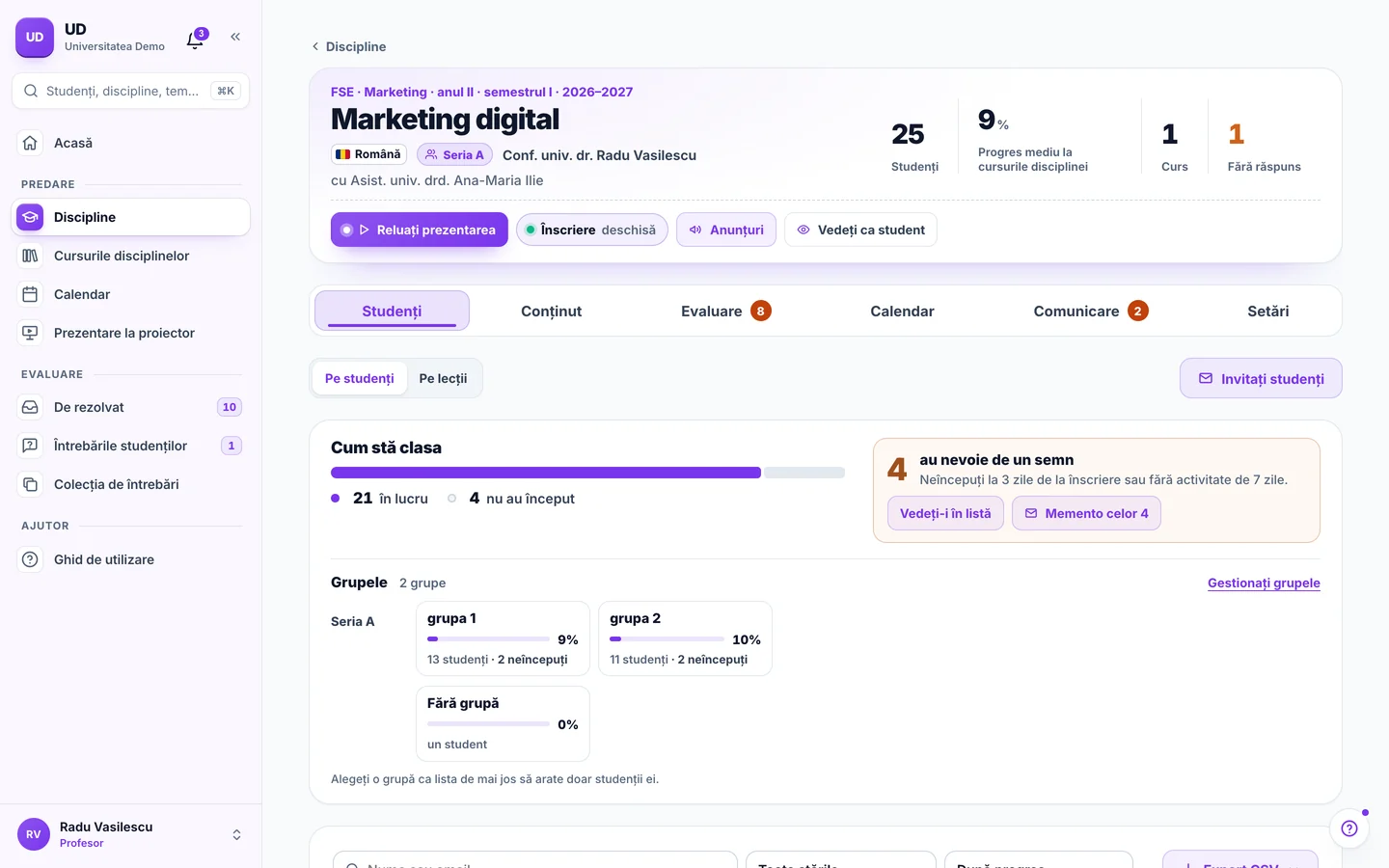
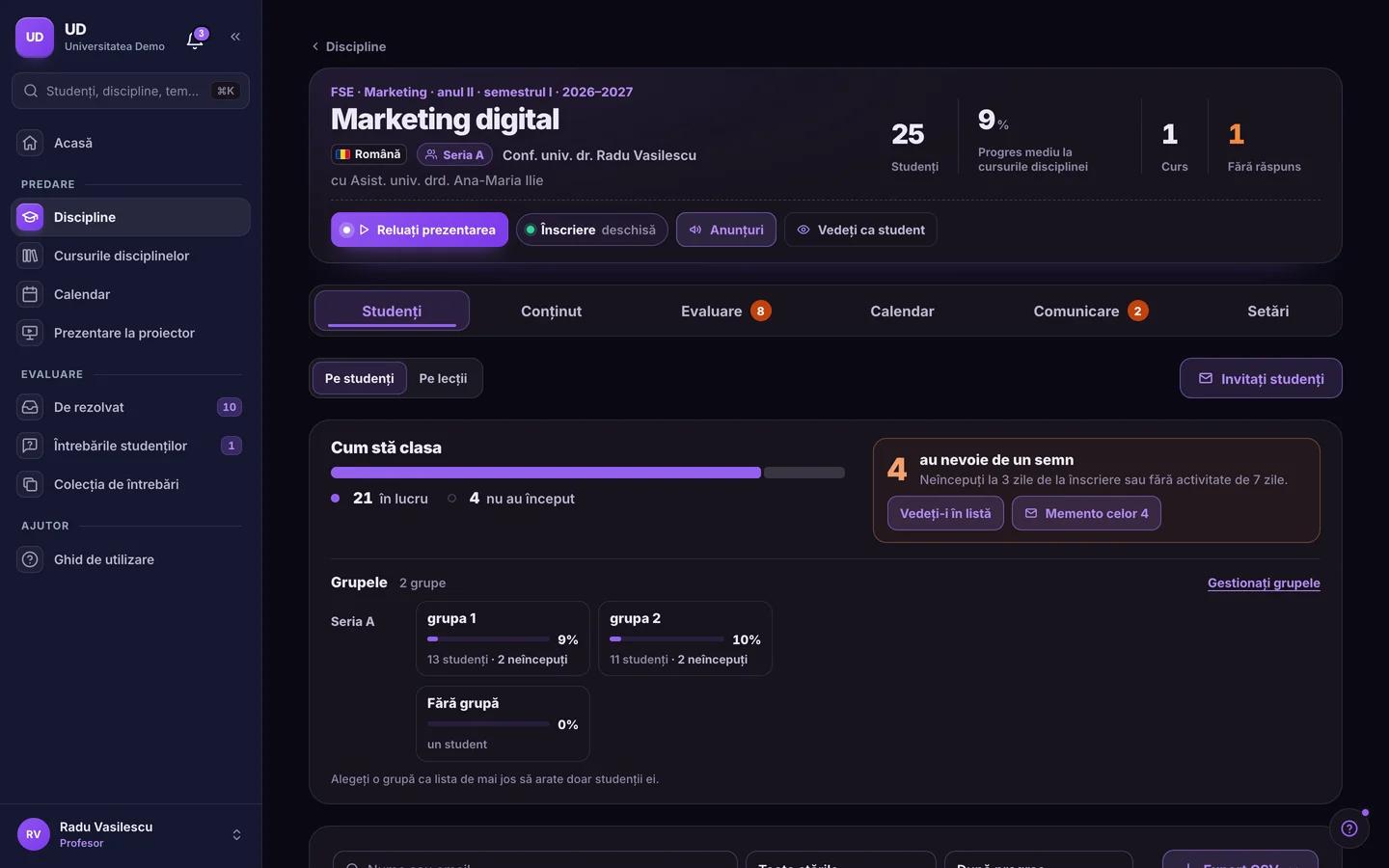
A subject on the professor’s side: the academic framing, open enrolment, how the class is doing and the students who need a nudgeA subject on the professor’s side: the academic framing, open enrolment, how the class is doing and the students who need a nudge

Stage 8 · Subject leads

The session and the gradebook

The regular, resit and grade improvement sessions follow, with their appeals within the deadline set by the subject lead; the gradebook is downloaded as a PDF with Student IDs, ready to sign.

  • Appeals: 48 hours by default
  • Averages computed exactly
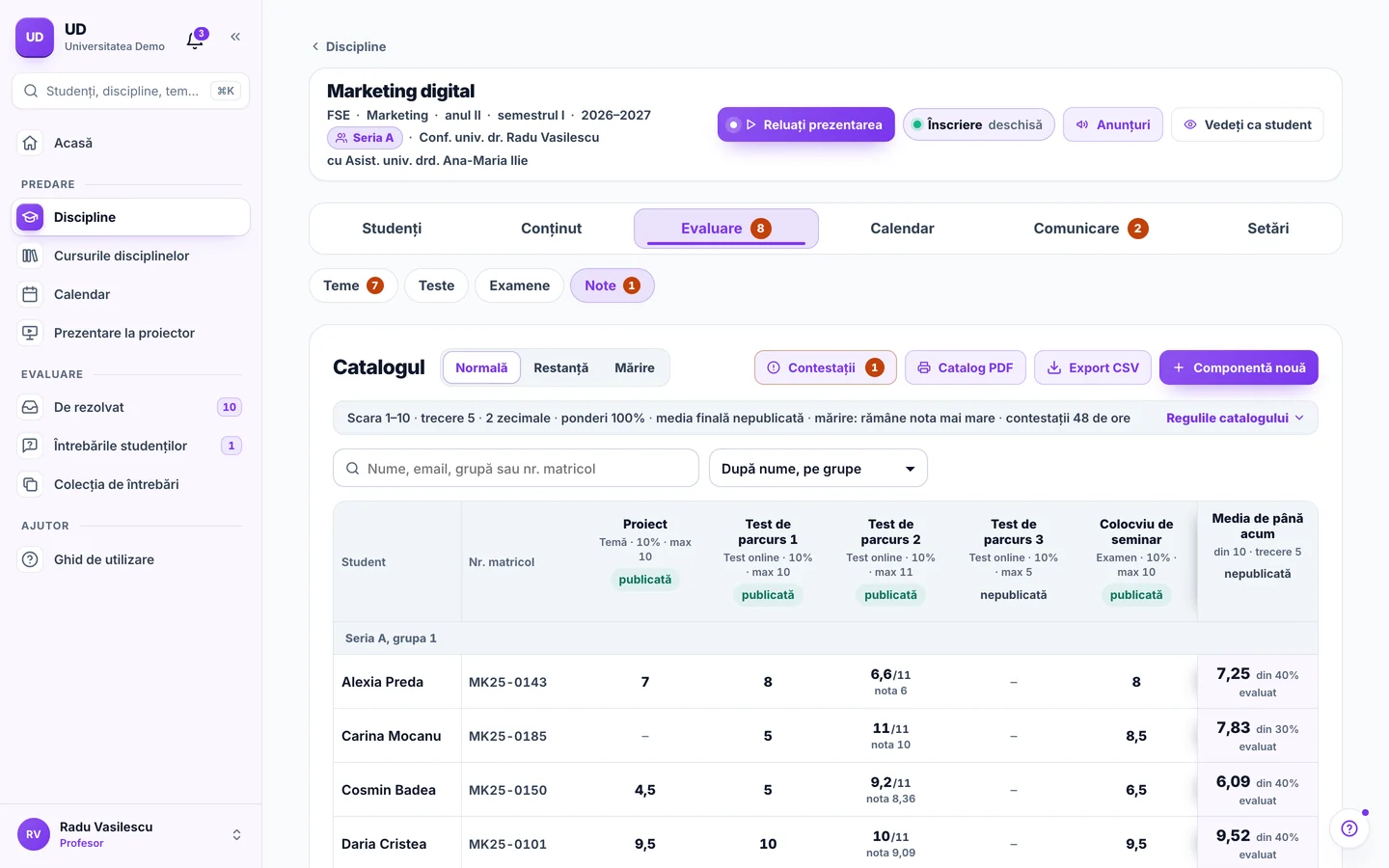
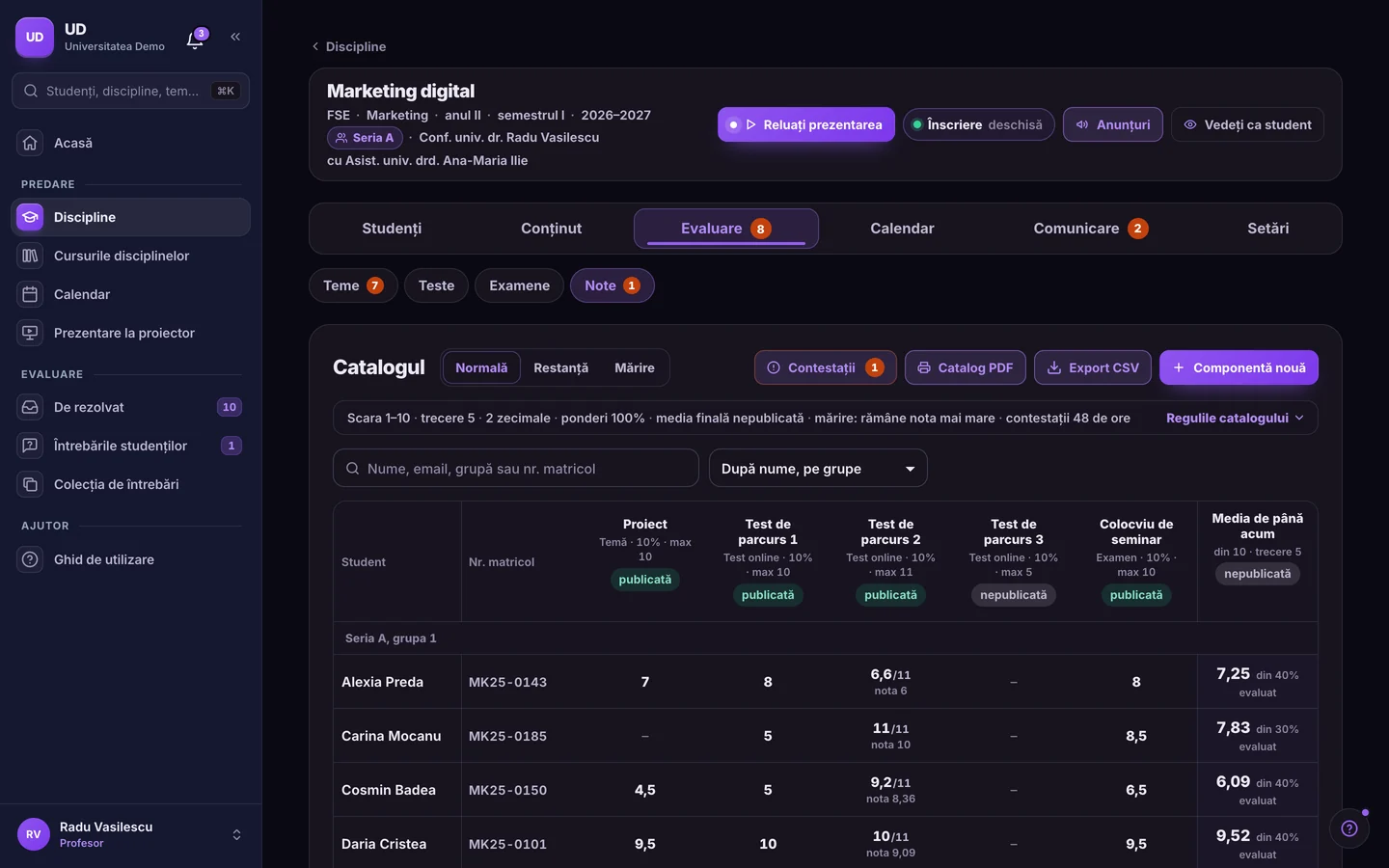
A subject’s gradebook: the sessions, appeals, the gradebook PDF, its rules and the grades with Student IDsA subject’s gradebook: the sessions, appeals, the gradebook PDF, its rules and the grades with Student IDs

02Lists and joining

The registry’s list and three ways in

Students reach the app through the series lists or join a subject themselves. Accounts are provided by the university; students buy nothing.

Students in detail

The registry’s list

The list is checked row by row before anything is sent

Format
CSV, XLSX, XLS, ODS or a pasted tablestraight from Excel or from an email
Limits
2,000 rows · 20 columns · 2 MBformulas are read as values, never executed
Student ID
Recognised from the column headerunique within a series; never shown on the projector

Joining

Students have three ways in and one account

The invitation
By email, valid for 14 daysresent at most 4 times
The subject’s code
8 characters, no look-alike characterscan be restricted to the university’s email addresses; the link and the QR code are shown on the projector
Before joining
The notice “What your professor sees”the student reads and confirms it, then signs in with email and password or with Google

03Support

Help is on every page

The guide by role, the guided tour and problem reports are inside the app, in Romanian and English.

All questions
  • The user guideBy roleadministrator, professor, assistant, student; in Romanian and English
  • On every pageThe “Help” buttonor the “?” key
  • The guided tourOn the main pagesit points out on the page what each area does
  • Quick search⌘K or Ctrl Ksubjects, students, assignments, lessons and guide entries
  • A problemReported from the account menuwith the current page attached if you wish, and a reference number straight away

04When the contract ends

Export, end of access and deletion

The order is fixed and announced in advance. The administrator can download the university’s data at any time, including during the 30 days of read-only access.

Security and data in detail
  1. Remindersby email, 30, 14 and 7 days and one day before the end date
  2. The access end datefrom this date on, data can no longer be changed
  3. 30 days of read-only accessstaff view and download, without changes
  4. The exportat any time, in parts, with links valid for 7 days
  5. End of access, then deletiondone by the team once access has stopped; administrators get the figures by email
How does a university get started?

With a demonstration on the demo university. The offer, the contract and the data processing agreement follow; then the Cursuri AI team creates the university in the app and invites the administrator, who sets up the structure, loads the registry’s lists and invites the professors. Students reach their subjects through the series lists, by invitation or with the subject’s code.

What does the university prepare before the start?

The structure (faculties, study programmes and series), the registry’s list for each series, the professors’ email addresses and academic titles, the syllabuses of the subjects that will have custom courses, and the university’s logo and colour.

Is there a user guide for each role?

Yes. The in-app guide is organised by role, in Romanian and in English. Every page has a “Help” button, the main pages also have a guided tour, and quick search (⌘K) is available from any page.

What happens when the contract ends?

The order is fixed: administrators get reminders 30, 14 and 7 days and one day before the end date; then come 30 days in which data can be viewed and downloaded but not changed; then access stops and the Cursuri AI team deletes the university’s data. Administrators receive a summary of what was deleted, in figures, by email, and everyone keeps their own personal account.

University by Cursuri AI

The first step is the demo

Share a few details about your university; the demo shows the app from three points of view: the administrator, the professor and the student.

  • A demonstration on the demo university, for the faculty’s leadership, the registry and the teaching staff
  • An offer based on professor seats, with a student cap for each seat
  • The data processing agreement, signed before the first student enrols
Book a demo