
For professors and assistants
Your subject, from the first assignment to the signed gradebook
Assignments, tests, the lecture on the projector and a gradebook across three sessions, in the same app. You give the grades, never AI.
- 10 sa new attendance code on the projector
- 3gradebook sessions: regular, resit, grade improvement
- A–Dexam paper versions, with marking scheme and revision code
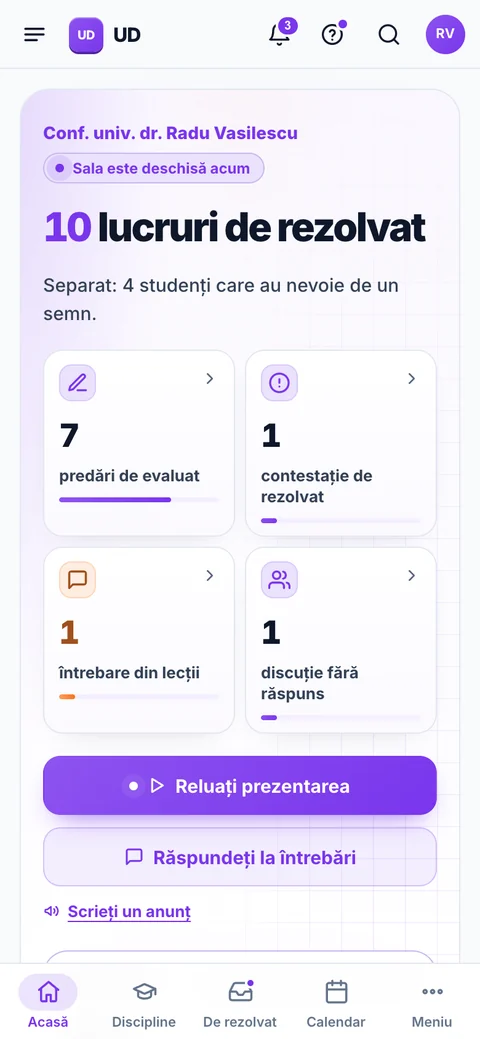
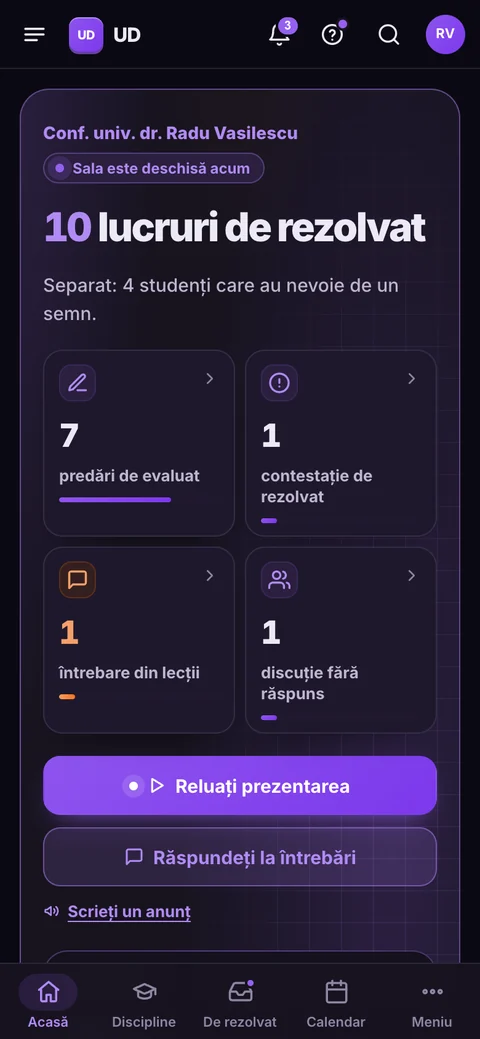
Example data: a subject’s gradebook, ready to sign
01Monday · Inbox
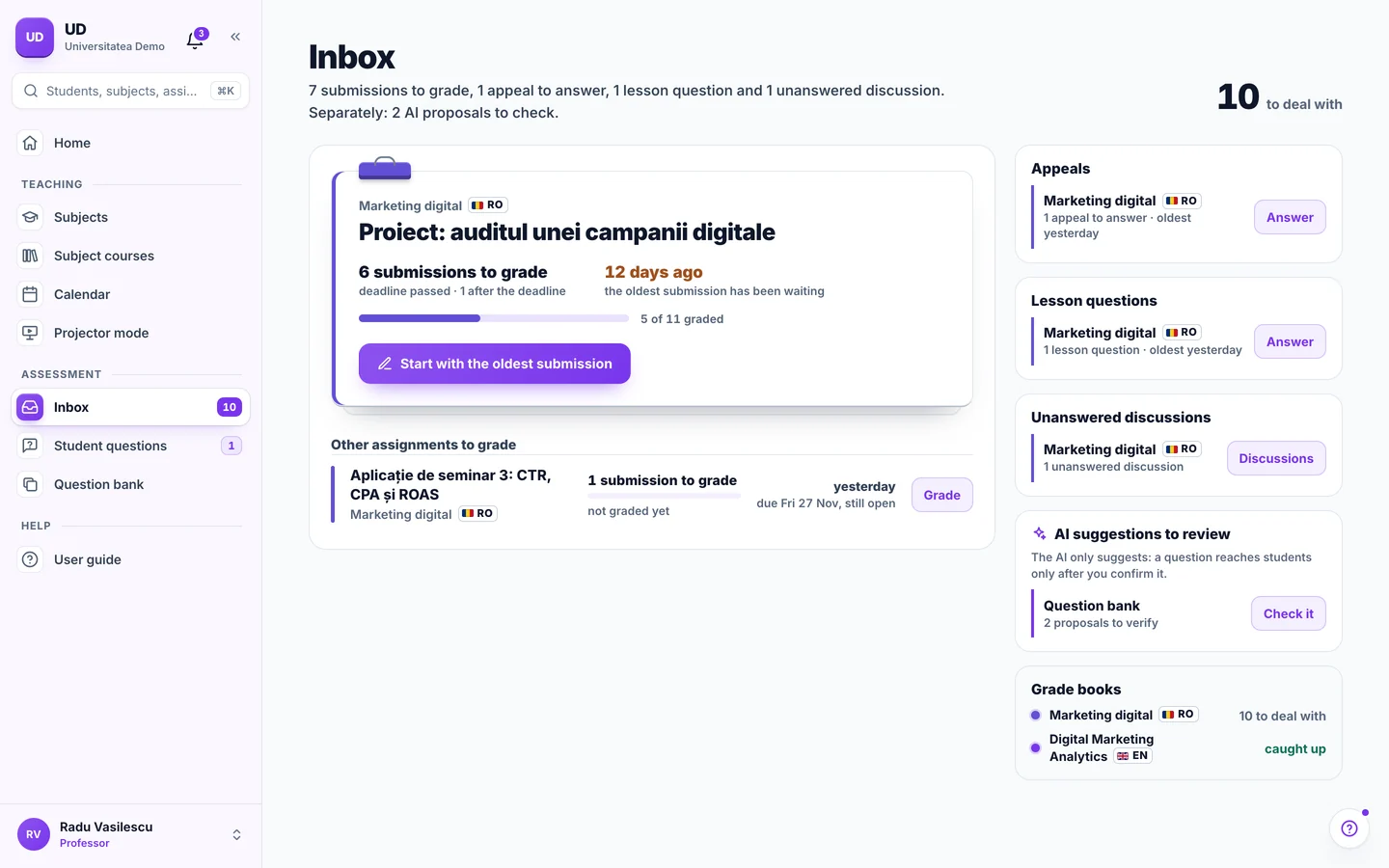
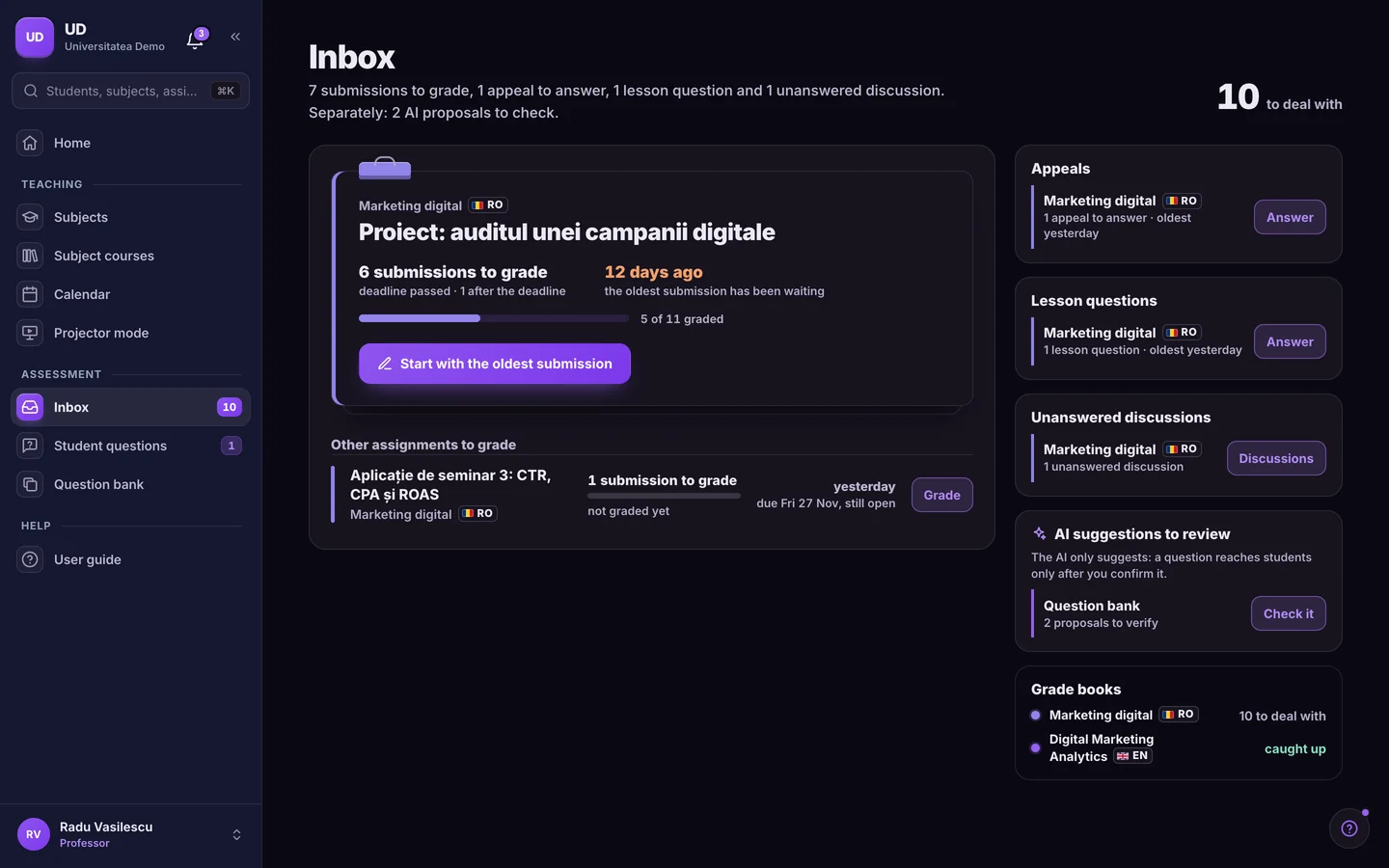
What is waiting, across all your subjects
“Inbox” gathers ungraded work, appeals, lesson questions and unanswered discussions, oldest first.
- The oldest submission firstGraded directly or on the assignment’s rubric, when it has one: up to 12 criteria, the score computed exactly.
- Appeals on gradebook gradesThe subject lead decides them: upheld with a new grade or rejected with reasons.
- The question from the lessonIt reaches the lead and the assistants; the administrator can read it and reply if needed.
- A reply proposal written by AIFrom the lesson and the bibliography, with its sources, without the student’s name; it goes out only when you send it, signed by you.
- Students who need a nudgeNot started 3 days after joining or inactive for 7 days; your signed reminder, at most one every 3 days per student.
02Tuesday · The live lecture
Present the lecture and take attendance in the hall
Each section of the lesson becomes a slide, next to the materials, attendance, the quick question and a timed break.
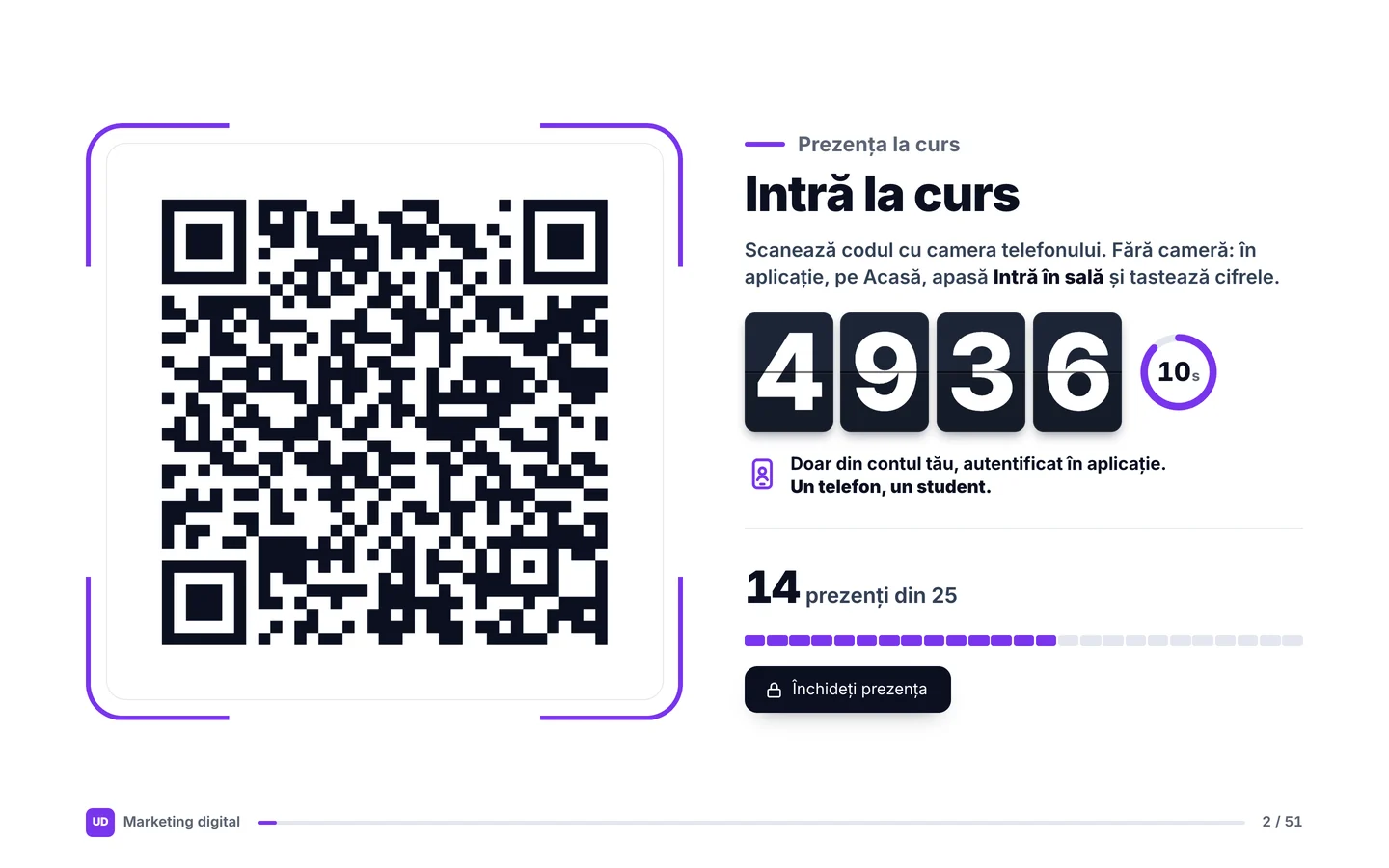
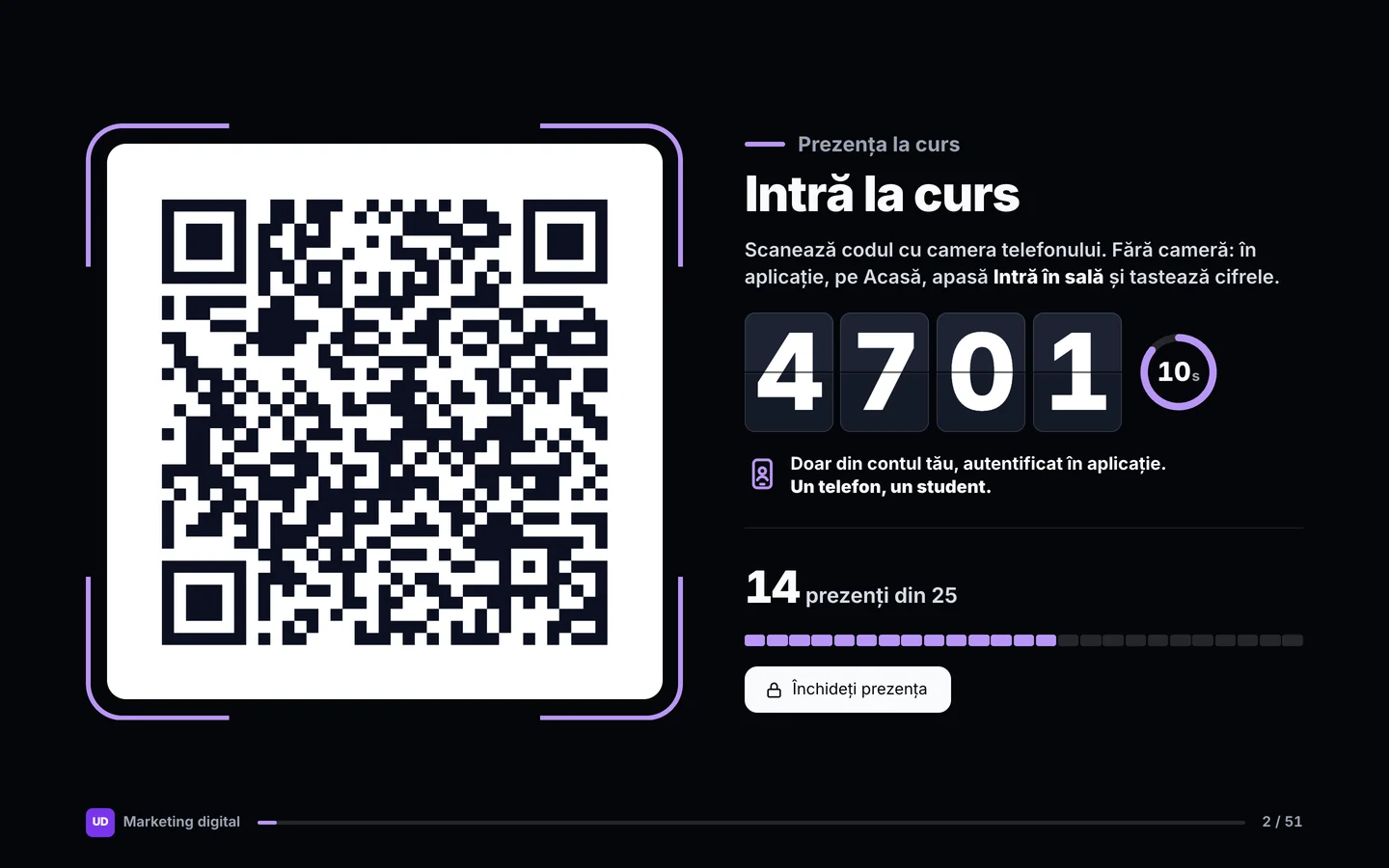
- The QR code and the four digits change every 10 secondsStudents scan or type the code from their own account; a code works for at most 20 seconds.
- One phone signs in one studentOnly from one’s own signed-in account; you see rejected attempts, with name and time.
- Only the count is on the projector“14 present out of 25”: the names appear in the presenter window.
- ← → · Space
- slides, also from a presentation clicker
- P
- presenter window, on a second screen
- F · B · W
- full screen, black or white screen
- L · T
- laser pointer and timer
- + −
- text size
- Esc
- exit the presentation
03Thursday · The exam paper
The question bank and the exam paper
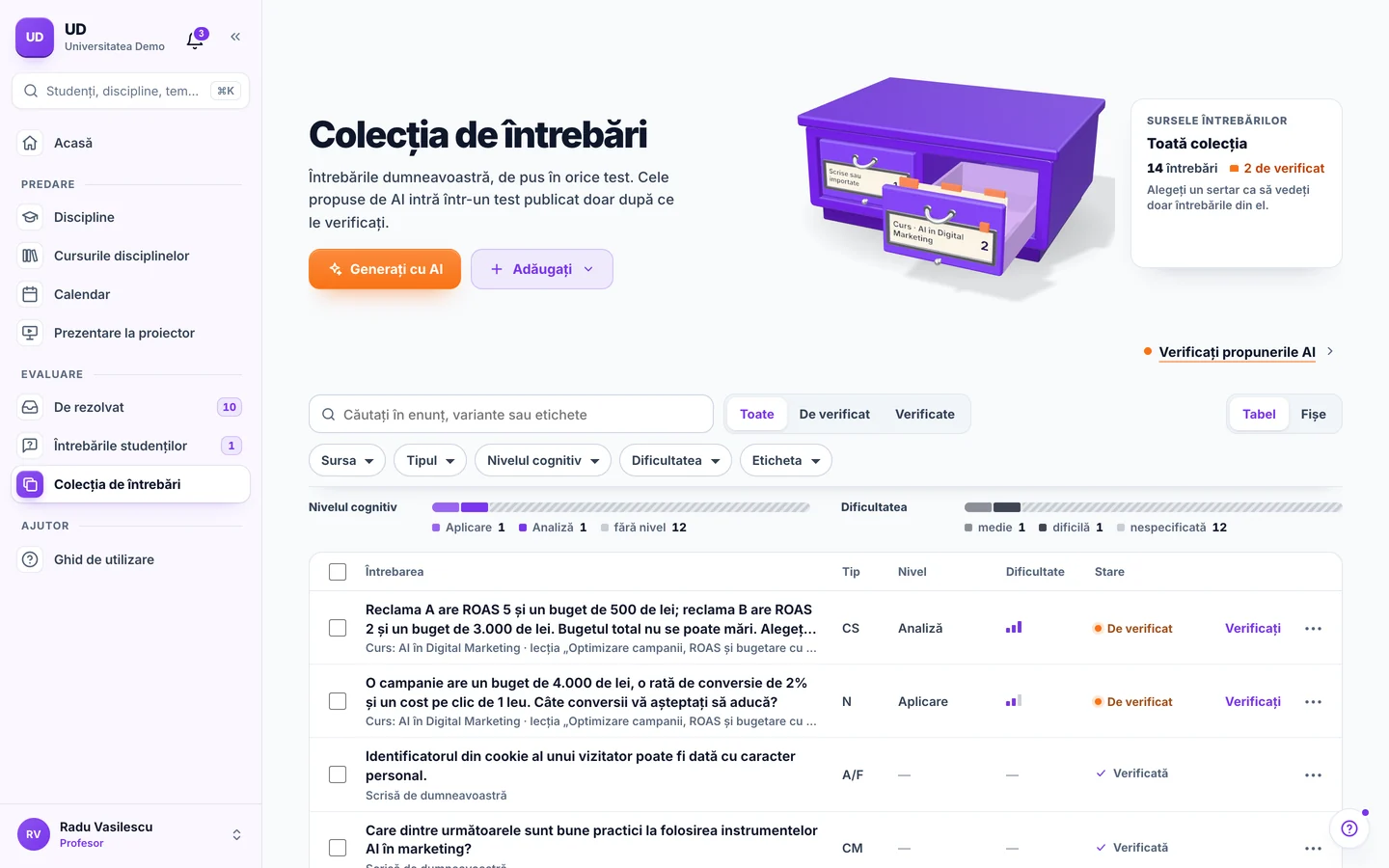
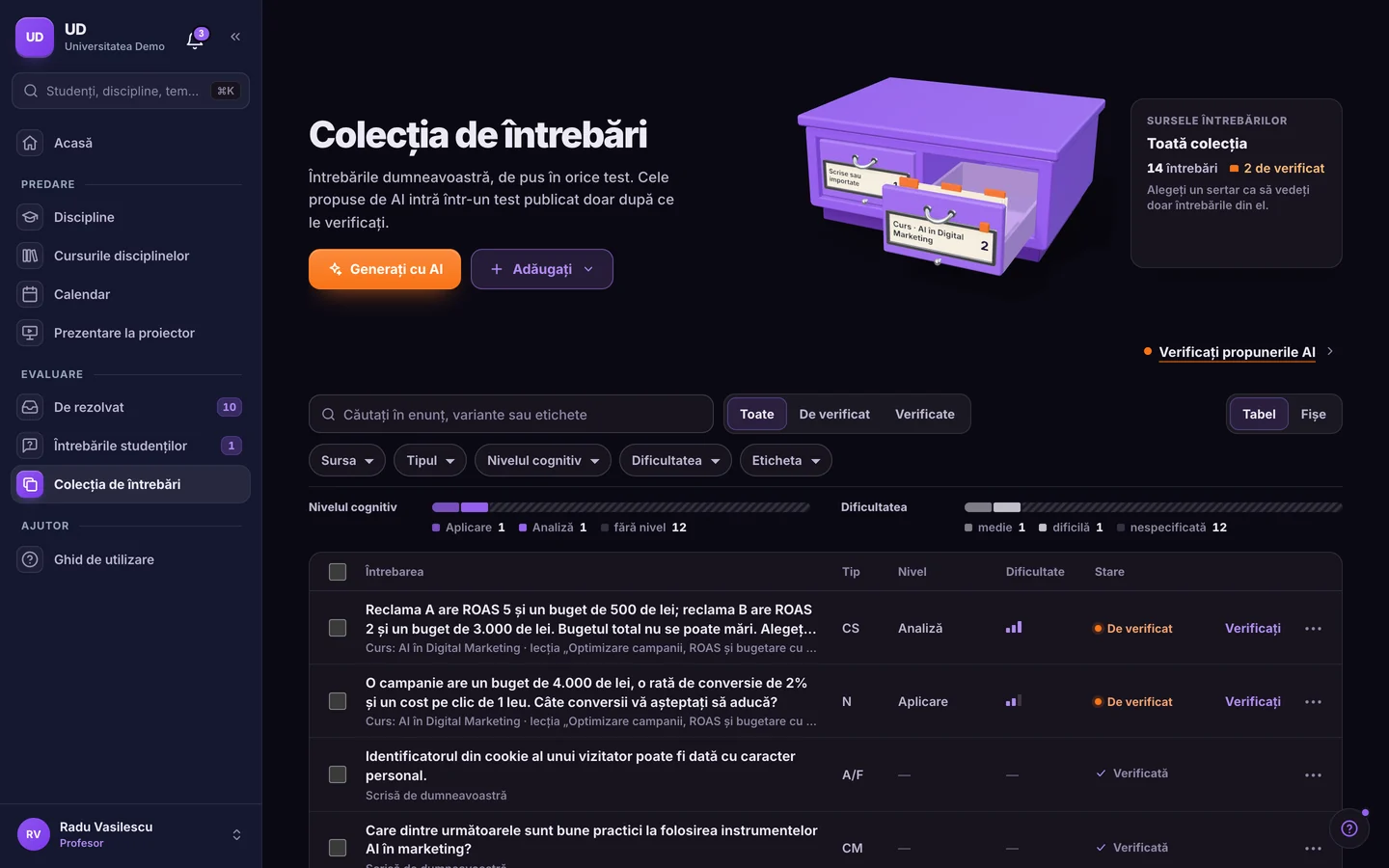
Questions written, imported or suggested by AI follow you from year to year and are checked before use; they become online tests and printed papers.
- The bank
- 2,000 questionsper professor, with tags, difficulty and cognitive level
- Import
- CSV · XLSX · XLS · ODSor text pasted from Word, checked row by row
- AI suggestions
- Only once checkeda test is not published, nor a paper printed, with unchecked questions
- The online test
- 4 question typestime kept by the server; order and options shuffled per attempt
- Item analysis
- Top and bottom 27%for online tests, after closing: correct answers and discrimination index
- The printed paper
- Versions A–Danswer sheet, marking scheme and a revision code on every page
04Friday · The gradebook
The gradebook averages by weight and has three sessions
Weighted components, a 10- or 100-point scale, the pass mark chosen by the subject lead and an exact average. Gradebook grades reach students only when you publish them.
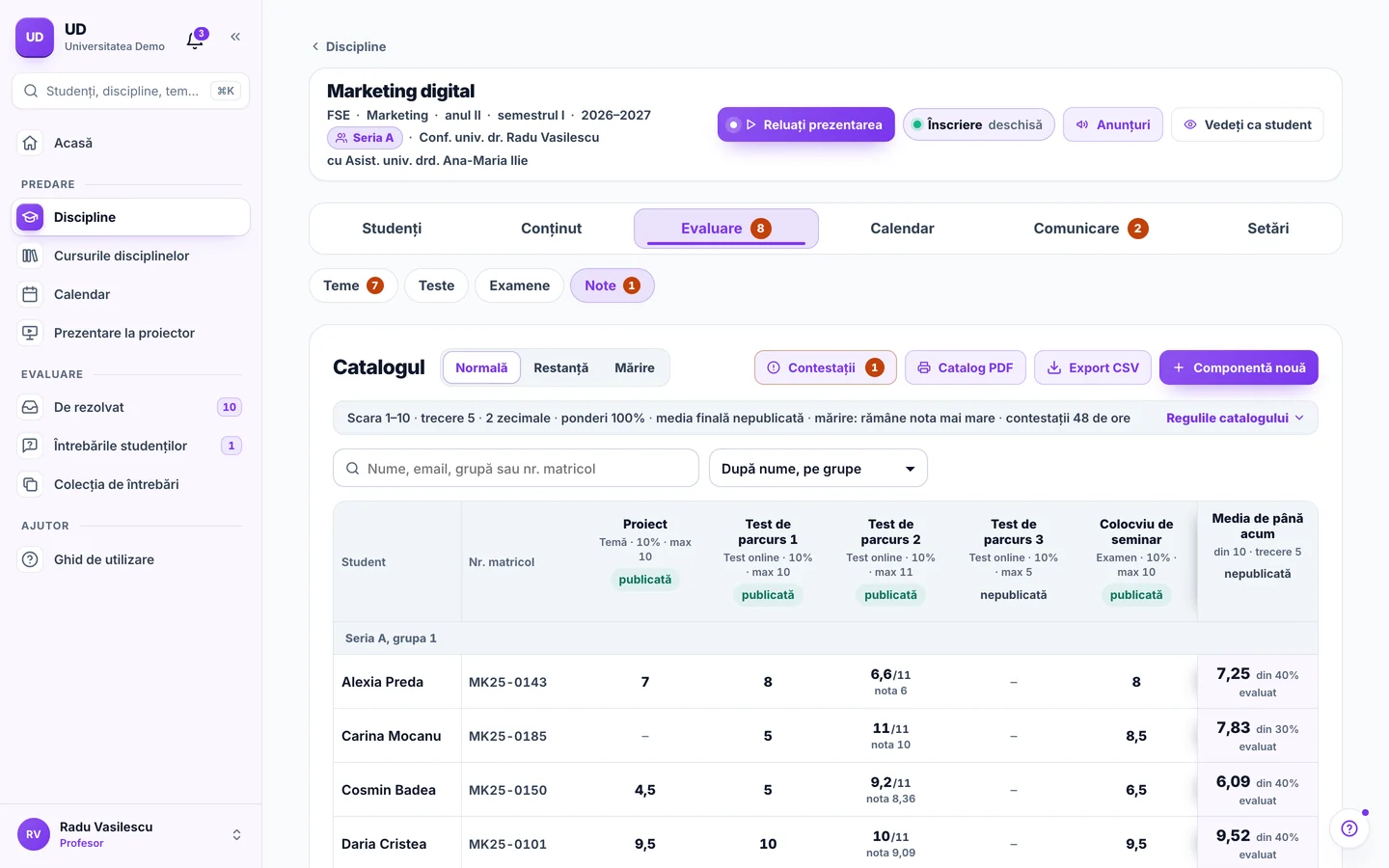
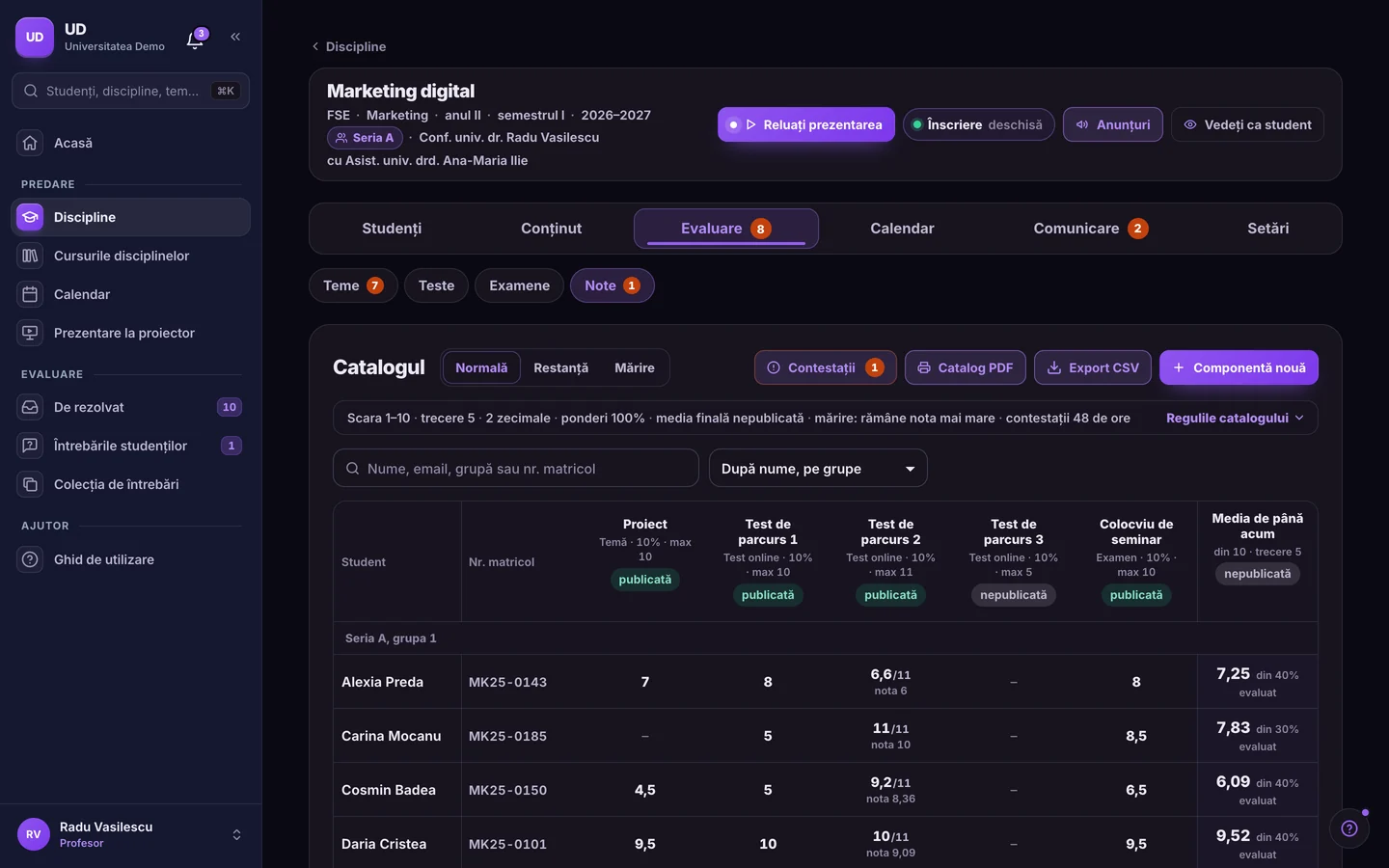
- Three sessions, each publishedThe resit replaces the regular grade; for grade improvement the higher grade stands, under the subject’s rule.
- Appeals and the gradebook to sign48 hours by default (24 hours to 7 days); a PDF per session with signature lines, and CSV.
- The rules on one lineScale, pass mark, rounding, weights and the improvement rule; the final grade needs weights of 100%.
- Published component by componentStudents see gradebook grades only once published; a changed grade keeps its old and new value.
- Passed only with every exam passedEach weighted exam must reach the pass mark, even when the average does.
05Any time · The team
The subject lead and the assistant
The subject lead adds up to 20 assistants to the subject’s team; each occupies a professor seat and works according to their role.
Every member of teaching staff also has a test student, to see the subject exactly as a student does; that account never appears in lists, counts or exports.
The other roles
The same semester, from the other roles
-
Students
The semester’s subjects, in a single app
Lessons with the AI Professor, attendance in the hall, deadlines and grades.
-
Administration
Faculties, series and professors, from one account
The registry’s lists, the seats, the dashboard, the identity and the audit log.
-
Custom courses
The subject’s course, written from its syllabus
Modules, lessons and quizzes, with the AI Professor in every lesson.
Does artificial intelligence grade anything?
No. The professor grades the assignments, directly or on the assignment’s rubric. The score of an online test is calculated from the answer key set by the professor, and any questions suggested by AI are checked by the professor before the test can be published.
What does the live room offer?
The lecture is presented on the projector from the professor’s account: each section of the lesson becomes a slide, next to the materials, the attendance slide, the quick question and a break with a timer. Attendance is taken with a QR code and a four-digit code that change every 10 seconds; no names appear on the projector. The attendance sheet stays the professor’s, who can correct it at any time: present, late, absent or excused.
Can questions be reused from one academic year to the next?
Yes. Every professor has their own Question bank: questions can be imported from a spreadsheet or from text in Word, written directly in the app, or suggested by AI and then confirmed by the professor.
When do students see their gradebook grades?
A component’s grades appear in the student’s gradebook only when the subject lead publishes them, and the final grade is published only when the weights add up to 100% and every component is published. The score of an assignment or a test shows on its own page as soon as it exists.
Can the subject lead work with assistants?
Yes. The subject lead adds assistants to the subject’s team, each on a professor seat. The assistant teaches alongside the lead: assignments, tests, entering grades, attendance, the calendar, materials, announcements, discussions and extensions. The gradebook structure and publishing the final grade, the syllabus, exam papers, appeals and the team stay with the lead; settings, courses, enrolments and groups are managed by the lead or the university administrator.
How are the gradebook and the examination sessions organised?
The gradebook has weighted components (out of 10 or 100), the regular, resit and grade-improvement sessions, and appeals. It is generated as a PDF with Student ID numbers, ready to sign.
University by Cursuri AI
See the app from a professor’s perspective
In the demonstration we open a professor’s account at the demo university: “Inbox”, the live lecture, the question bank and the gradebook.
- A demonstration on the demo university, for the faculty’s leadership, the registry and the teaching staff
- An offer based on professor seats, with a student cap for each seat
- The data processing agreement, signed before the first student enrols