
Reply within one working day
Book a demo for your university
We show you the demo university from the administrator’s, the professor’s and the student’s perspective. We reply within one working day and agree on the date together.
The demo request
Fields marked * are required
At the demo
- The dean or a vice-dean
- The registry
- One or two subject leads
- IT or the data protection officer
What you can prepare
- The syllabi of one or two subjects you would start with.
- The faculties, study programmes and years that would use the platform.
- The language of instruction: Romanian, English or both.
The agenda
What you will see in the demo
The demo university from three perspectives, then your questions. The demo starts from the subjects you name in the request.
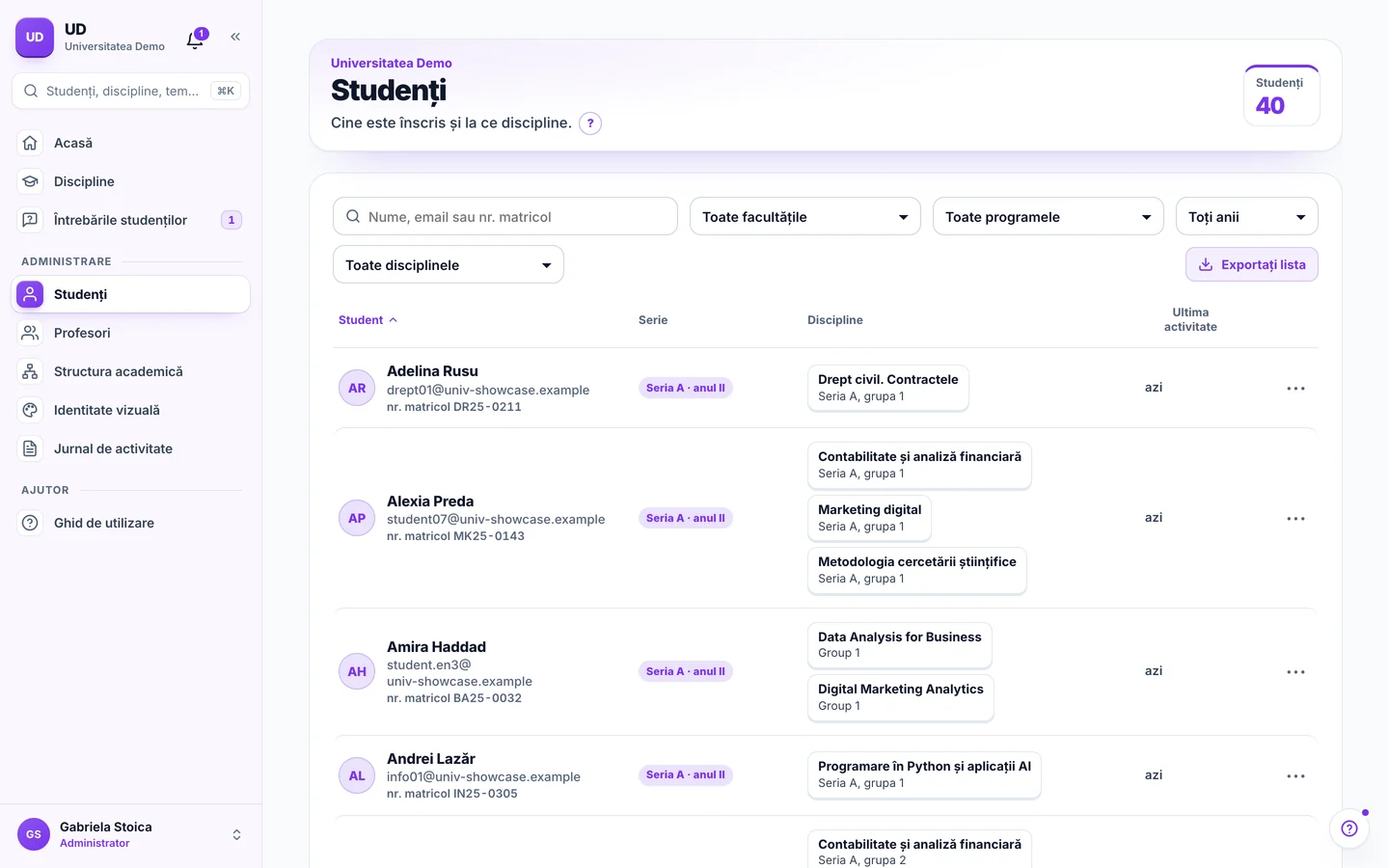
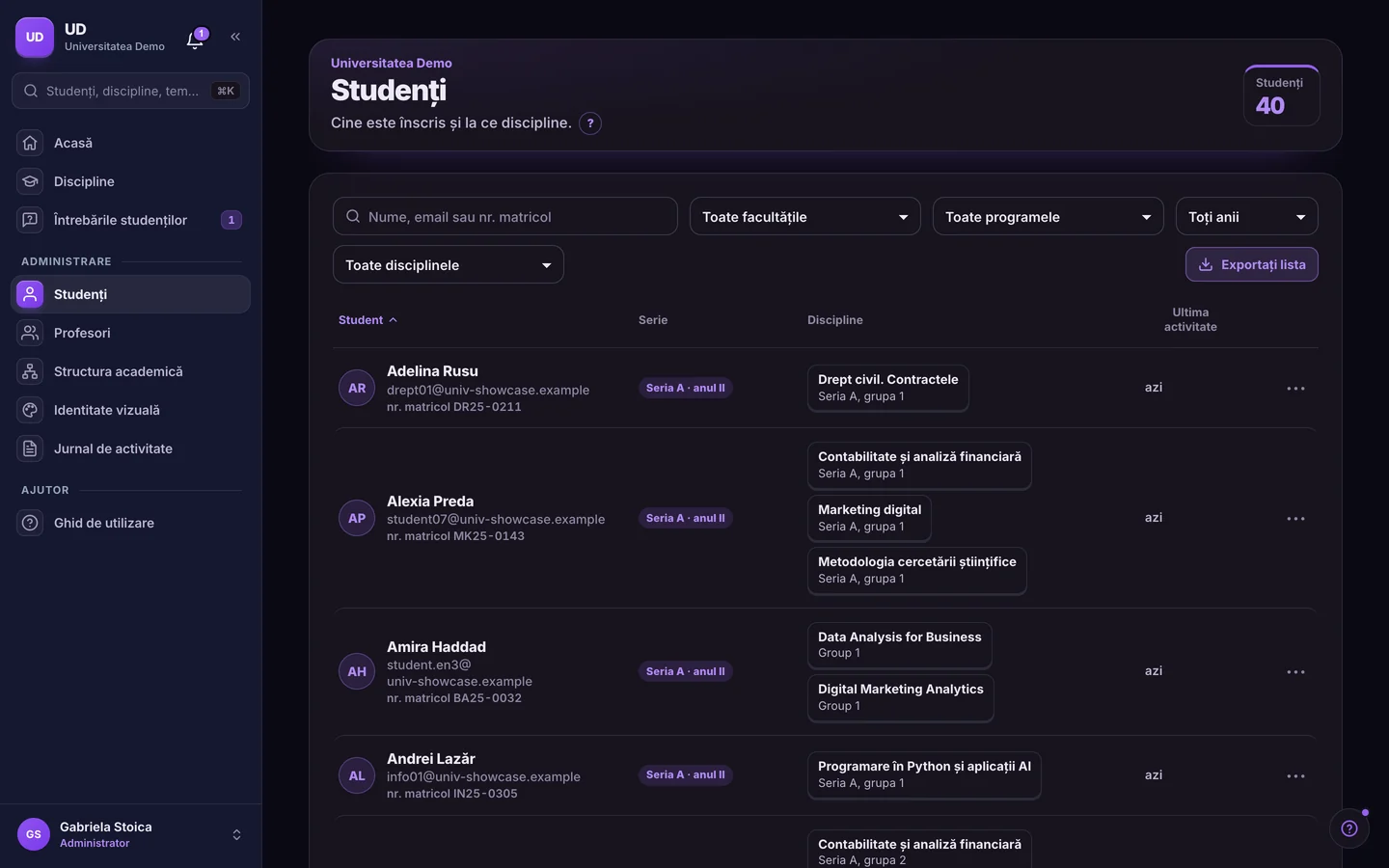
01 · The administrator
The university on the platform
The registry’s lists, checked row by row on import; students, with their Student ID and series; the structure by faculty, programme, year and series; invitations to professors.
02 · The professor
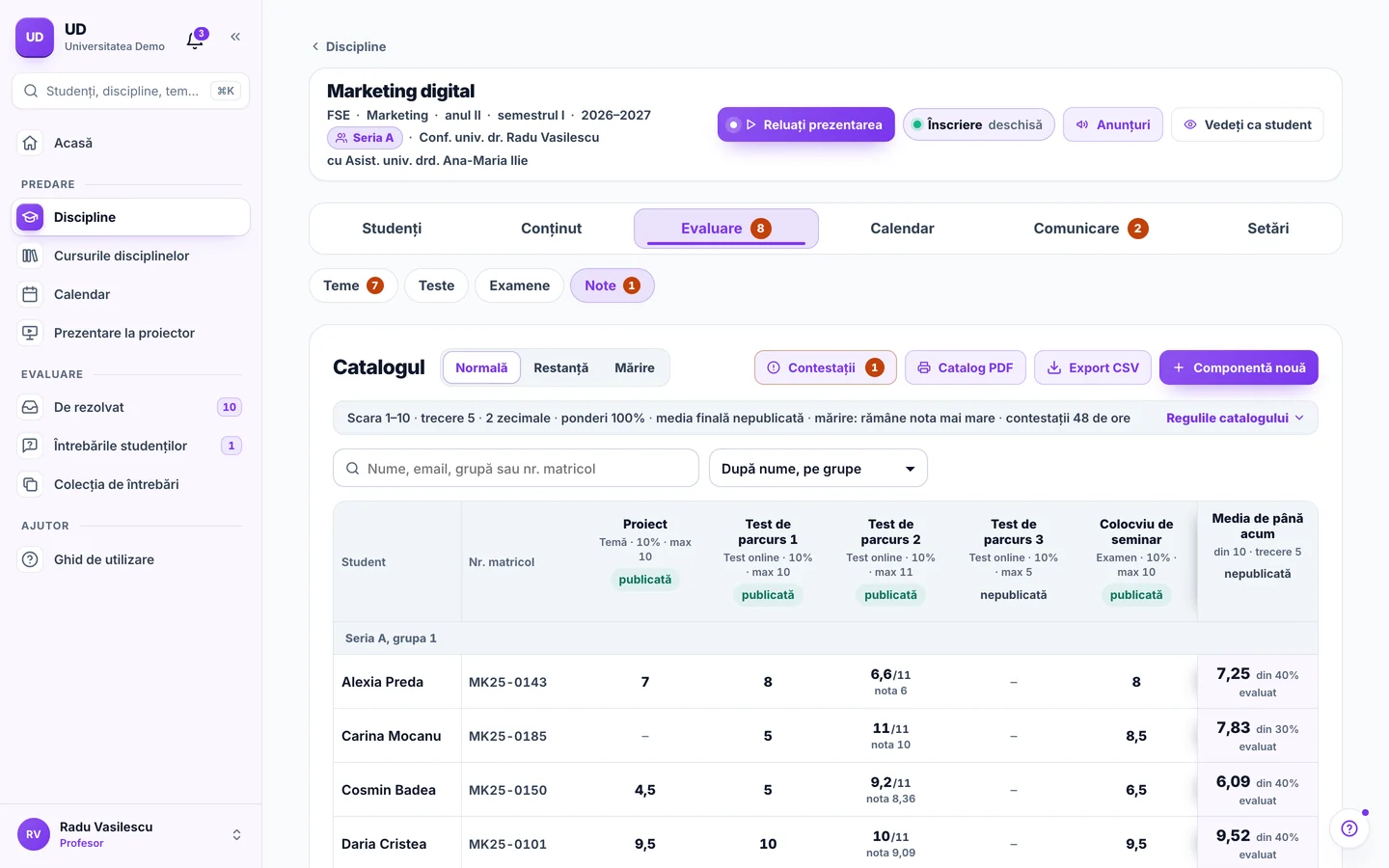
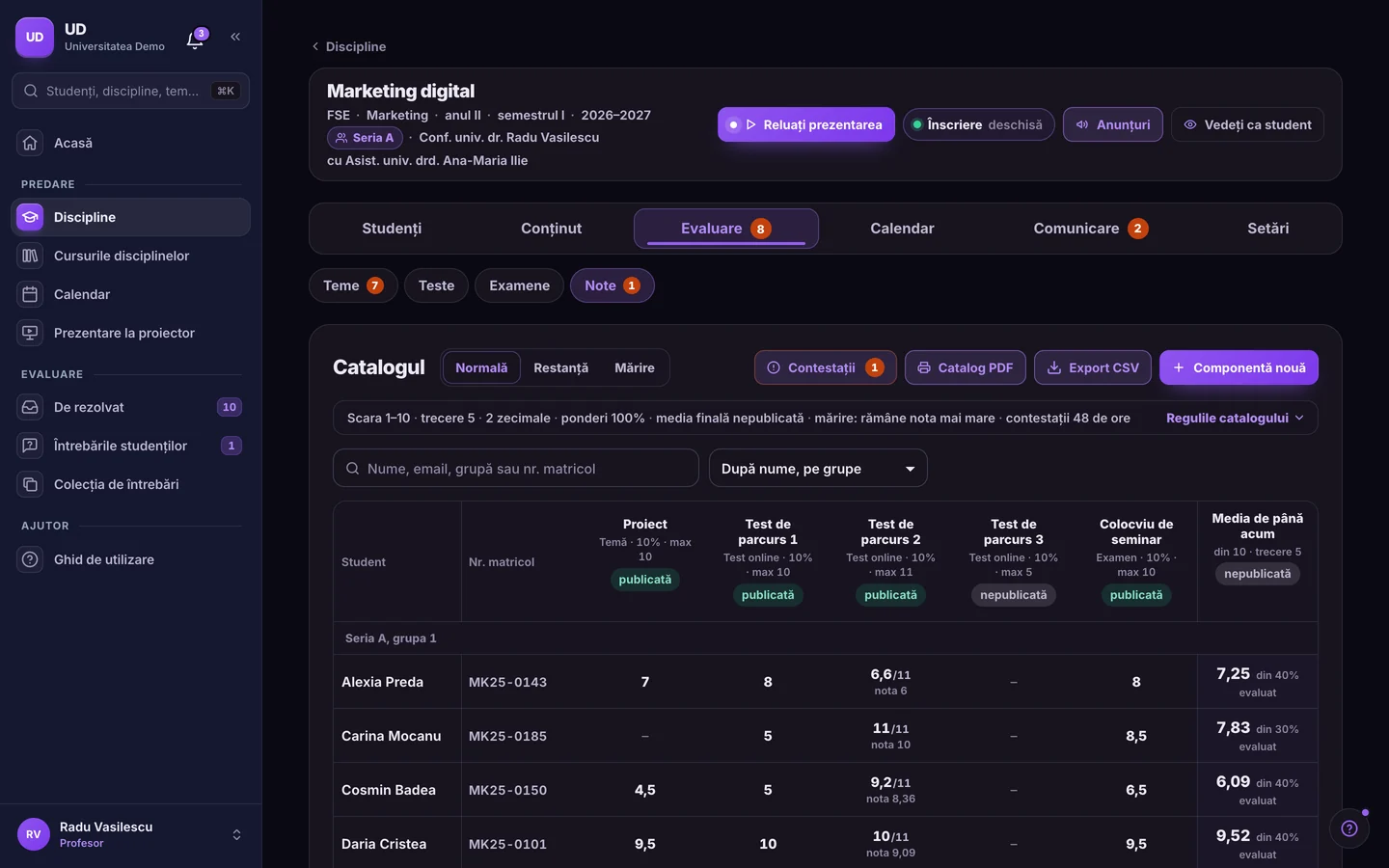
The subject, the gradebook and the live lecture
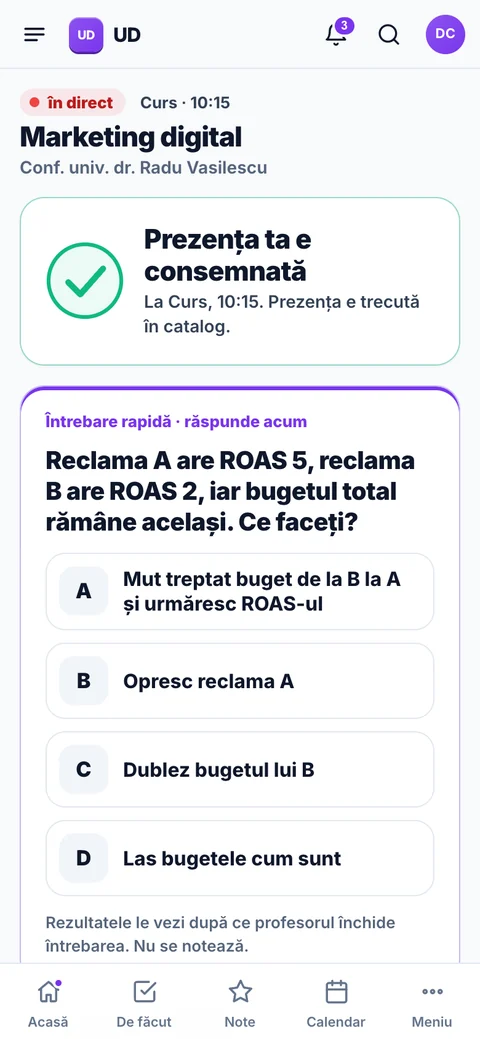
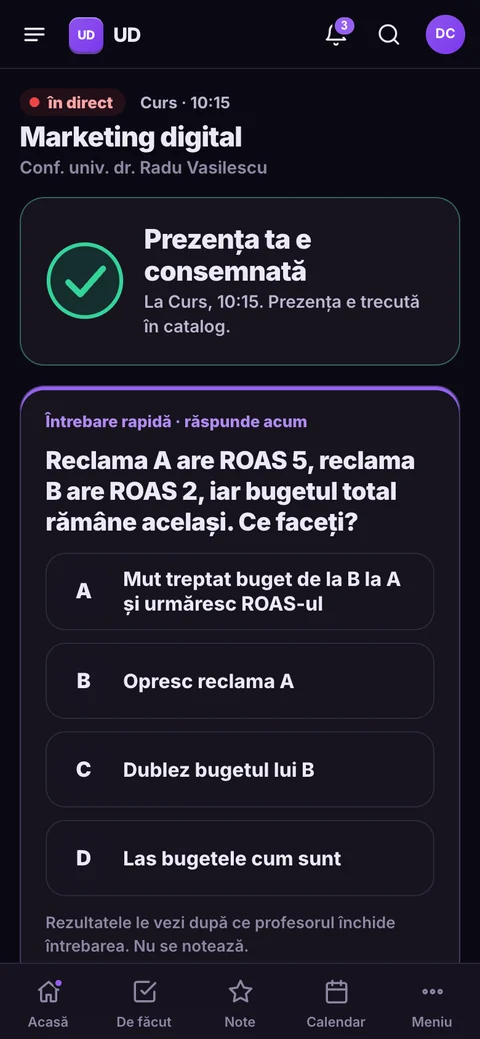
The subject’s weighted gradebook, with the regular, resit and grade-improvement sessions, appeals and the PDF gradebook to sign; then the live lecture, with QR attendance.
03 · The student
The lesson with the AI Professor
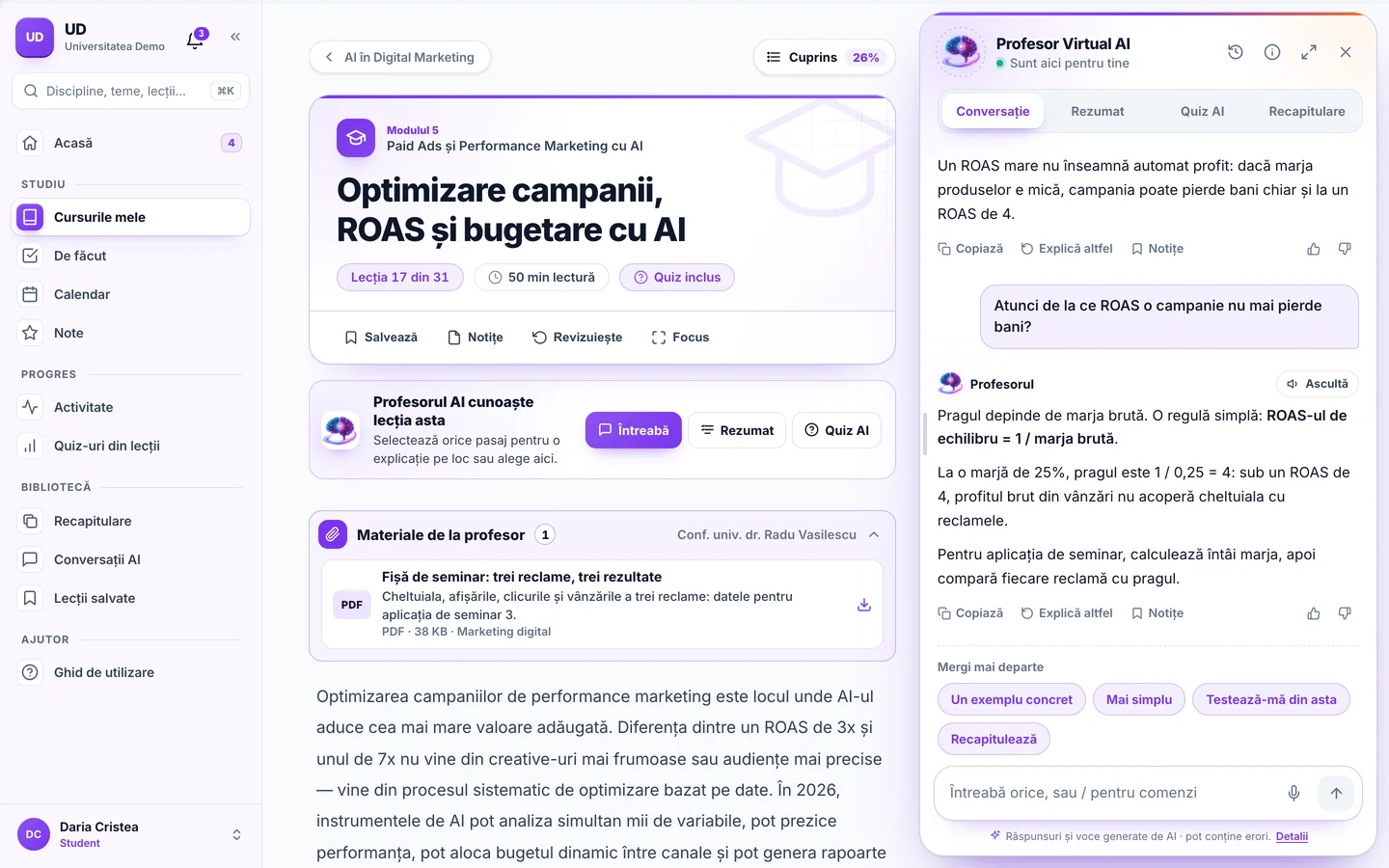
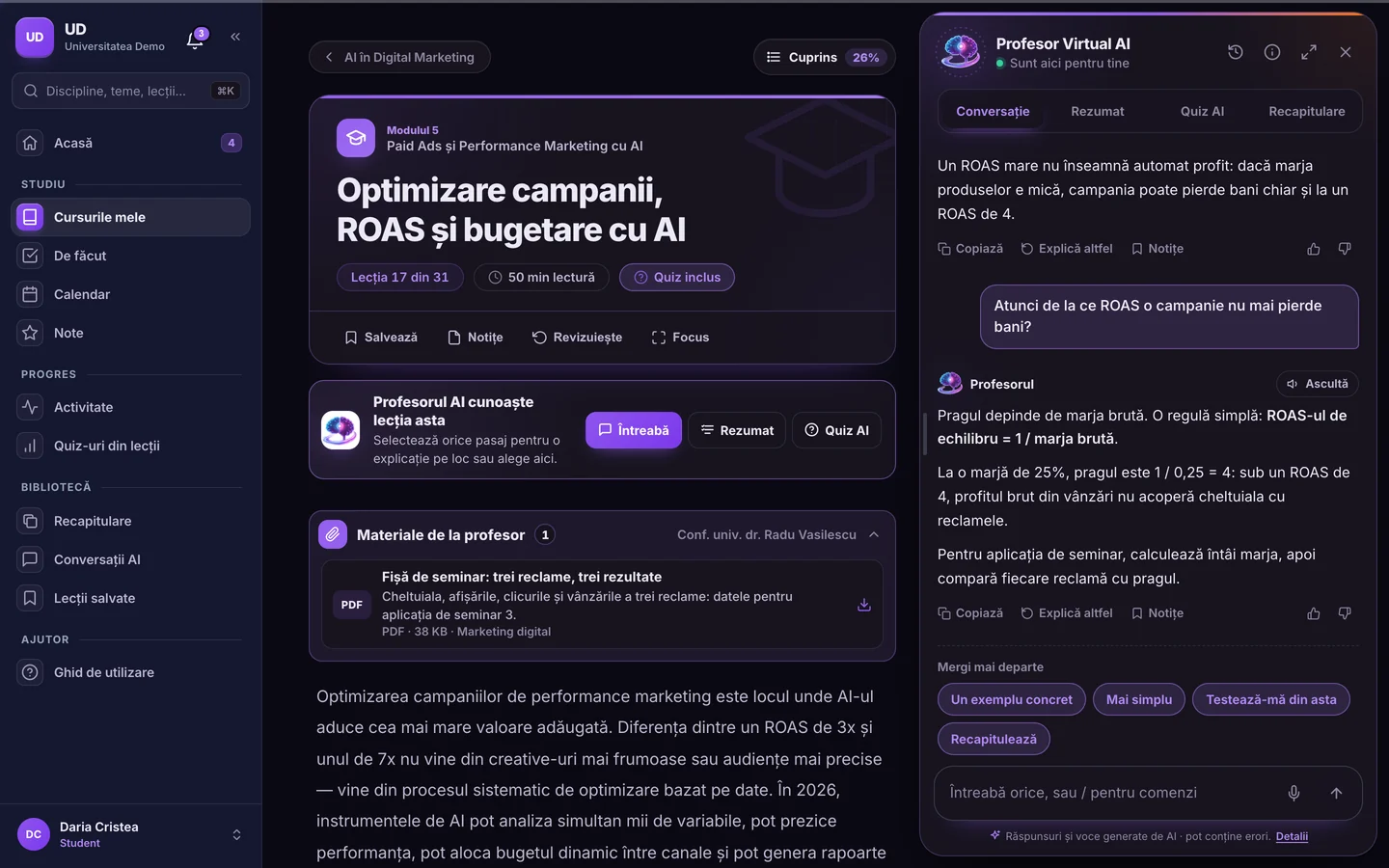
A lesson from the subject’s custom course, with the AI Professor alongside, marked as AI; the student sends the professor a question straight from the lesson.
- Where it appears
- In every lesson of the subject’s own courses, always marked as AI
- Sources
- The lesson the student is reading
- Questions for the professor
- Sent from the lesson to the subject’s teaching staff; the reply is signed with the professor’s title and name
- Grading
- It does not grade. Grades are set and published by the professors
- Who reads the conversations
- Only the student. Teaching staff see progress, not the conversations
- Model training
- The university’s data is not used to train the model
Transparency: every AI-generated answer is labelled as such, in line with the transparency obligation in Article 50 of the EU AI Act.
04 · You
Identity, data and the contract
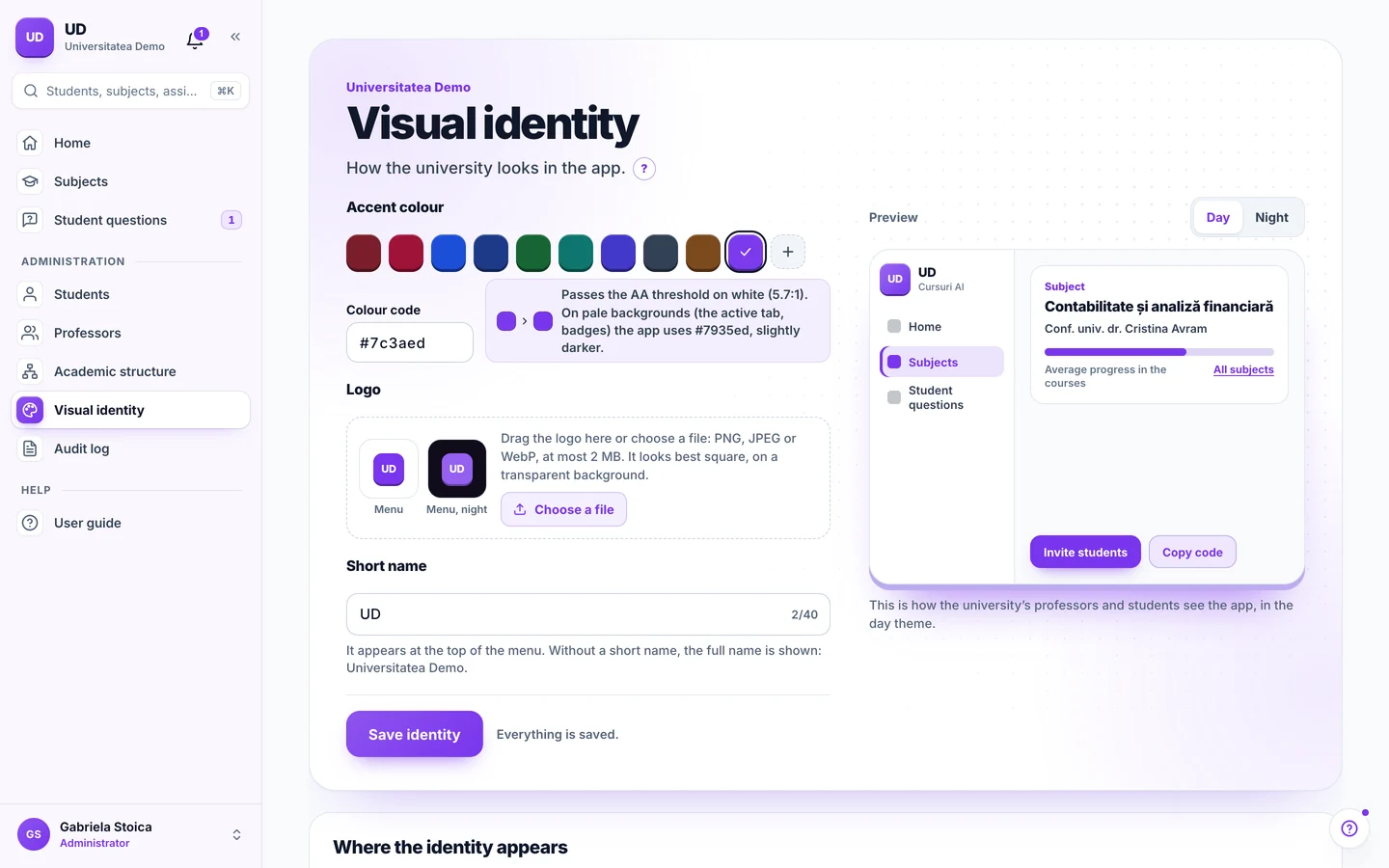
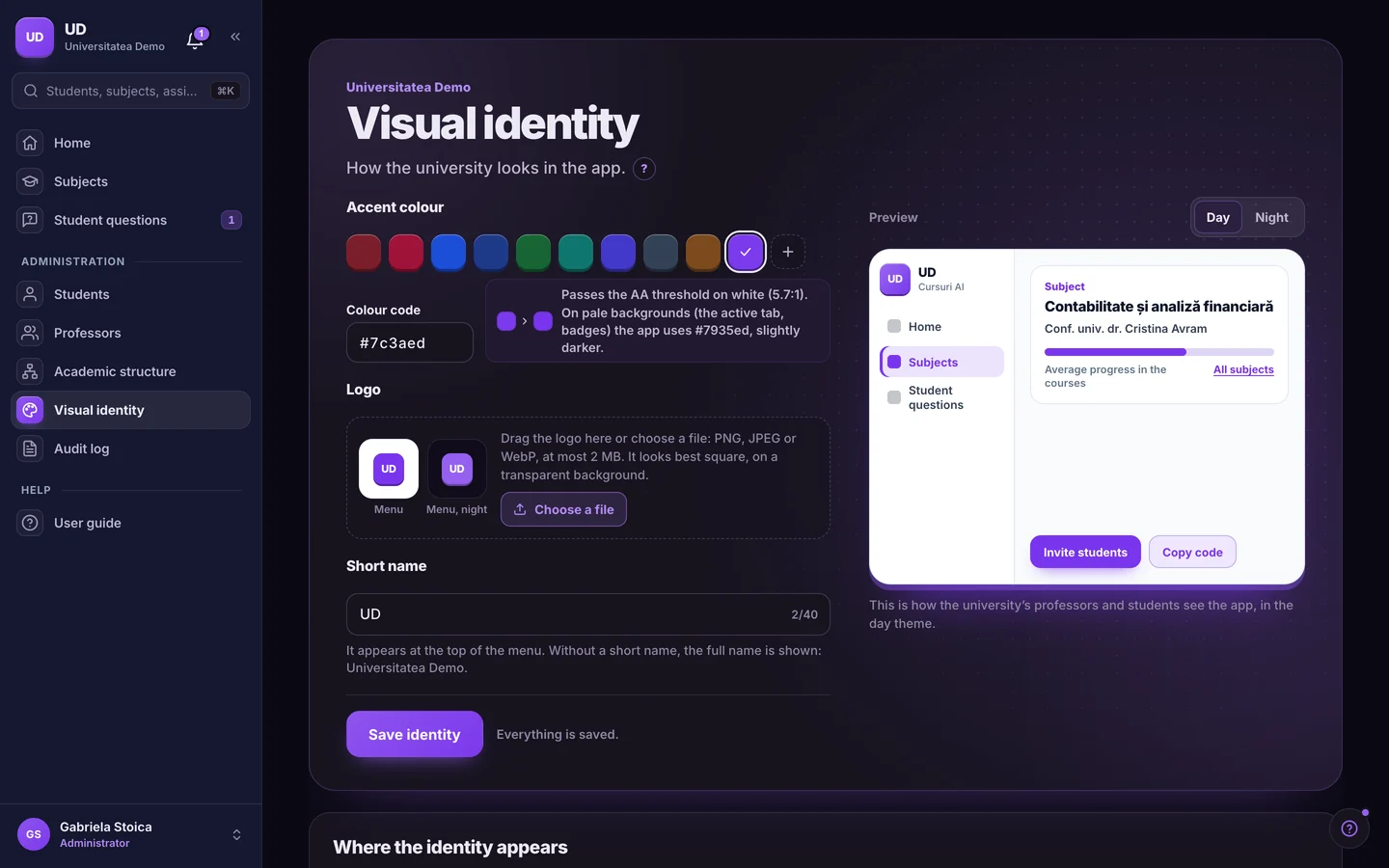
We answer the questions of the leadership, the registry and IT: EU hosting, roles, the data processing agreement and the university’s visual identity.
After the request
From the request to the first semester
- ConfirmationBy email, with the request’s reference.
- Our replyWithin one working day we write to you to agree on a date.
- The demoOn the demo university, with the people who will use the platform.
- The offerBased on professor seats, with a student cap for each.
- Getting startedThe contract and the data processing agreement, then the team sets up the university and invites the administrator.
- The first semesterProfessors create their subjects and bring in their students.