
For students
Students have the semester’s subjects in a single app
Lessons with the AI Professor, attendance in the hall, assignments, tests and weighted grades, on a laptop or a phone. Access comes from the university: an invitation or the subject code.
- 4daily pages: Home, To do, Grades, Calendar
- 48 hthe default window to appeal a grade
- 22–07quiet hours for phone notifications
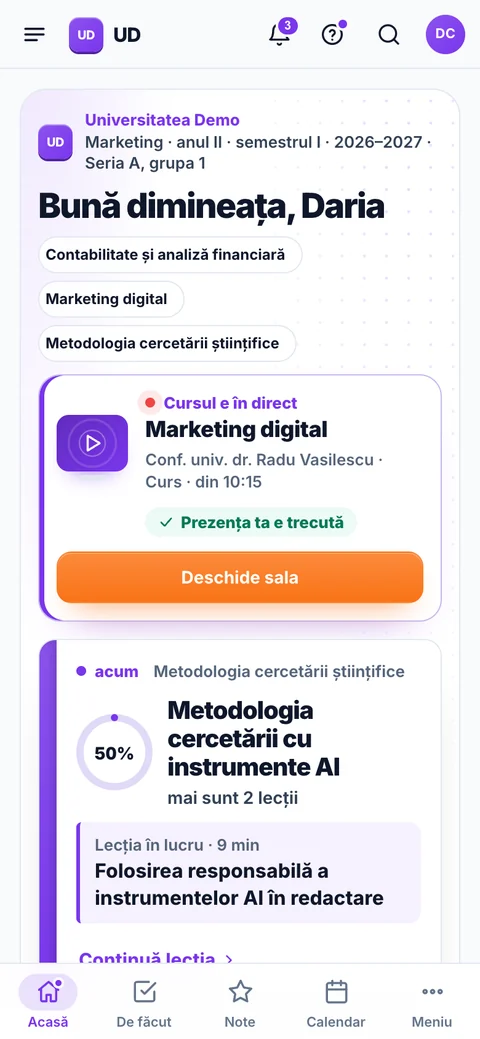
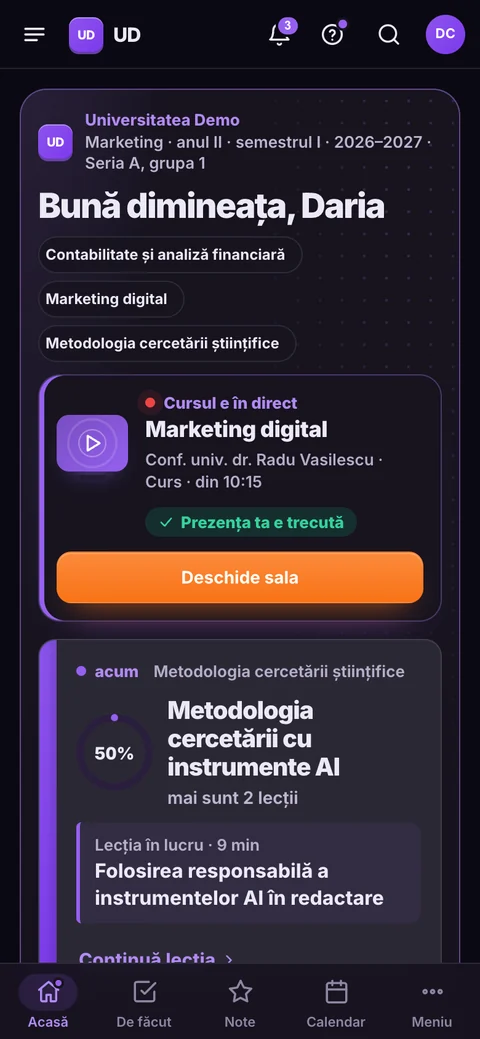
Example data, Romanian interface: a student’s week in Series A, group 1
01Monday · Enrolment
Students join with the invitation or the subject code
The invitation arrives by email, and the subject code also appears on the projector as a QR code. Then the student links the calendar and, if they wish, phone notifications.
- The invitationBy email, valid for 14 daysresent at most 4 times
- The subject code8 characters and a QR codeno look-alike characters; shown on the projector
- Before joiningThe notice “What your professor sees”confirmed by the student and kept on the enrolment
- Signing inEmail and password, or Googlealso from the invitation and joining pages
- The calendarGoogle, Apple or Outlookthrough a personal link that can be stopped at any time
- Phone notificationsOnly with the student’s consentsilent from 22:00 to 07:00, except “Class is live now”
02Tuesday · In the hall
Attendance is recorded from the student’s own phone
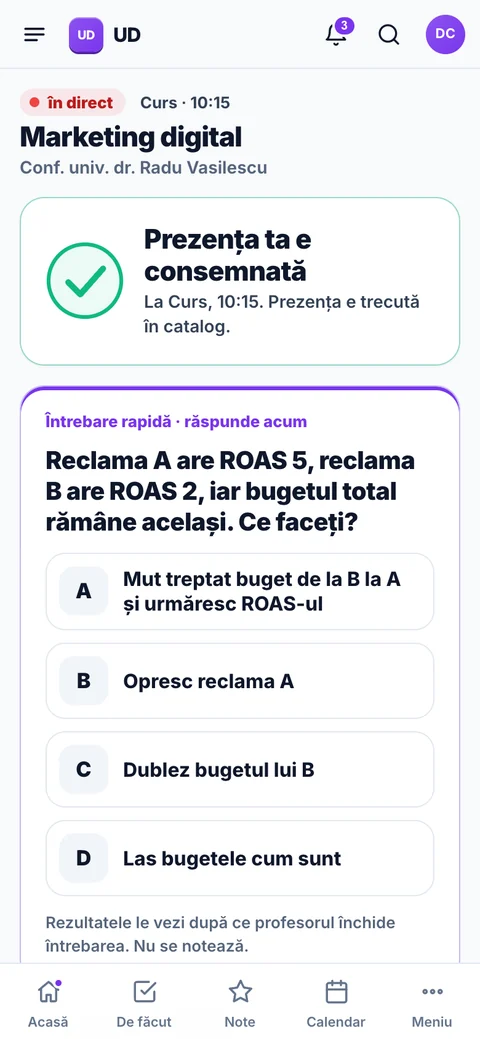
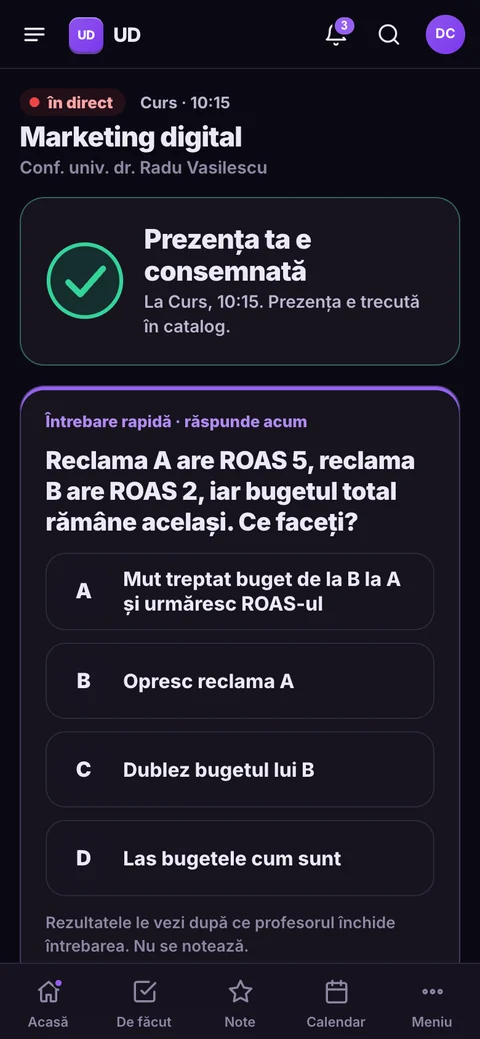
The professor opens the live room and the projector shows a QR code and four digits. On the phone, the student sees their attendance recorded and the quick question.
- The code changes every 10 secondsStudents scan the QR code or type the four digits in the app.
- One phone signs in one studentOnly from one’s own account; the professor sees rejected attempts, with names and times.
- The projector shows no namesThe hall sees only “N of M present”; the names are for the professor.
- The quick question is not gradedTwo to six options, with anonymous results on the projector.
03Wednesday · The lesson
Students can ask the professor straight from the lesson
The lesson follows the subject’s syllabus, and the AI Professor explains the chosen passage, with its answers labelled as AI-generated.
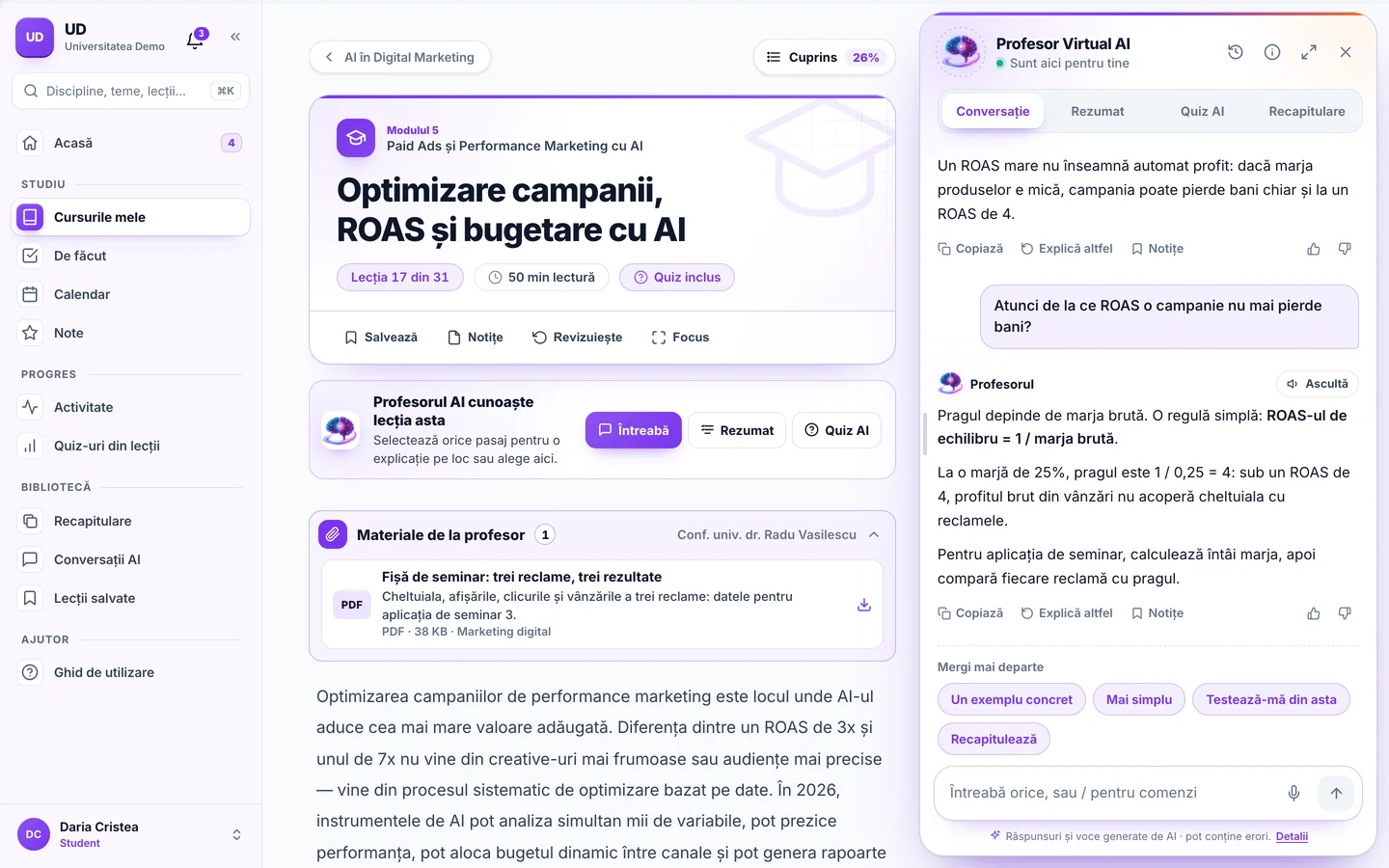
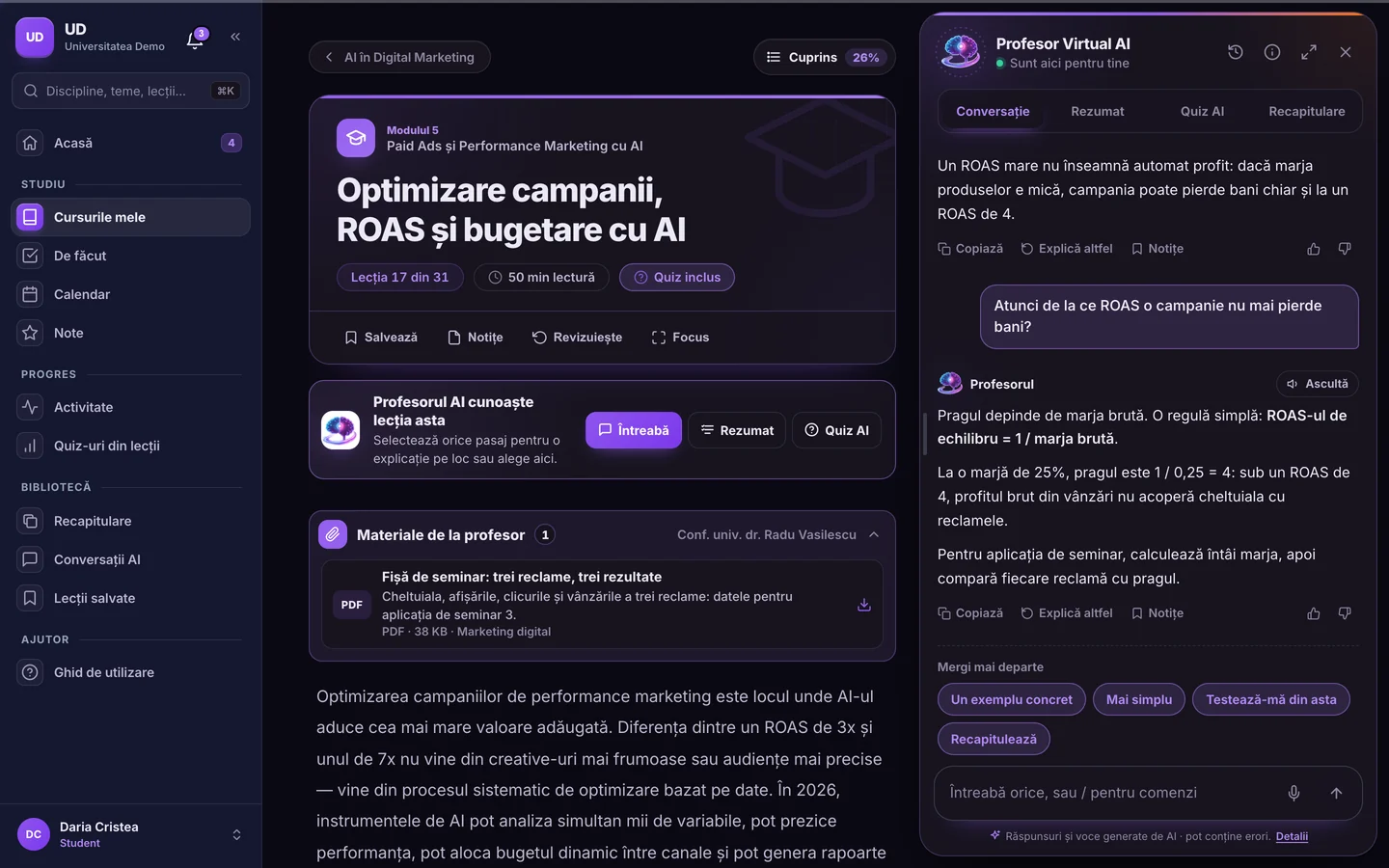
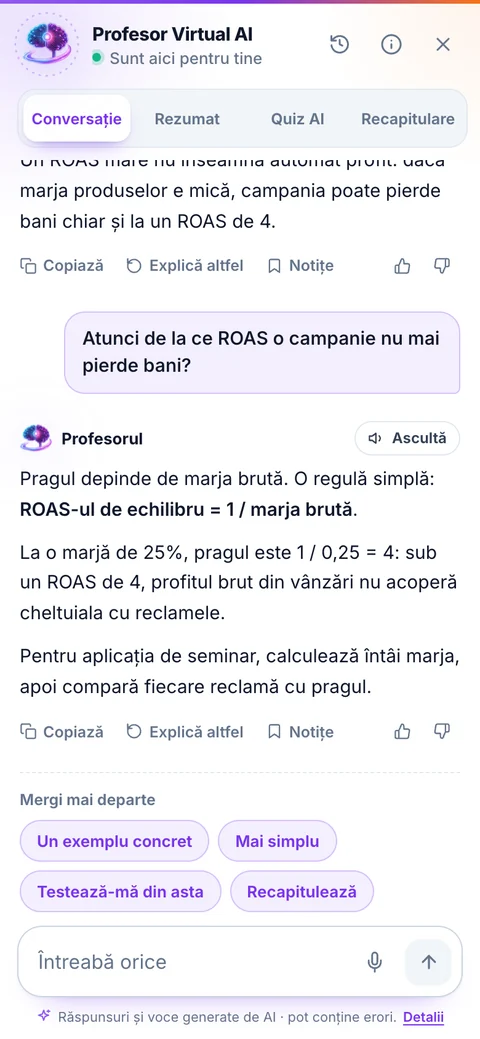
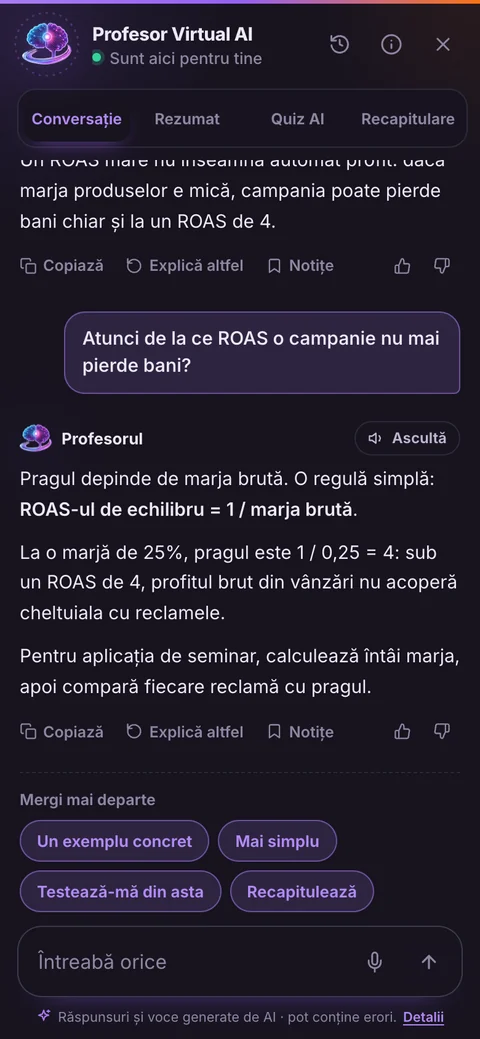
AI-generated answers and voice · may contain errors
- The course follows the syllabusModules, lessons and quizzes written by the Cursuri AI team, in Romanian or English.
- The AI Professor works on the chosen passage“Explain this”, “Give me an example”, “Why does it matter?”, plus a summary, a quiz and review cards.
- The question reaches the teaching staffThe reply is signed with the professor’s title and name and appears in the lesson.
- Conversations stay the student’sProfessors do not see them; the AI Professor works within the monthly limit set for the university.
04Thursday and Friday · To do and Grades
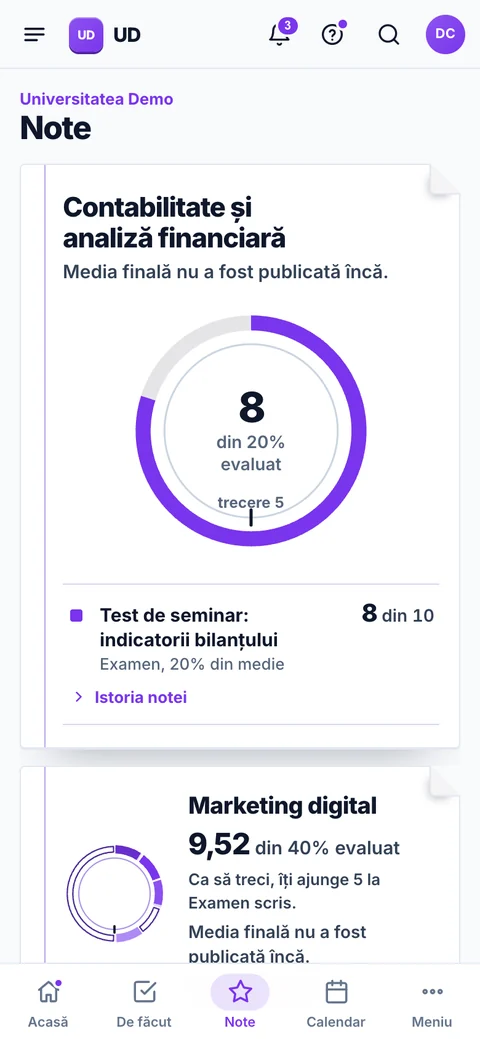
Students see their deadlines and their weighted average
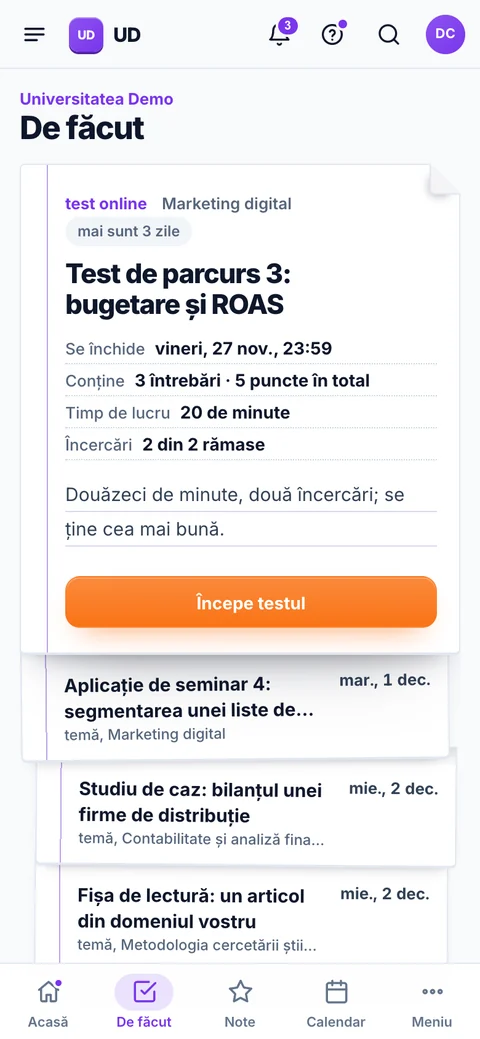
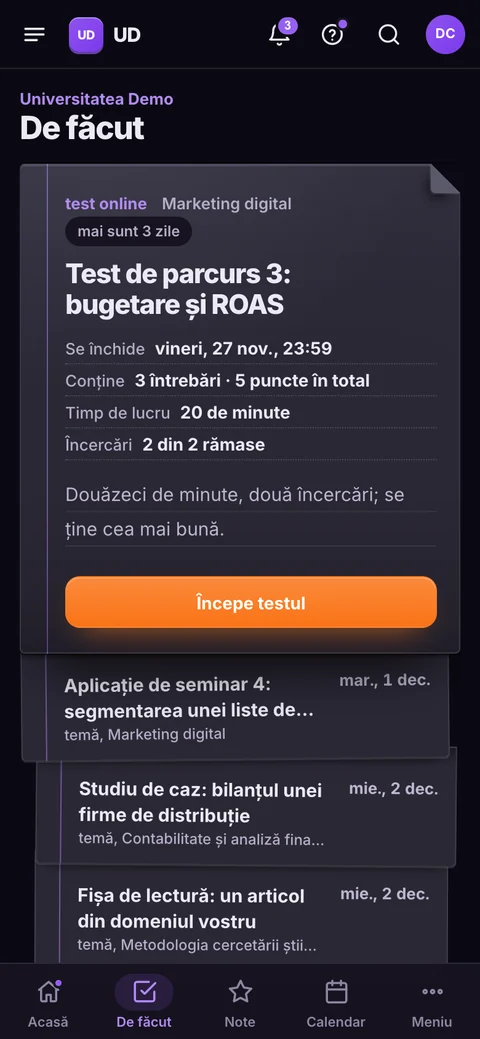
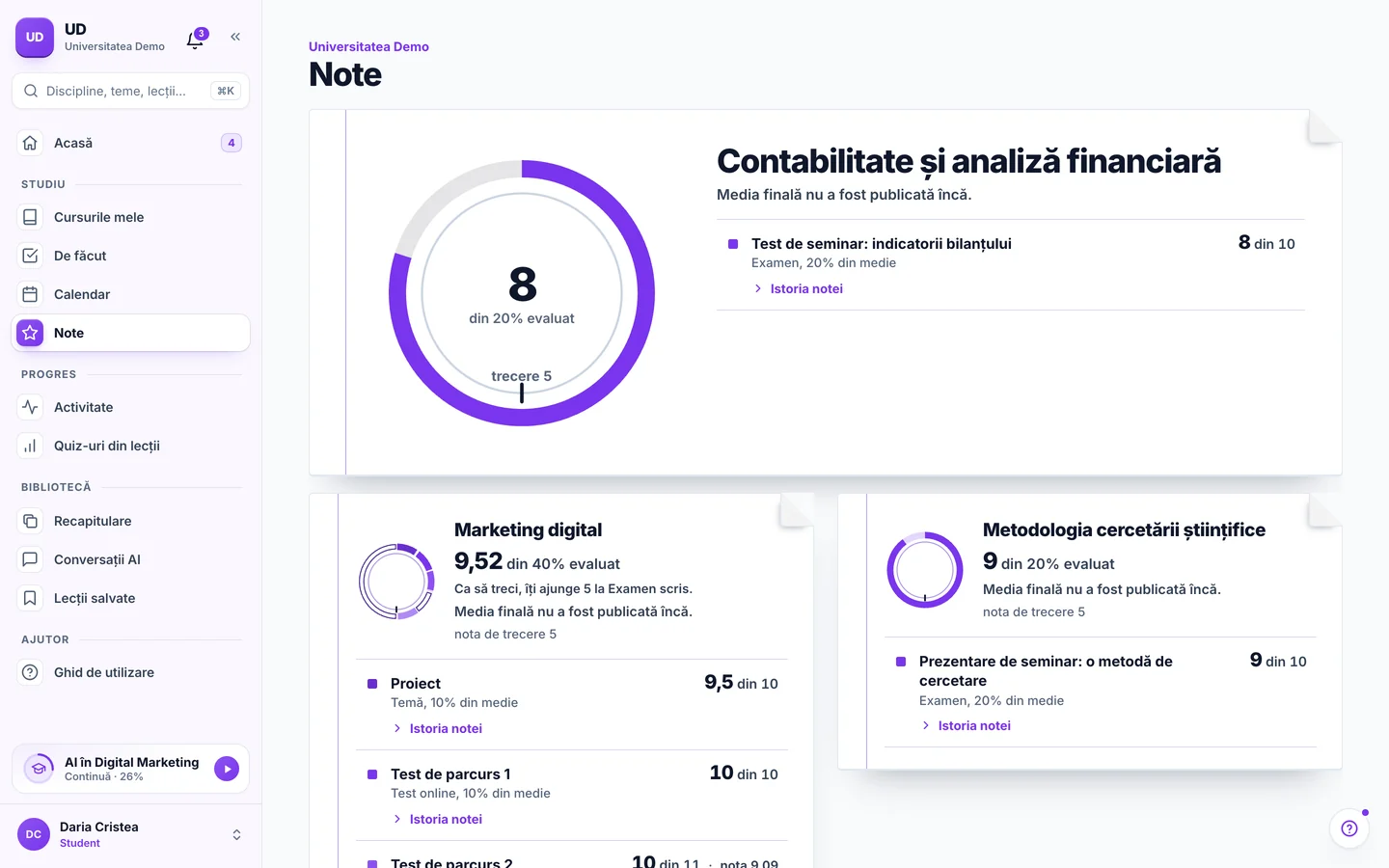
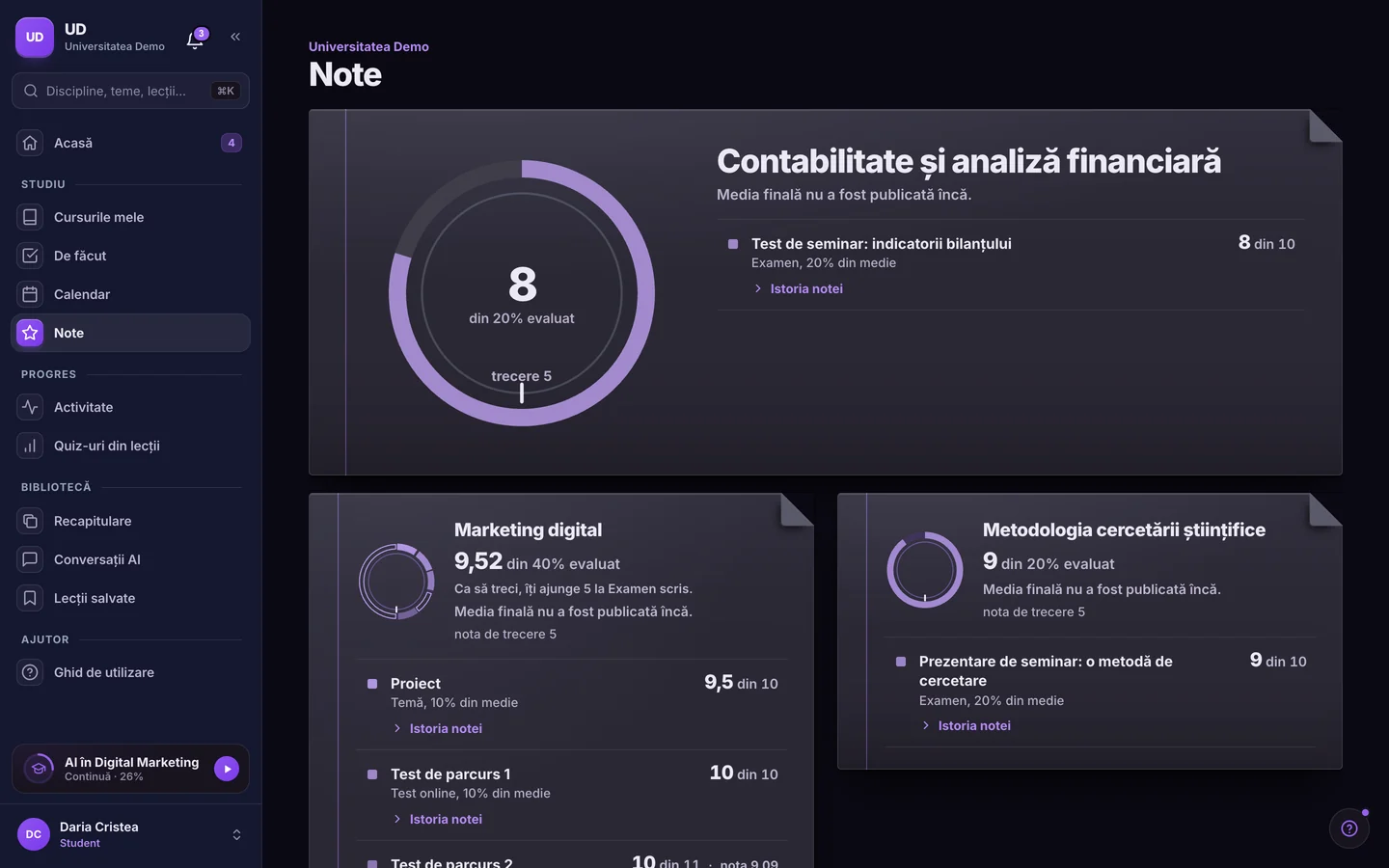
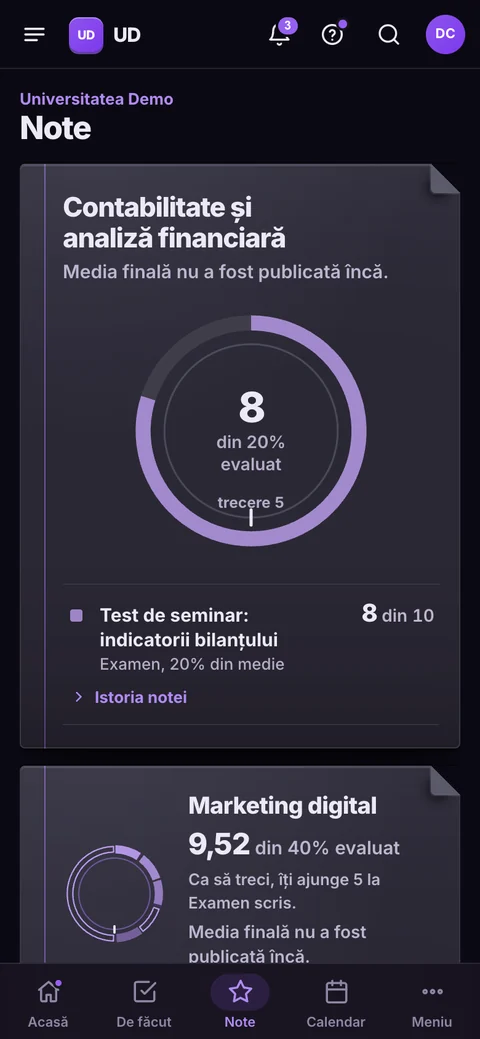
“To do” lists deadlines in order. “Grades” shows the running average and what is still needed to pass.
- The online test saves as you goThe server keeps the time, and the best attempt counts.
- A reminder comes 24 hours beforeBy email; an individual extension shows only for the student who got it.
- An assignment can be replacedText, files or both (up to 3 files of 10 MB), until the deadline and while ungraded.
- The average counts published gradesComputed exactly, with no rounding errors, on the components’ weights.
- The app shows what is still neededThe grade the remaining components need for a pass.
- Appeals start from “Grade history”Once per grade and session, within the lead’s deadline (48 hours by default).
05Any time · Who sees what
What the professor sees and what stays the student’s
The student reads all this before joining, in the notice “What your professor sees”; the version they confirmed stays on the enrolment.
The other roles
The same semester, from the other roles
-
Professors
From the first assignment to the signed gradebook
Work to grade, the lecture on the projector, exam papers and the gradebook.
-
Administration
Faculties, series and professors, from one account
The registry’s lists, the seats, the dashboard, the identity and the audit log.
-
Custom courses
The subject’s course, written from its syllabus
Modules, lessons and quizzes, with the AI Professor in every lesson.
How do students gain access to the platform?
Through the invitation received by email, or through the subject’s enrolment code or link, provided by the professor. The accounts are provided by the university; students do not buy anything.
What does a student find in the app?
Their subjects and the subjects’ courses, assignments, tests, grades, announcements, discussions and the calendar, which they can subscribe to in their own calendar app (iCalendar). The AI Professor is available in every lesson.
Do students get notifications on their phone?
Yes, only if they opt in, and not between 22:00 and 07:00, except for the “Class is live now” notification sent when the live room starts. A professor can also send an announcement by email.
How does a student appeal a grade?
From the Grades page, in the grade’s history, once the grade is published in the gradebook and within the deadline set by the subject lead: 48 hours by default, from 24 hours to 7 days. One appeal per grade and session; the lead either upholds it with a new grade or rejects it with reasons.
University by Cursuri AI
See the app from a student’s perspective
In the demonstration we open a student account at the demo university: lessons with the AI Professor, attendance, assignments and grades.
- A demonstration on the demo university, for the faculty’s leadership, the registry and the teaching staff
- An offer based on professor seats, with a student cap for each seat
- The data processing agreement, signed before the first student enrols